Page 38 of 182 TP1A002–1 English
Aug 2015
Linx 8900 Operating Manual —
Change the printer setup
Linx 8900
Touch the Save button to save your changes and return to the Date & Time screen. Touch
the Cancel button to discard any changes and return to the Date & Time screen.
NOTE: The printer does not allow you to enter invalid values in Date and Time fields.
Change the Date
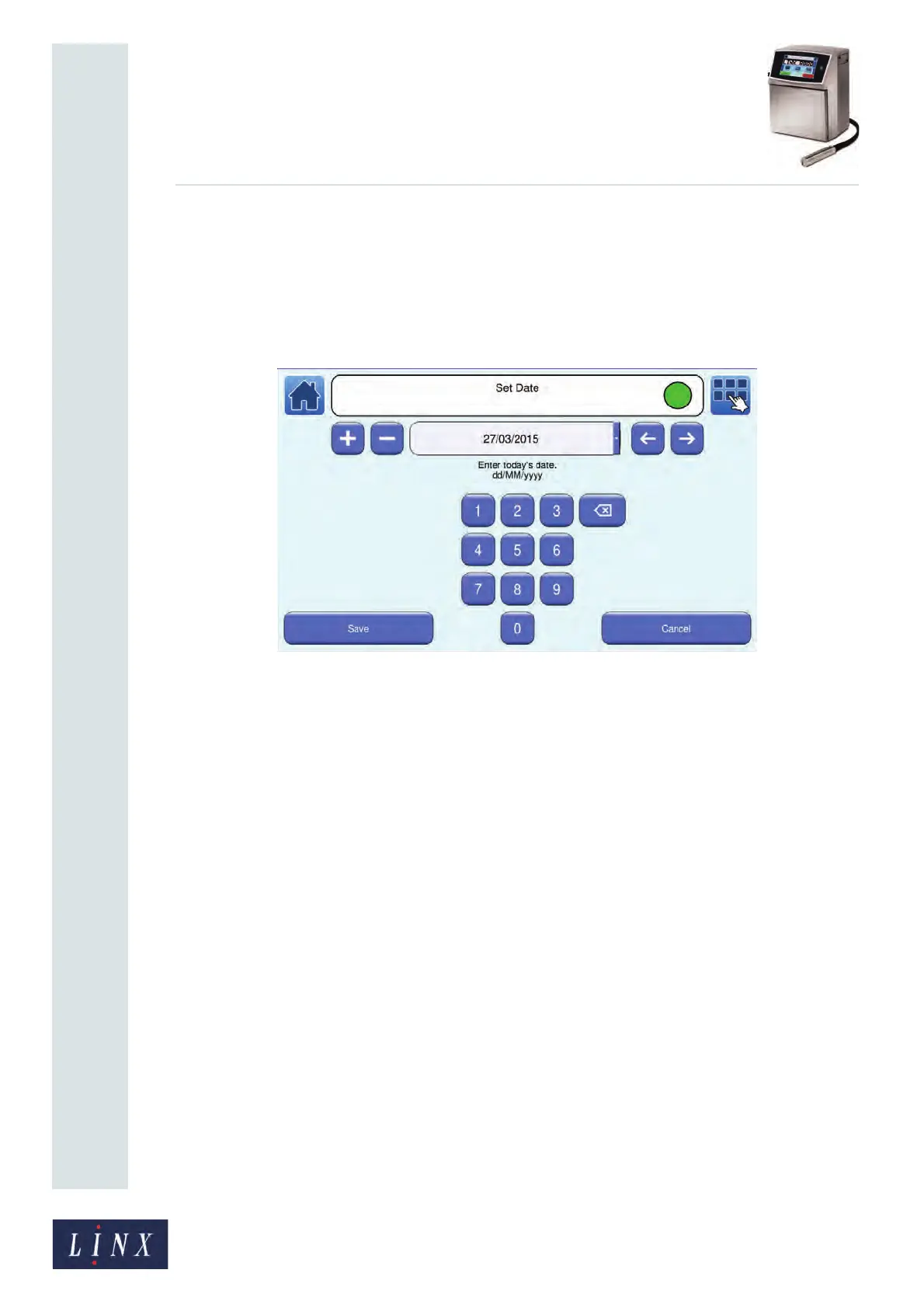
Touch the Date button to display the Set Date screen.
Figure 39. Set Date screen
The printer displays the current date in the format for the selected language (for example,
dd/MM/yyyy). The first field of the current date (for example, the day) is highlighted. You
can use the Scroll buttons to move the cursor to the required field. To enter a new date:
• Use the keypad to enter the correct day, month, or year.
• Use the plus and minus buttons to adjust the day, month, or year.
Touch the Save button to save your changes and return to the Date & Time screen. Touch
the Cancel button to discard any changes and return to the Date & Time screen.
89046



 To Next Page