Page 126 of 182 TP1A002–1 English
Aug 2015
Linx 8900 Operating Manual —
Add other fields
Linx 8900
6.8 QR code
A QR (Quick Response) code encodes information contained in a pattern of dots in a
square.
Figure 136. QR code example
The size of the QR code depends on the selected format.
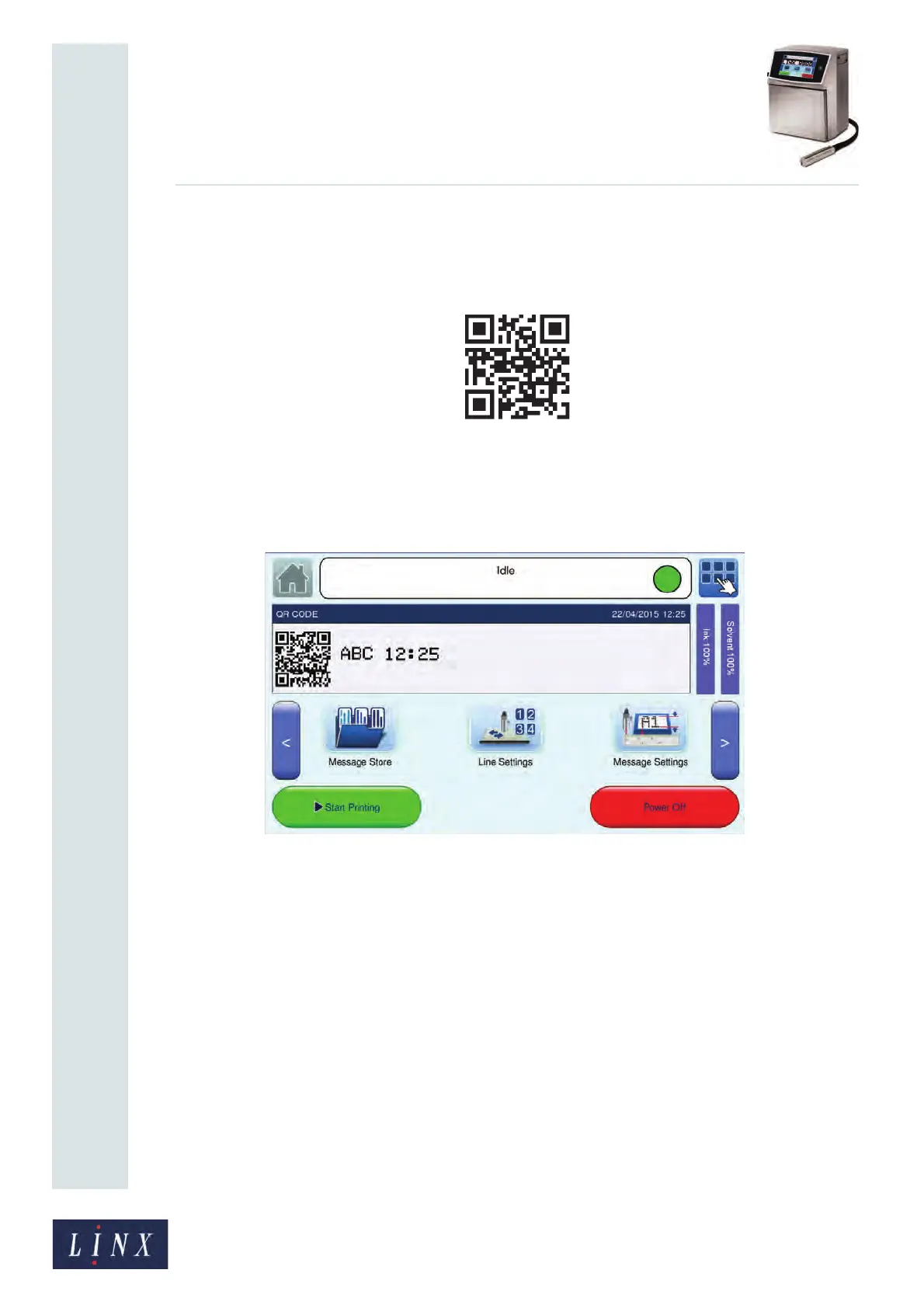
Figure 137 shows an example of a completed QR code that contains data from a text field
and a date and time field.
Figure 137. QR code with source data
6.8.1 QR code fields
You use the same method to create a barcode field or a QR code, but some of the menu
options are different.
Source Fields
You can use one QR code to encode any number of text items. The text items can be any of
the following field types:
• Text
• Date and Time
• Sequential number
• Text sequence
• Prompted
89248



 To Next Page