Page 104 of 182 TP1A002–1 English
Aug 2015
Linx 8900 Operating Manual —
Add other fields
Linx 8900
6.5 Add a Remote field
A Remote field in a message reserves an area that you can use for data that is downloaded
from a remote device (for example, a computer). Remote fields are created and configured
globally, and then inserted into messages. A message can have more than one Remote field.
Incoming data fills each field in the order specified when the fields are created. Remote field
buffering is configured from the Printer Setup screen and applies to any message that is
being printed.
6.5.1 Data transmission
The printer cannot receive remote data unless an enabled remote protocol is in use. The
printer uses the Remote Communications Interface (RCI) and Simple Communications
Protocol (SCP). Refer to the Linx Remote Communications Interface Reference Manual and the
Linx Simple Communications Protocol (SCP) Reference Manual for more information about
these protocols.
6.5.2 Create a Remote field
You create a Remote field via the Remote Fields option on the Printer Setup screen. You
can define names for one or more Remote fields and the order in which data is downloaded
to those fields from a remote device.
To create a Remote field:
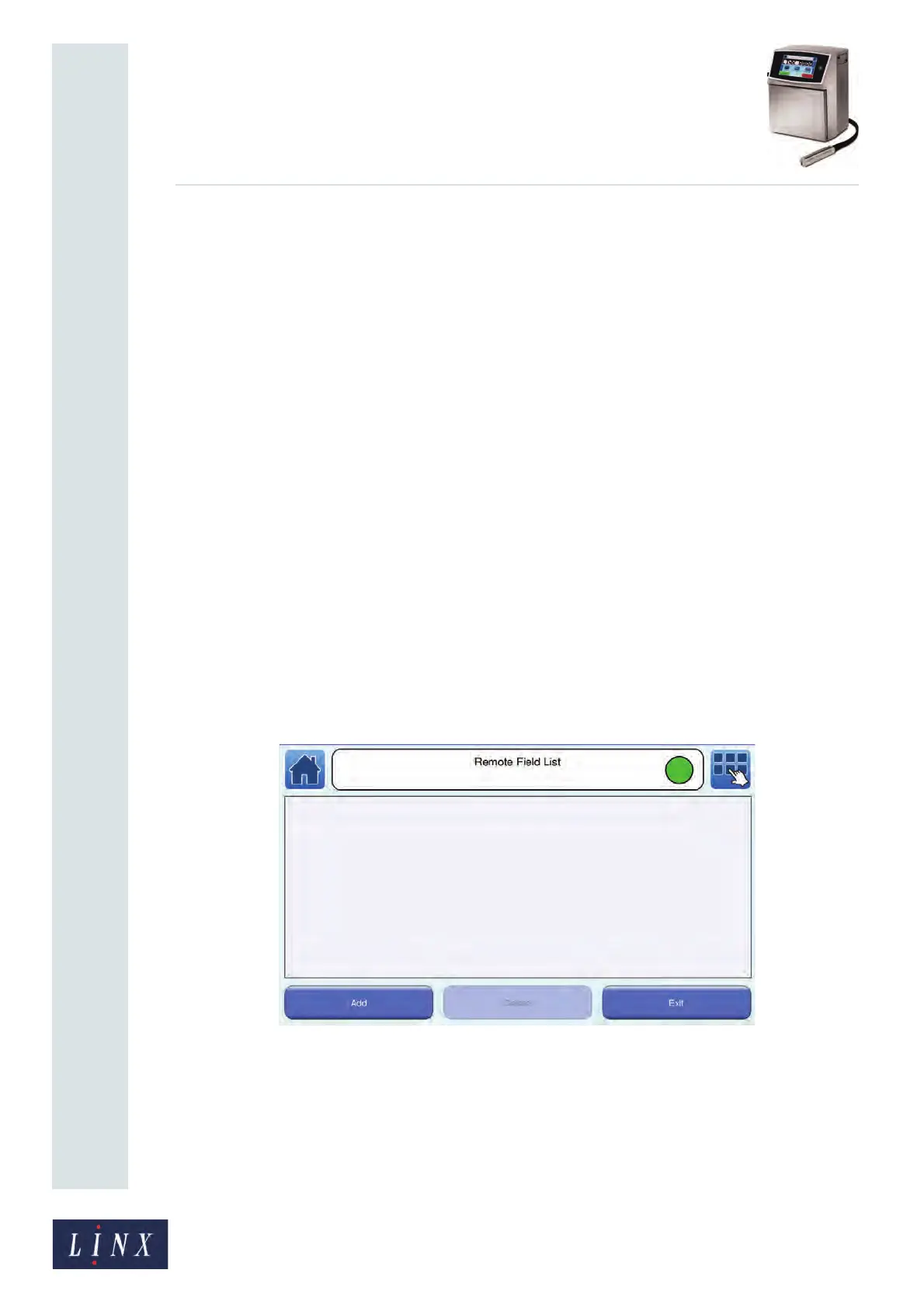
1 At the Printer Setup screen, touch the Remote Fields button to display the Remote
Field List screen. This screen displays a list of the names of any Remote fields that
have been created. If no Remote fields have been created, the list is empty.
Figure 112. Remote Field List screen
89192



 To Next Page