Page 175 of 182 TP1A002–1 English
Aug 2015
Linx 8900 Operating Manual —
Faults and Warnings screens
Linx 8900
NOTE: If there are no current Faults or Warnings, you can still touch the printer status bar
to display the Current Faults and Warnings screen.
10.4 Clear a Fault or Warning
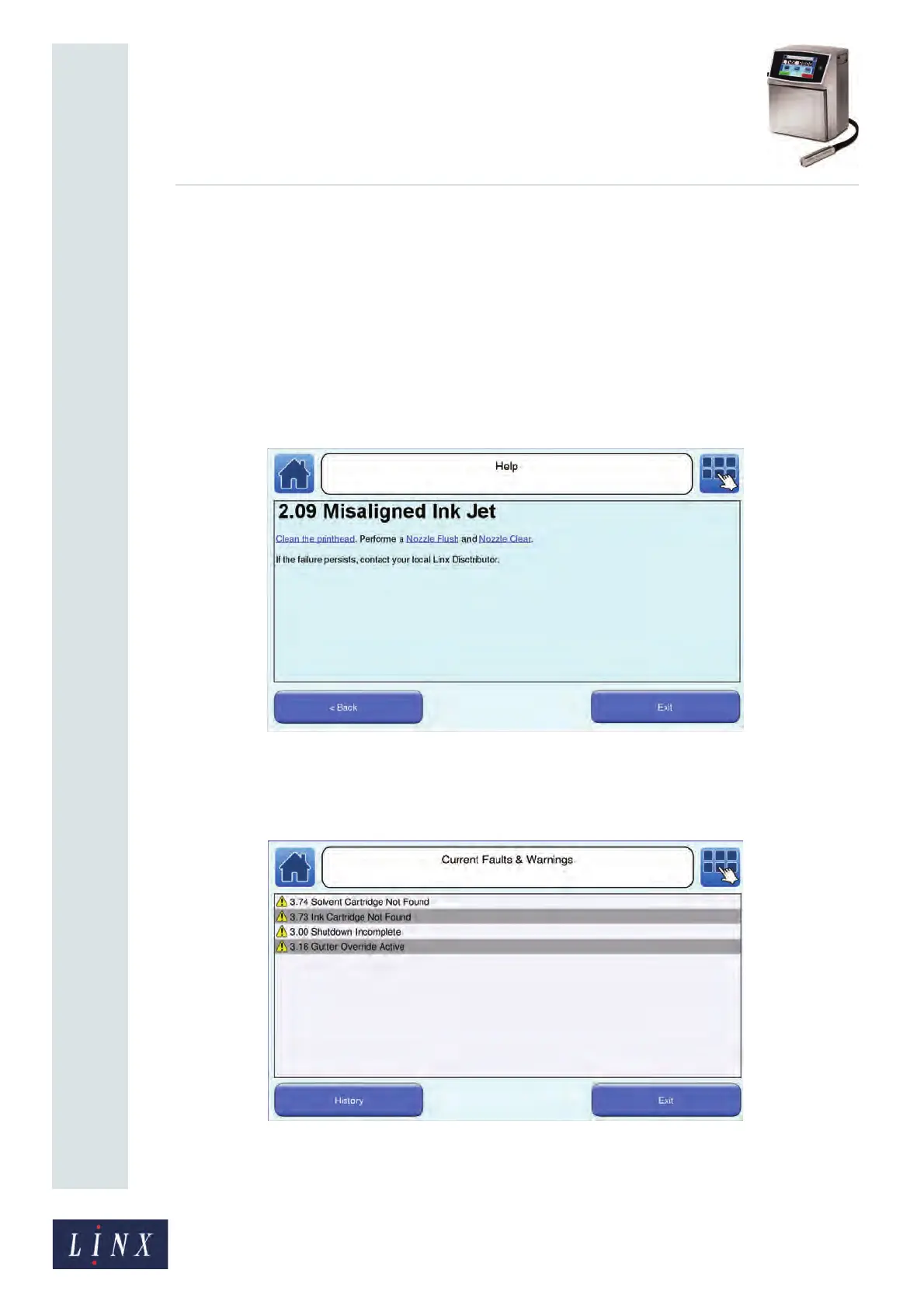
You can touch the Need Help? button on any Faults and Warnings Notification screen to
display information about how to clear a Fault or Warning.
Follow the instructions on the screen to correct the problem, or touch the Exit button to
return to the Faults and Warnings Notification screen.
An example is shown in Figure 175.
Figure 175. Fault help screen
10.5 Current Faults & Warnings screen
Figure 176. Current Faults and Warnings screen
89242
89243



 To Next Page