Page 140 of 182 TP1A002–1 English
Aug 2015
Linx 8900 Operating Manual —
Printer communications
Linx 8900
• Network settings
See ‘Restore a printer from a memory device’ on page 142 for more information.
NOTE: When you restore messages, graphics, and line settings you must make sure that
these files are in either the root folder of the USB memory device (/mnt/usb) or the
Linx/8900/ folder.
7.3.1 Back up a printer to a memory device
To back up printer settings from a printer to a memory device:
1 On the Home screen, touch the Menu button to display the Main Menu screen, and
then touch the Backup & Restore button. The Backup & Restore screen is
displayed (see Figure 139 on page 132).
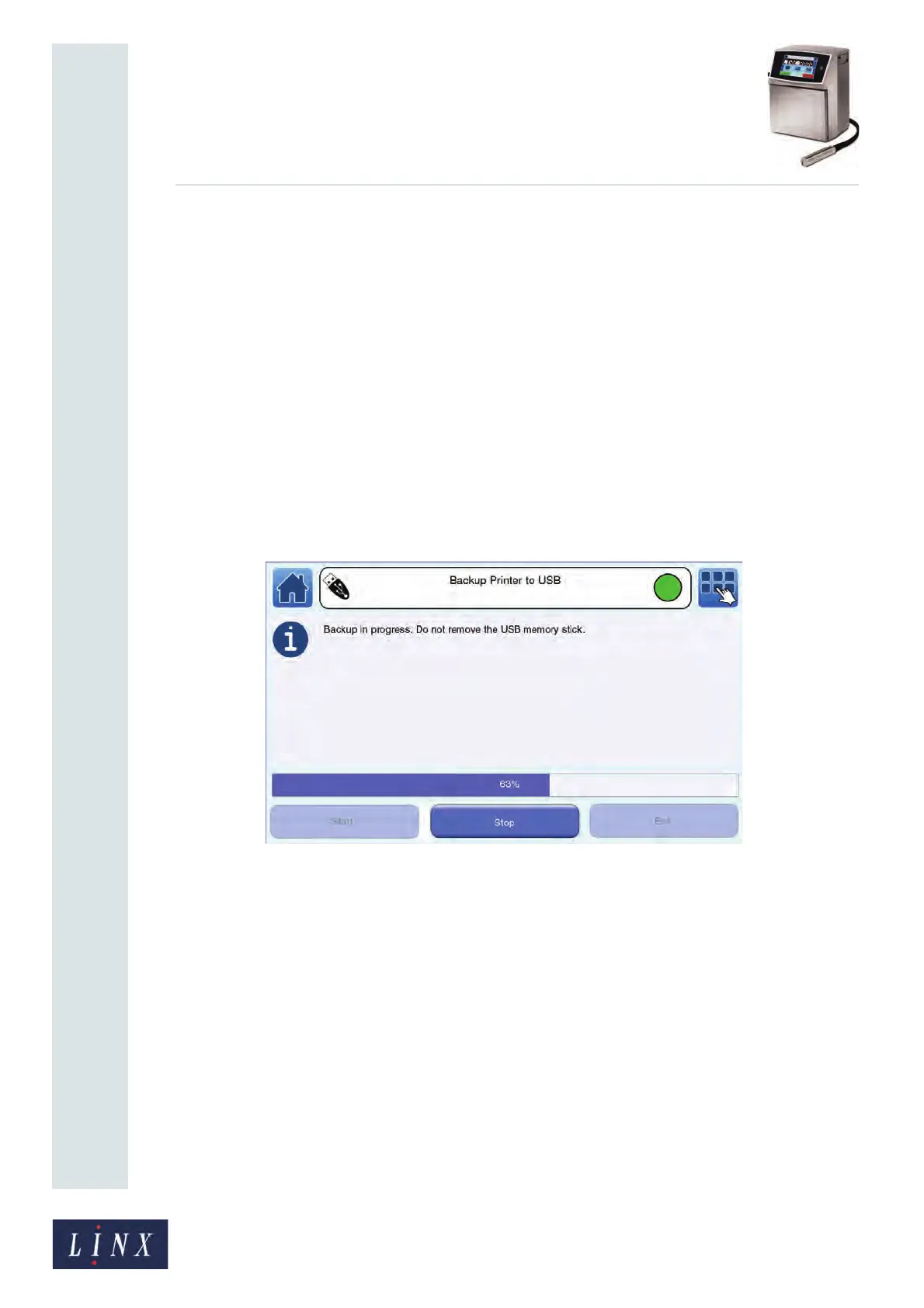
2 Select the Backup Printer to USB option and touch the Start button to begin the
backup.
A progress bar shows the progress of the operation.
Figure 147. Backup printer progress



 To Next Page