Page 56 of 182 TP1A002–1 English
Aug 2015
Linx 8900 Operating Manual —
Line and message settings
Linx 8900
Fixed Speed
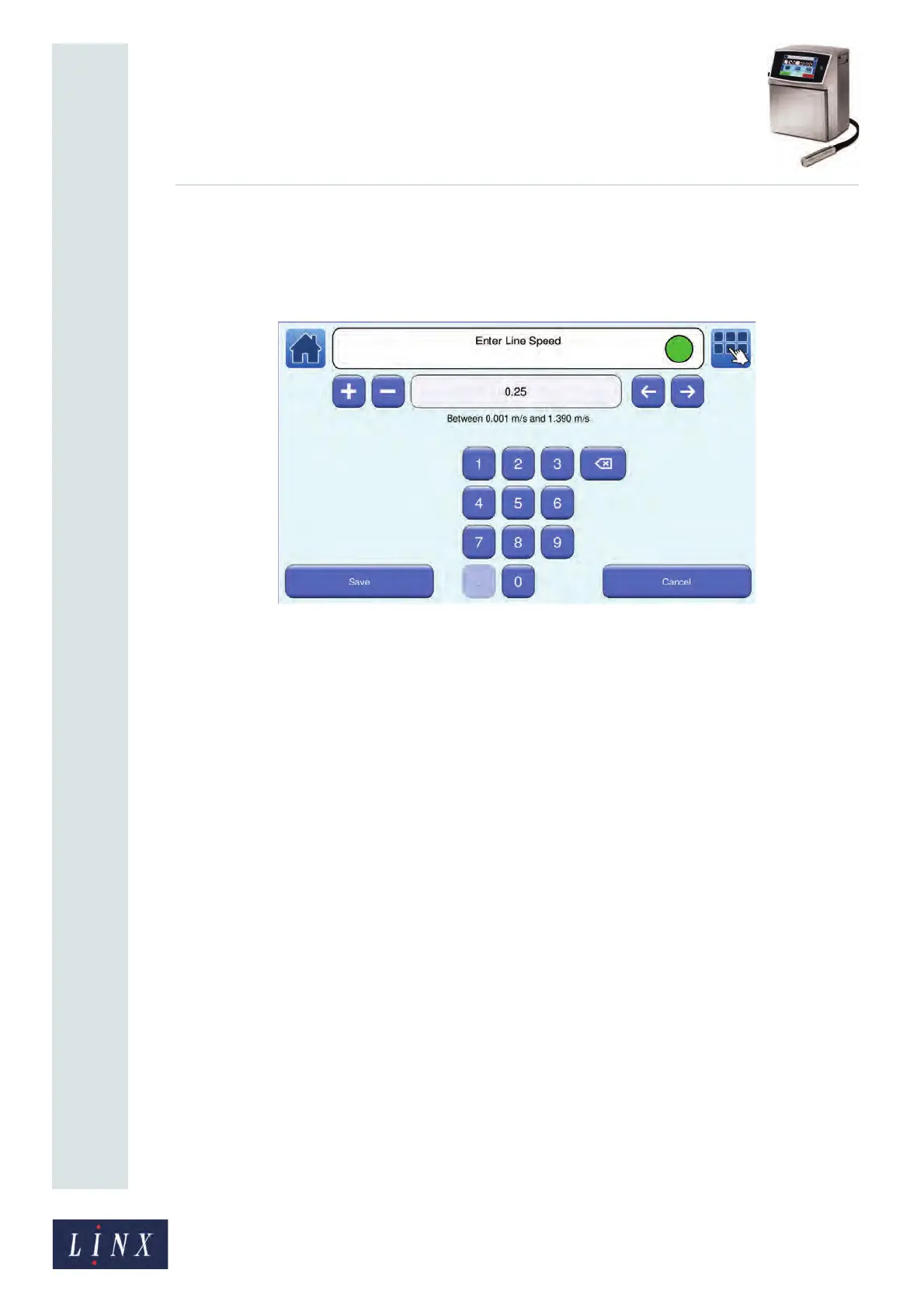
If the speed of the selected line is known, this option allows you to enter a fixed speed for
the line. Touch the Set Line Speed/Encoder Pitch button to display the Enter Line Speed
screen.
Figure 56. Enter Line Speed screen
To enter the line speed:
• Use the keypad to enter the required line speed.
• Use the plus and minus buttons to make small adjustments to the line speed.
NOTE: The printer does not allow you to enter invalid values in the line speed field. Invalid
values are highlighted in red.
Touch the Save button to save your changes and return to the Line Settings screen. Touch
the Cancel button to discard any changes and return to the Line Settings screen.
NOTE: If you do not know the line speed, the printer allows you to calculate the value. See
‘Calculate Line Speed/Calculate Encoder Pitch’ on page 58 for information about
how to calculate the value.
5.1.5 Help
Touch the Help button to display information about line settings options.
Touch the Exit button to return to the Line Settings screen.
5.1.6 Advanced
Touch the Advanced button to display the Advanced Line Settings screen. See ‘Advanced
Line Settings’ on page 57 for information about the options available on this screen.
5.1.7 Alarms
Touch the Alarms button to configure the external alarm options for the printer. See ‘Alarm
setup’ on page 71 for information about alarm options.
89139



 To Next Page