Page 26 of 182 TP1A002–1 English
Aug 2015
Linx 8900 Operating Manual —
Printer user interface
Linx 8900
The screen shows all recorded downtime events in chronological order (most recent first),
with the date and time of the event, the production line number, and the duration of the
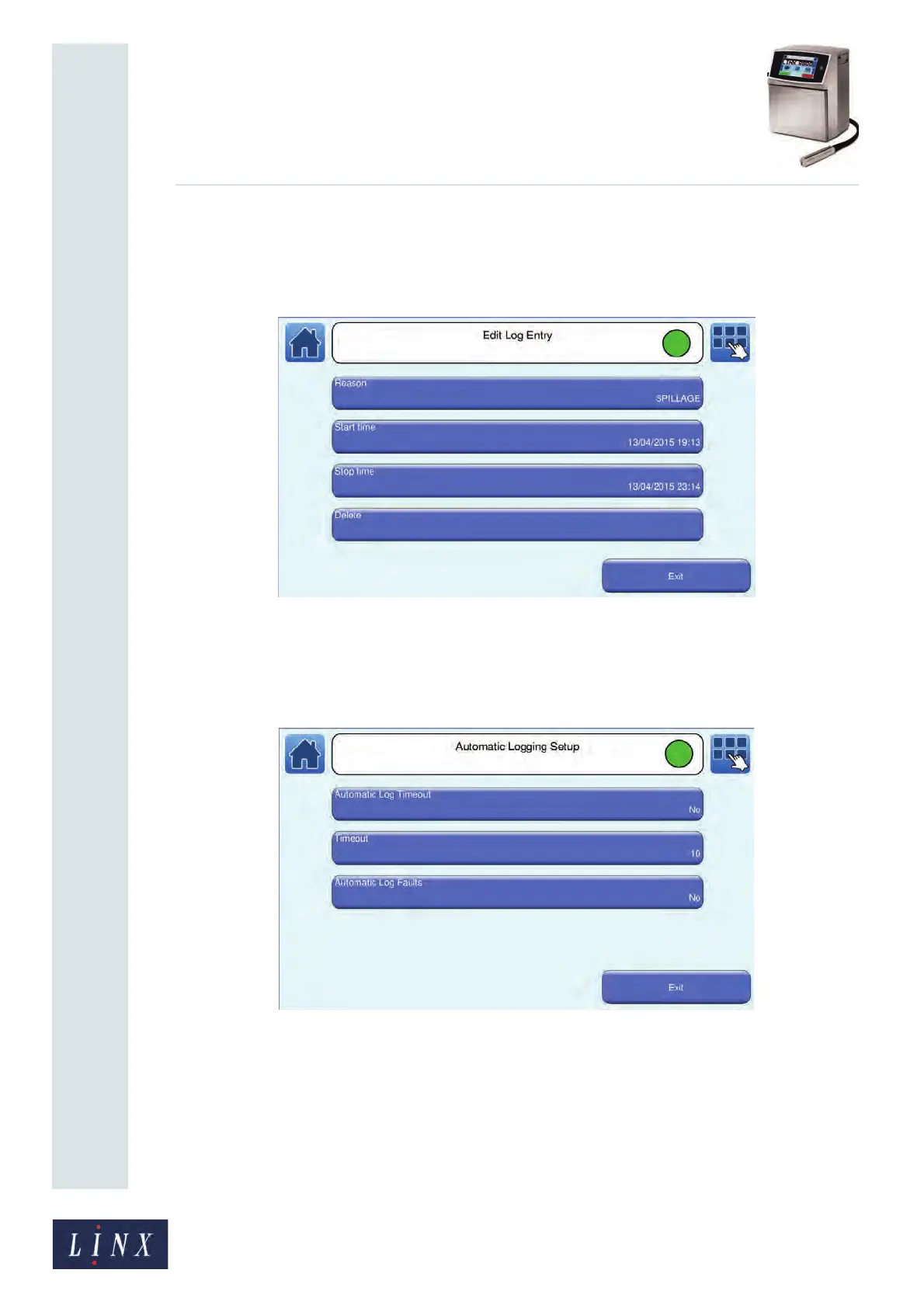
downtime. Touch an entry to display the Edit Log Entry screen, where you can edit or
delete entries.
Figure 23. Edit Log Entry screen
2.5.4 Automatic Logging
This option allows you to configure automatic logging of any printer fault messages.
Figure 24. Automatic Logging Setup screen
The following options are available.
NOTE: The values default to the settings shown in Figure 24. Settings are retained over a
printer power cycle, but not after a printer upgrade.
• Automatic Log Timeout—if this option and the Automatic Log Faults options are both
set to Yes, the printer starts automatic logging if there has not been a print during the
period specified in the Timeout option.



 To Next Page