Page 173 of 182 TP1A002–1 English
Aug 2015
Linx 8900 Operating Manual —
Faults and Warnings screens
Linx 8900
10 Faults and Warnings screens
The Linx 8900 should operate without problems, but the printer can require attention. The
Faults and Warnings screens provide information about problems with the printer and how
to correct these problems.
10.1 Warnings
Warnings are events that are not serious enough to stop the printer, but give notice of
potential problems. You can continue to use the printer after the printer displays a Warning
message.
Figure 170. Warning icon
10.2 Faults
Faults are events that are serious enough to stop the printer. You cannot continue to use the
printer after the printer displays a Fault message. You must correct the Fault before you can
continue printing.
Figure 171. Fault icon
10.3 Faults and Warnings notification
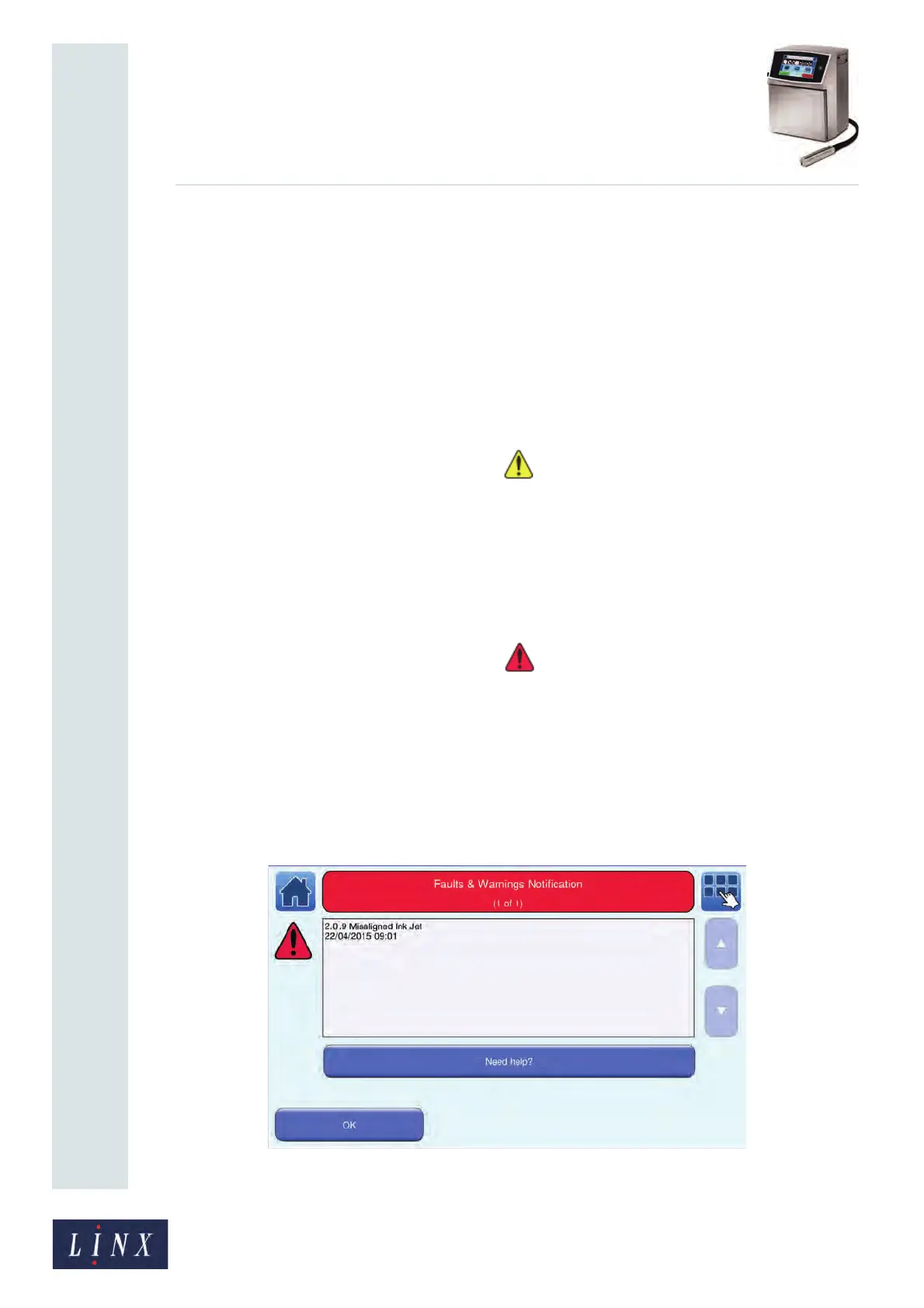
When a Fault or Warning occurs, the printer displays a notification screen that shows
information about the event and a timestamp which shows the date and time that it
occurred (see Figure 172). Each event has a unique code number, which identifies the type
and source of the event, followed by a short description, for example:
Figure 172. “2.09 Misaligned Ink Jet” Fault notification screen
89239



 To Next Page