Page 176 of 182 TP1A002–1 English
Aug 2015
Linx 8900 Operating Manual —
Faults and Warnings screens
Linx 8900
This screen shows a list of current Fault and Warning notifications. The entries are shown in
order of severity, with Faults displayed first, followed by Warnings. You can use the scroll
bar to move through the list if there are more than six notifications.
Touch an entry in the list to display more information about the Fault or Warning. Touch
the Exit button to return to the Home screen, or touch the History button to display the
Faults and Warnings History screen.
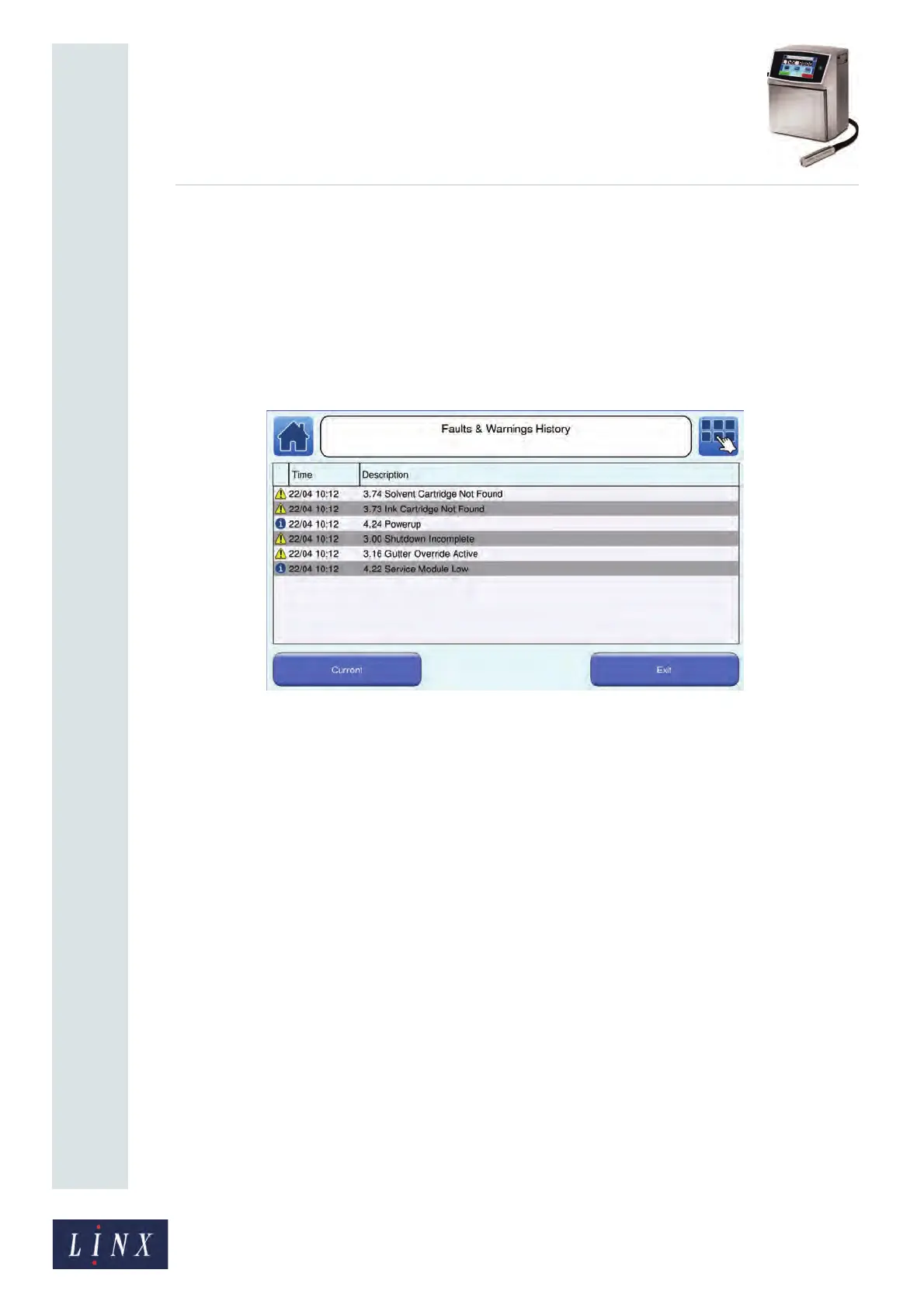
10.6 Faults & Warnings History screen
Figure 177. Faults and Warnings History screen
This screen shows a list of current and past Fault, Warning, and Information messages. You
can use the scroll bar to move through the list if there are more messages than can fit on one
screen. Touch an entry in the list to display more information about the entry. Touch the
Exit button to return to the Home screen, or touch the Current button to display the
Current Faults and Warnings screen.



 To Next Page