Page 23 of 182 TP1A002–1 English
Aug 2015
Linx 8900 Operating Manual —
Printer user interface
Linx 8900
2.5 Downtime Logging
This option is available on the Home screen carousel area, but if required you can remove it
(see ‘Customise Home Screen’ on page 45). It allows you to record details of any production
downtime, and subsequently view and download the information as a log. See ‘Export Log’
on page 145 for information about how to export log information to a USB memory device.
NOTE: This option is only visible if there is a user logged in to the printer.
2.5.1 Add a log entry
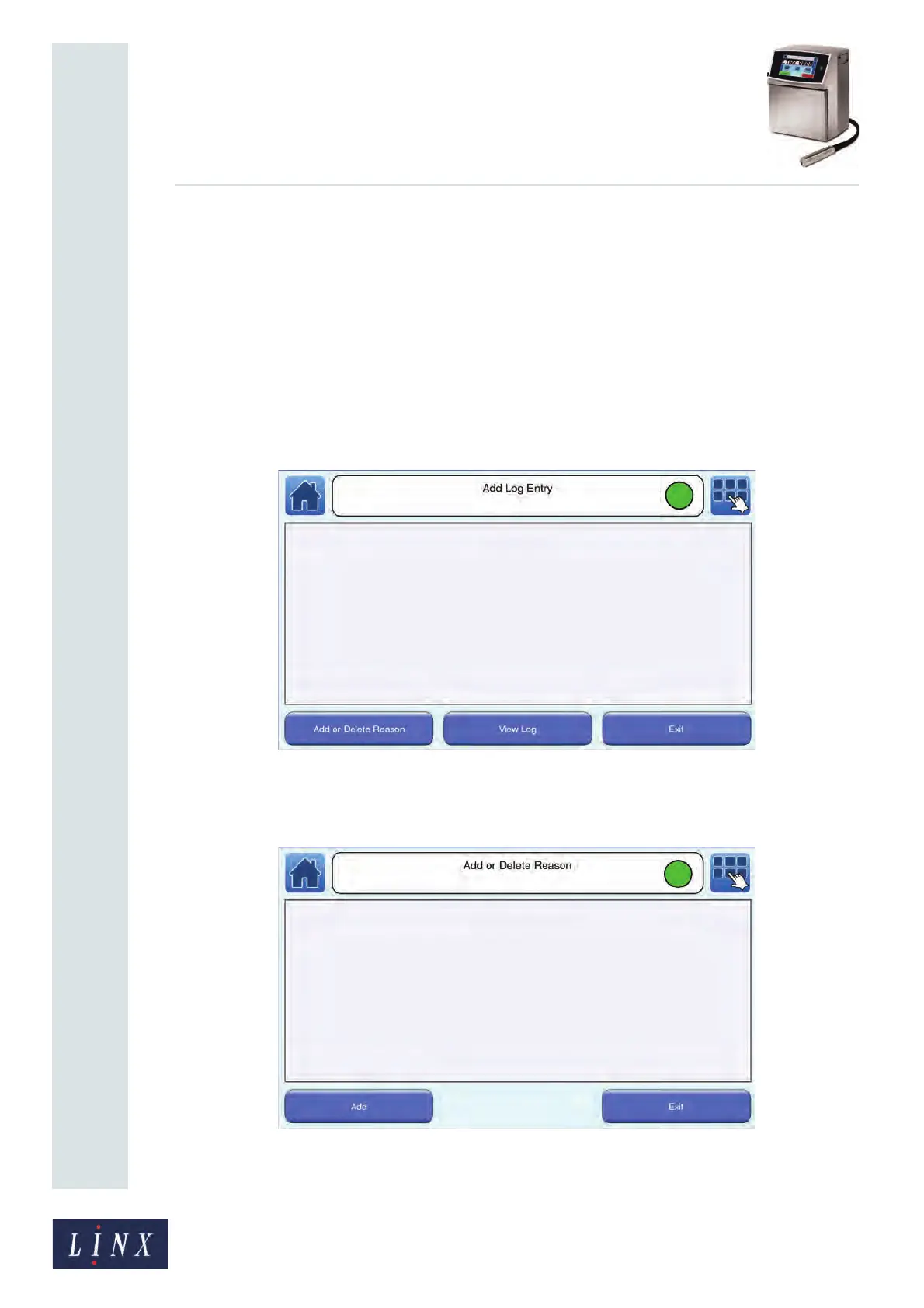
1 Touch the Downtime Logging option on the Home screen carousel area. The Add
Log Entry screen is displayed.
Figure 17. Add Log Entry screen
2 To add an entry, touch the Add or Delete Reason button to display the Add or
Delete Reason screen.
Figure 18. Add or Delete Reason screen
89124



 To Next Page