Page 57 of 182 TP1A002–1 English
Aug 2015
Linx 8900 Operating Manual —
Line and message settings
Linx 8900
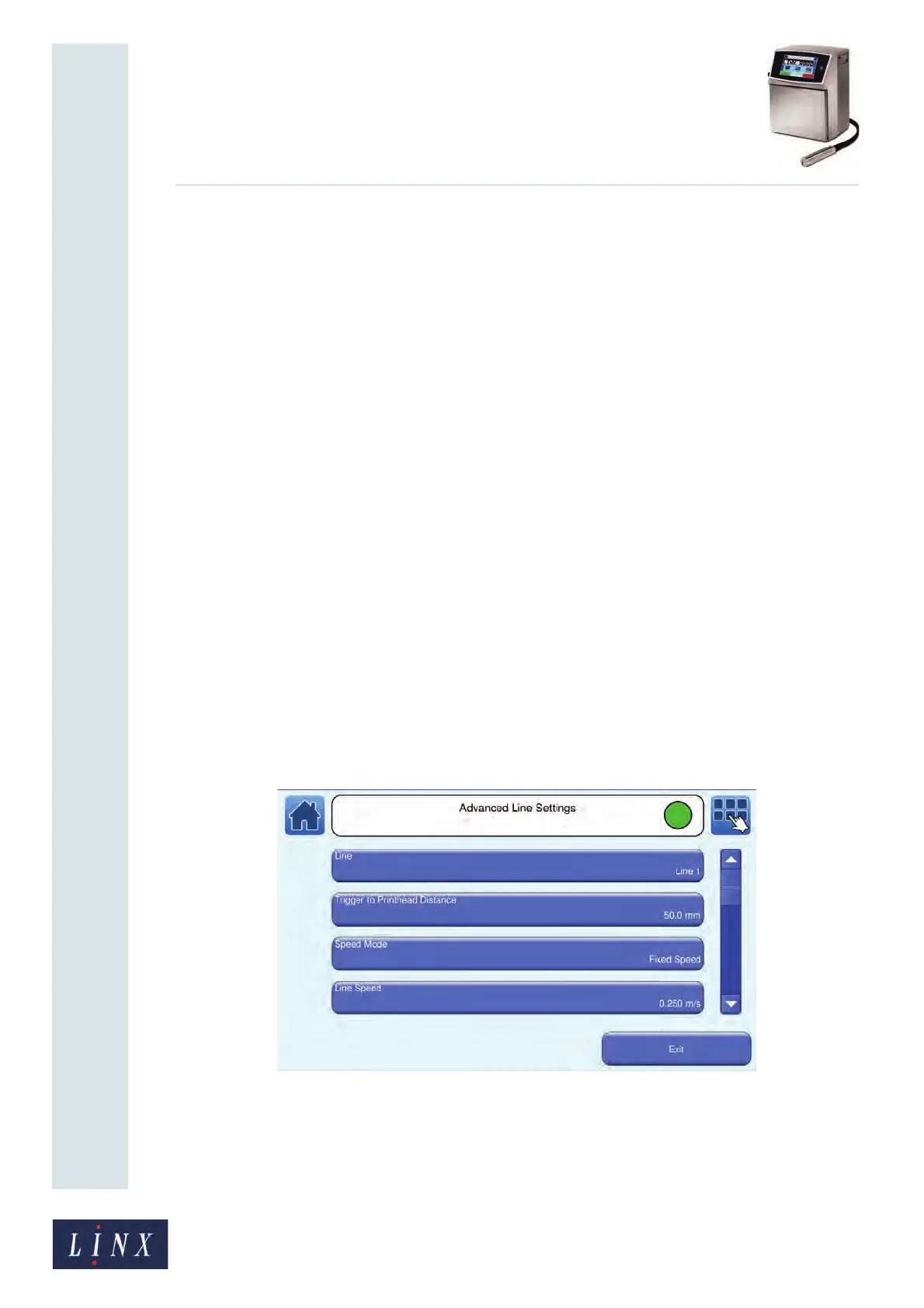
5.2 Advanced Line Settings
The Advanced Line Settings screen contains the following options:
• Line
• Trigger to Printhead Distance
• Speed Mode
• Line Speed/Encoder Pitch
• Calculate Line Speed/Calculate Encoder Pitch
• Print Trigger
• Default Message Style
• Photocell Type
• Photocell Deadtime
• Inter-Print Distance
• Maximum Line Speed
• Line Direction
• Printhead Height
• Encoder Voltage
• Dynamic Orientation
• Dynamic Orientation Settings
At the Line Settings screen, touch the Advanced button to display the Advanced Line
Settings screen.
Figure 57. Advanced Line Settings screen
Scroll down the list to see all options.
NOTE: The following options are available in the ‘Idle’ state and the ‘Jet Running’ state, but
not in the ‘Printing’ state.
89140



 To Next Page