Page 169 of 182 TP1A002–1 English
Aug 2015
Linx 8900 Operating Manual —
Look after your printer
Linx 8900
9.9.6 Maintenance Due By
This item shows you the date of the next scheduled maintenance.
9.10 Jet Functions
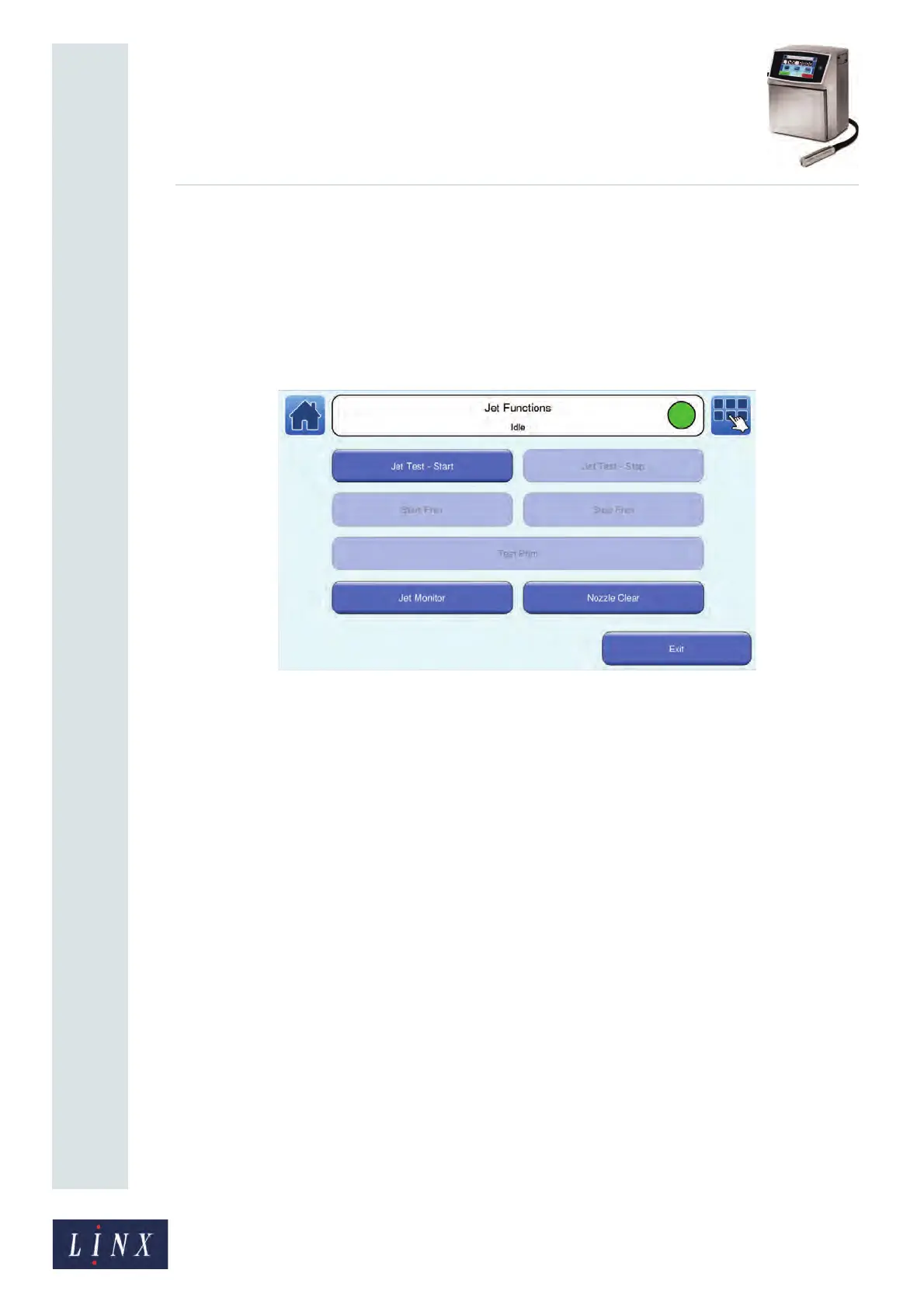
The Jet Functions screen contains options to start and stop the jet and print, which can help
with fault diagnosis.
Figure 168. Jet Functions screen: printer state ‘Idle’
9.10.1 Jet Test - Start
This option allows you to perform a quick jet start to help with fault diagnosis. The option is
only available when the printer is in the ‘Idle’ state.
9.10.2 Jet Test - Stop
This option allows you to perform a quick jet stop to help with fault diagnosis. The option is
only available when the printer is in the ‘Jet Running’ state.
9.10.3 Start Print
This option changes the printer state from ‘Jet Running’ to ‘Printing’ (that is, the option
does not start the jet) to help with fault diagnosis. The option is only available when the
printer is in the ‘Jet Running’ state
9.10.4 Stop Print
This option changes the printer state from ‘Printing’ to ‘Jet Running’ (printing is disabled,
but the jet continues to run) to help with fault diagnosis. The option is only available when
the printer is in the ‘Printing’ state.
89099



 To Next Page