Page 37 of 182 TP1A002–1 English
Aug 2015
Linx 8900 Operating Manual —
Change the printer setup
Linx 8900
4.1.2 Date & Time
NOTE: To set the date and time, make sure that the printer is not in the ‘Printing’ state.
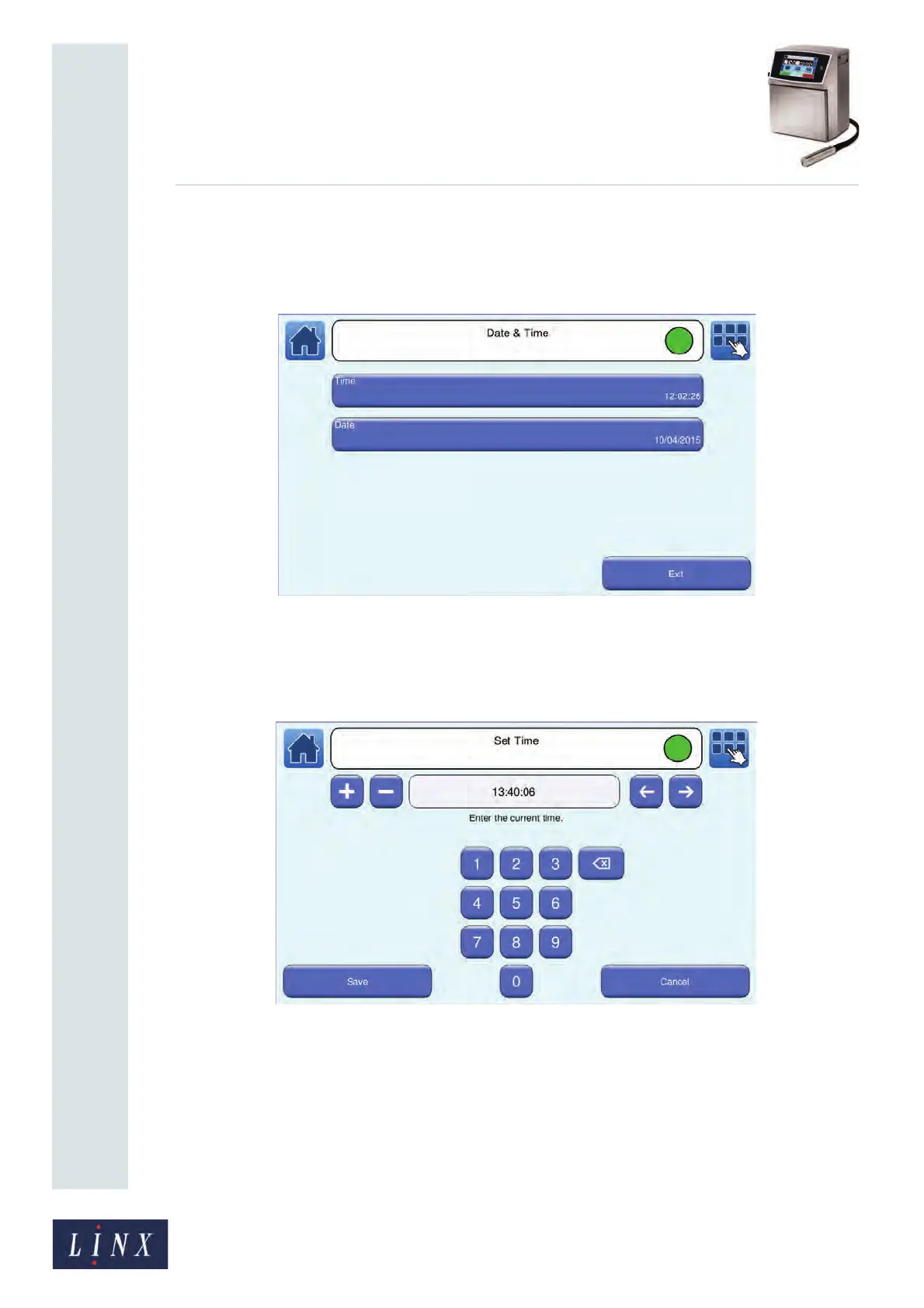
Touch the Date & Time button to display the Date & Time screen.
Figure 37. Date & Time screen
Change the Time
Touch the Time button to display the Set Time screen.
Figure 38. Set Time screen
The printer displays the current time in 24-hour format. The hour field of the current time is
highlighted. You can use the Scroll buttons to move the cursor to the required field. To enter
a new time:
• Use the keypad to enter the correct hour, minute, or second.
• Use the plus and minus buttons to adjust the hour, minute, or second.
89047



 To Next Page