Page 81 of 182 TP1A002–1 English
Aug 2015
Linx 8900 Operating Manual —
Line and message settings
Linx 8900
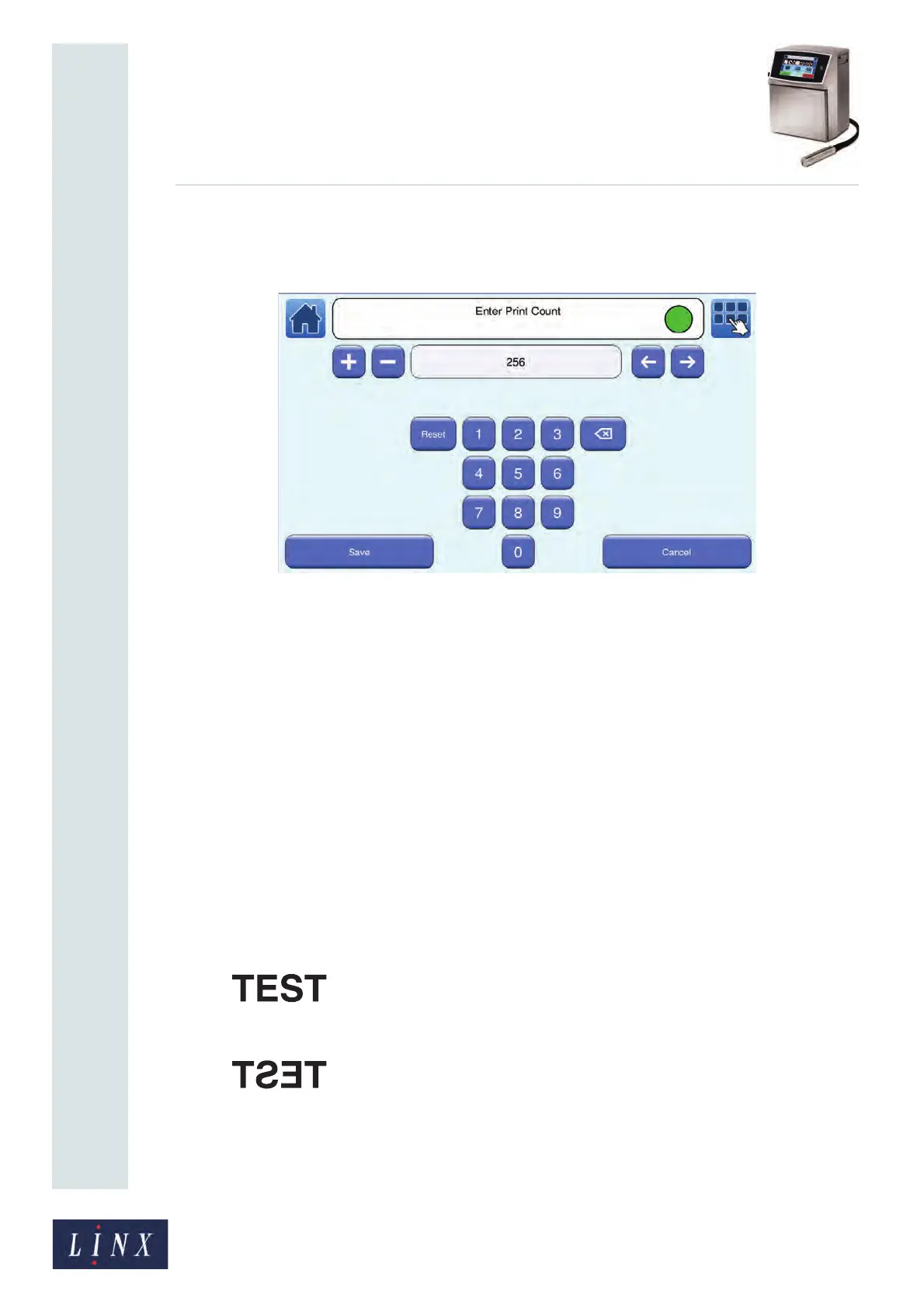
Touch the Save button to save the entered value and return to the Advanced Message
Settings screen. Touch the Cancel button to discard any changes and return to the
Advanced Message Settings screen.
Figure 83. Enter Print Count screen
5.7.5 Reset Sequential Numbers
This option resets all Sequential Number fields in the current message to the start of the
sequence.
Touch the Reset Sequential Numbers button to reset the sequence. The printer displays a
confirmation screen. Touch the OK button to return to the Advanced Message Settings
screen. See ‘Add a Sequential Number field’ on page 83 for more information about
Sequential Number fields.
5.7.6 Horizontal Flip and Vertical Flip
These options correspond to the Message Orientation buttons on the Message Settings
screen (see ‘Message Orientation’ on page 75) and are not available in the ‘Printing’ state.
The orientation options are as follows:
Horizontal Flip
• No, as shown below.
• Yes, the message is reversed, as shown below.



 To Next Page