Page 142 of 182 TP1A002–1 English
Aug 2015
Linx 8900 Operating Manual —
Printer communications
Linx 8900
7.3.2 Restore a printer from a memory device
IMPORTANT: When you restore a printer from a memory device, all previous printer
settings on the printer are overwritten.
See page 139 for more information about which printer settings you can restore from
backups.
To restore printer settings from a memory device to a printer:
NOTE: You must restart the printer after a restore operation to apply any changes.
1 On the Home screen, touch the Menu button to display the Main Menu screen, and
then touch the Backup & Restore button. The Backup & Restore screen is
displayed (see Figure 139 on page 132).
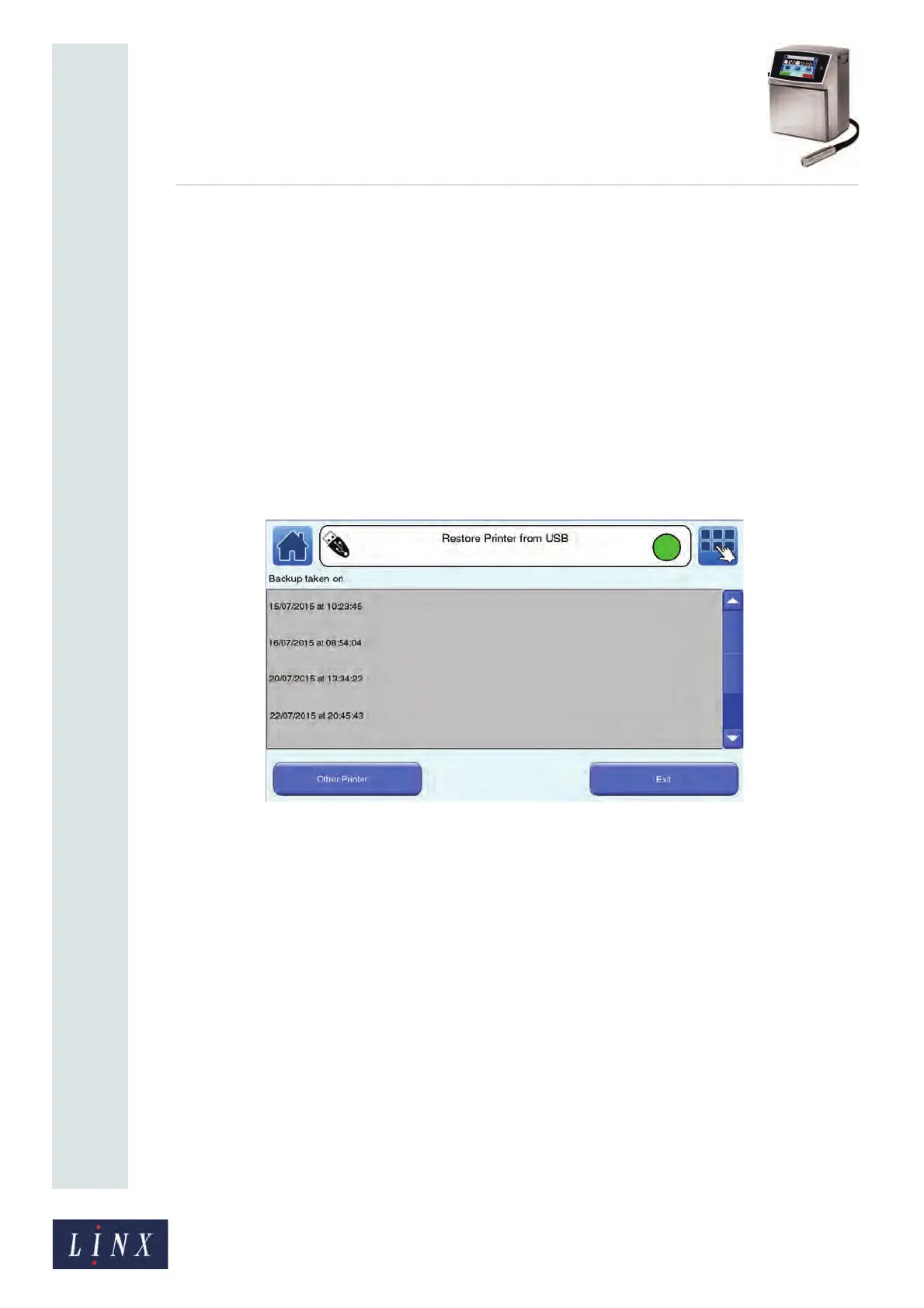
2 On the Backup & Restore screen, select the Restore Printer from USB option to
display the Restore Printer from USB screen.
Figure 150. Restore Printer from USB screen: backups



 To Next Page