Page 141 of 182 TP1A002–1 English
Aug 2015
Linx 8900 Operating Manual —
Printer communications
Linx 8900
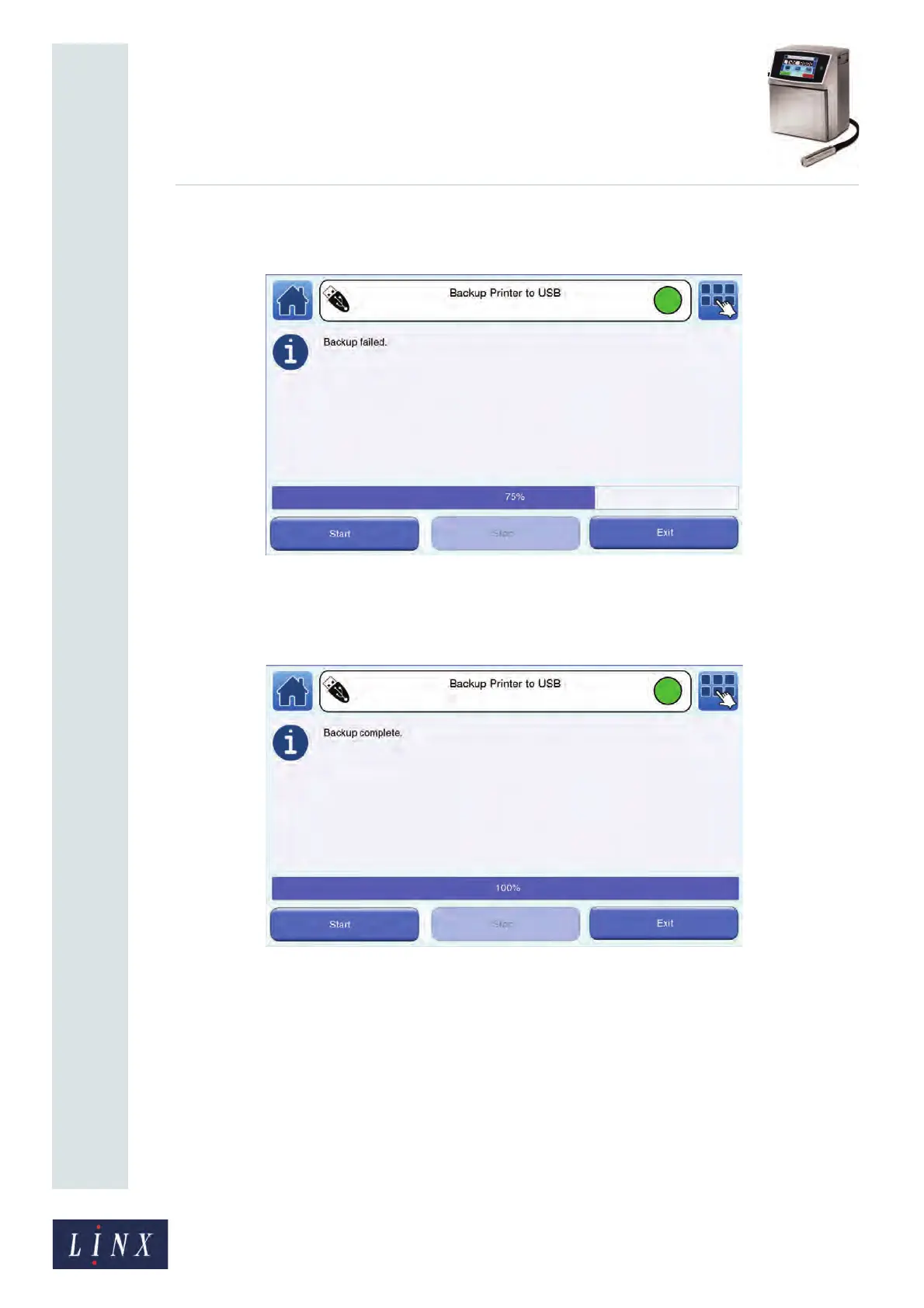
If necessary, you can touch the Stop button to cancel the backup operation. A
confirmation screen confirms that the backup failed.
Figure 148. Backup failed message
Touch the Exit button to return to the Backup & Restore screen.
When the backup operation is complete, the printer displays a confirmation screen.
Figure 149. Backup complete message
3 Touch the Exit button to return to the Backup & Restore screen.
4 Touch the Restore Printer from USB button to show a list of backups from the
current printer (see Figure 150 on page 142). Touch the Other Printer button to
show a list of current backups from other printers.
If a backup operation fails for any other reason (for example, if the memory device
becomes full), the printer displays an information message (see Figure 148 on page
141). The backup is identified on the memory device as not complete and you
cannot restore that backup to the printer.



 To Next Page