Page 103 of 182 TP1A002–1 English
Aug 2015
Linx 8900 Operating Manual —
Add other fields
Linx 8900
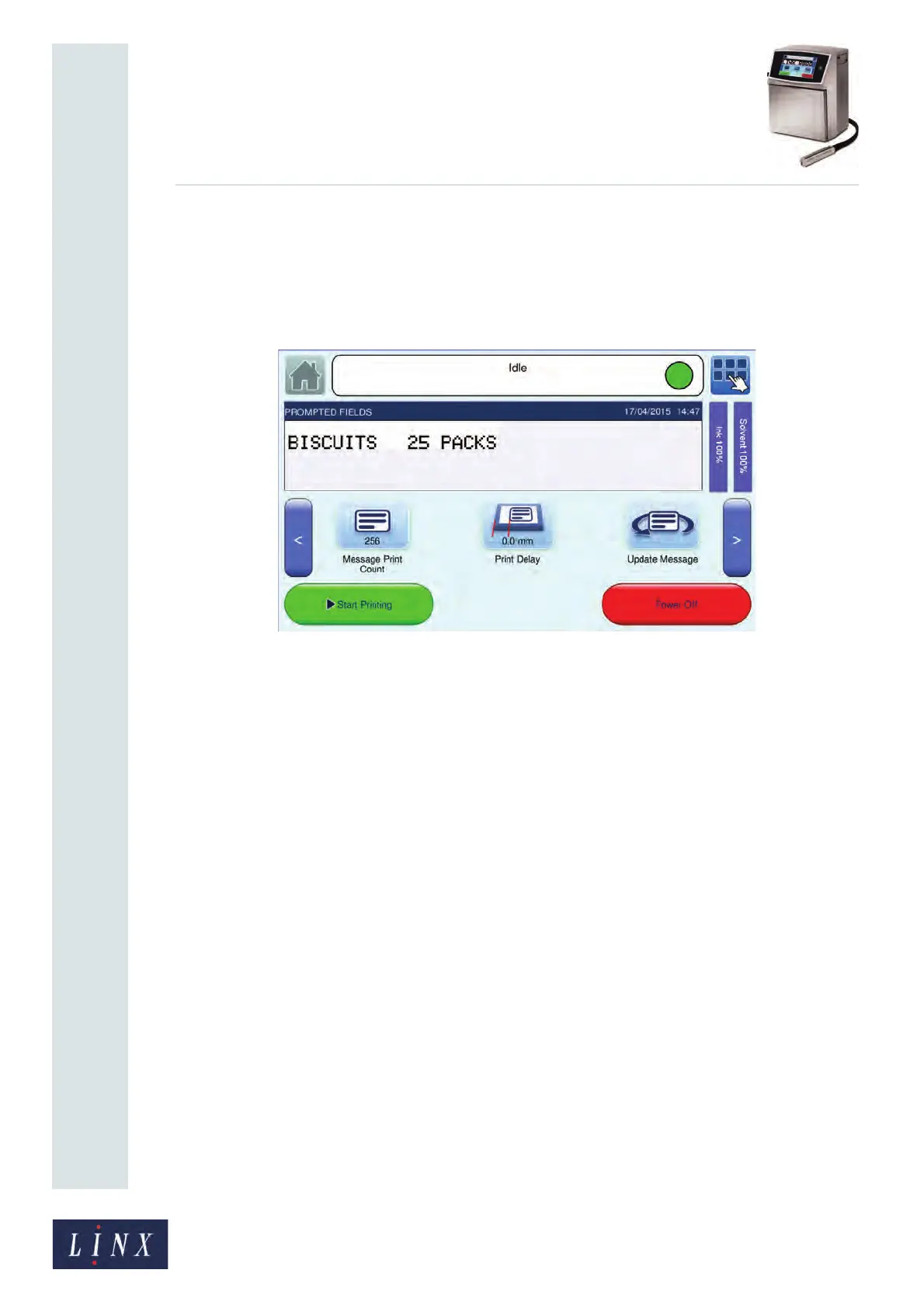
Update Message button
If a message that contains prompted fields is printing, you can touch the Update Message
button on the carousel area on the Home screen to update all fields in the message.
See ‘Customise Home Screen’ on page 45 for more information about how to enable the
Update Message option on the Home screen carousel area.
Figure 111. Carousel area: Update Message option
The printer displays each prompt screen in sequence. For example, as shown in ‘Prompted
fields example sequence’ on page 101. When all prompted fields have been completed, the
fields are loaded into the current message, and the message is printed at the next print
trigger. If there is only one prompted field in a message, the Update Current Message
button shows the prompt text for that field.
89190



 To Next Page