Page 102 of 182 TP1A002–1 English
Aug 2015
Linx 8900 Operating Manual —
Add other fields
Linx 8900
The default text for the field, entered in step 4 on page 97 (“BISCUITS”), is
displayed. If necessary, you can change the default text.
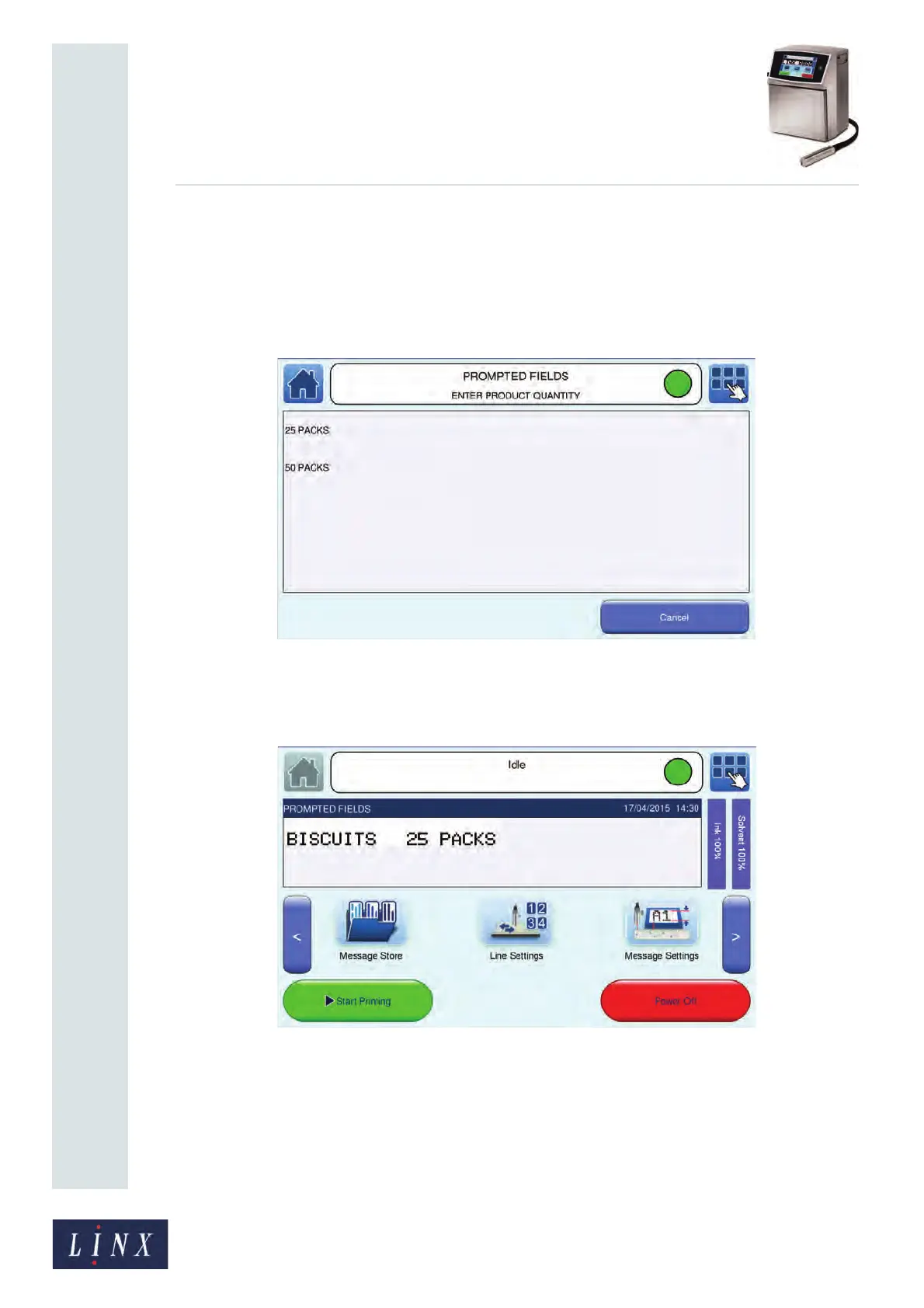
4 Touch the Enter button to select the default text. The printer displays the Select
from List prompt-type screen with the message name and prompt text (“ENTER
PRODUCT QUANTITY”) in the status bar. Because the Empty option is selected at
the Prompt Value screen, you must select a prompt list item.
Figure 109. Select from List prompt-type screen with list items
5 Touch the required list item (for example, “25 PACKS”) to select that item. The
printer displays the Home screen with the message ready to print.
Figure 110. Message with prompted fields ready for printing
NOTE: You can touch the Cancel button on a prompt screen to cancel the prompt sequence
and message selection.



 To Next Page