Page 41 of 182 TP1A002–1 English
Aug 2015
Linx 8900 Operating Manual —
Change the printer setup
Linx 8900
See ‘Available printer functions’ on page 180 for more information about the available
printer functions at each level of user access.
Add User
To add a user:
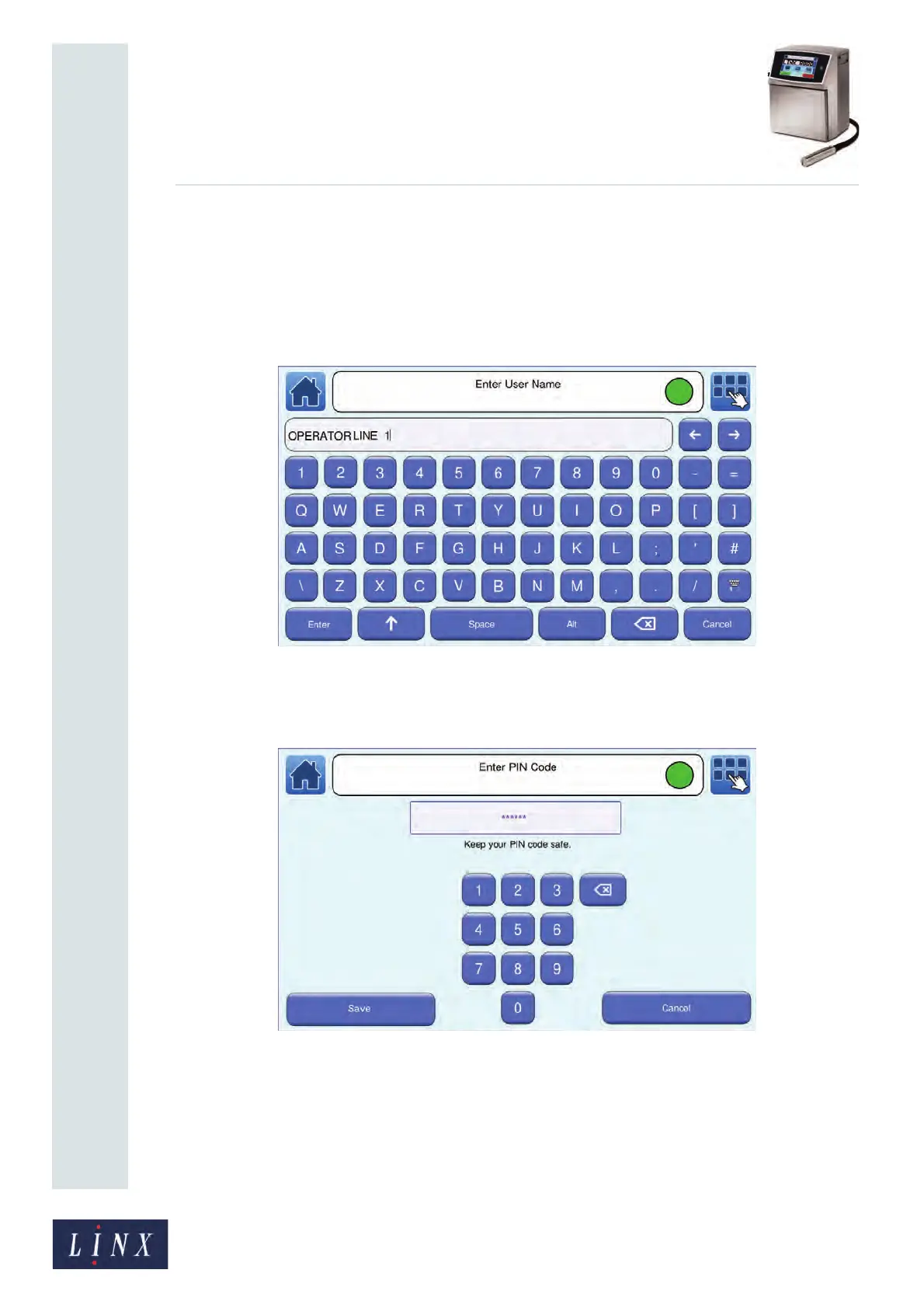
1 Touch the Add User button to display the Enter User Name screen.
Figure 42. Enter User Name screen
2 Enter a name for the user and touch the Enter button to display the Enter PIN Code
screen. Enter a PIN code for the user.
Figure 43. Enter PIN Code screen
NOTE: A PIN code for an Operator must have a minimum of four digits. A PIN
code for a Supervisor must have a minimum of six digits. A user that can
create other users (with Advanced security access rights for Security
Settings) must have a PIN code with a minimum of six digits.
89112



 To Next Page