Page 110 of 182 TP1A002–1 English
Aug 2015
Linx 8900 Operating Manual —
Add other fields
Linx 8900
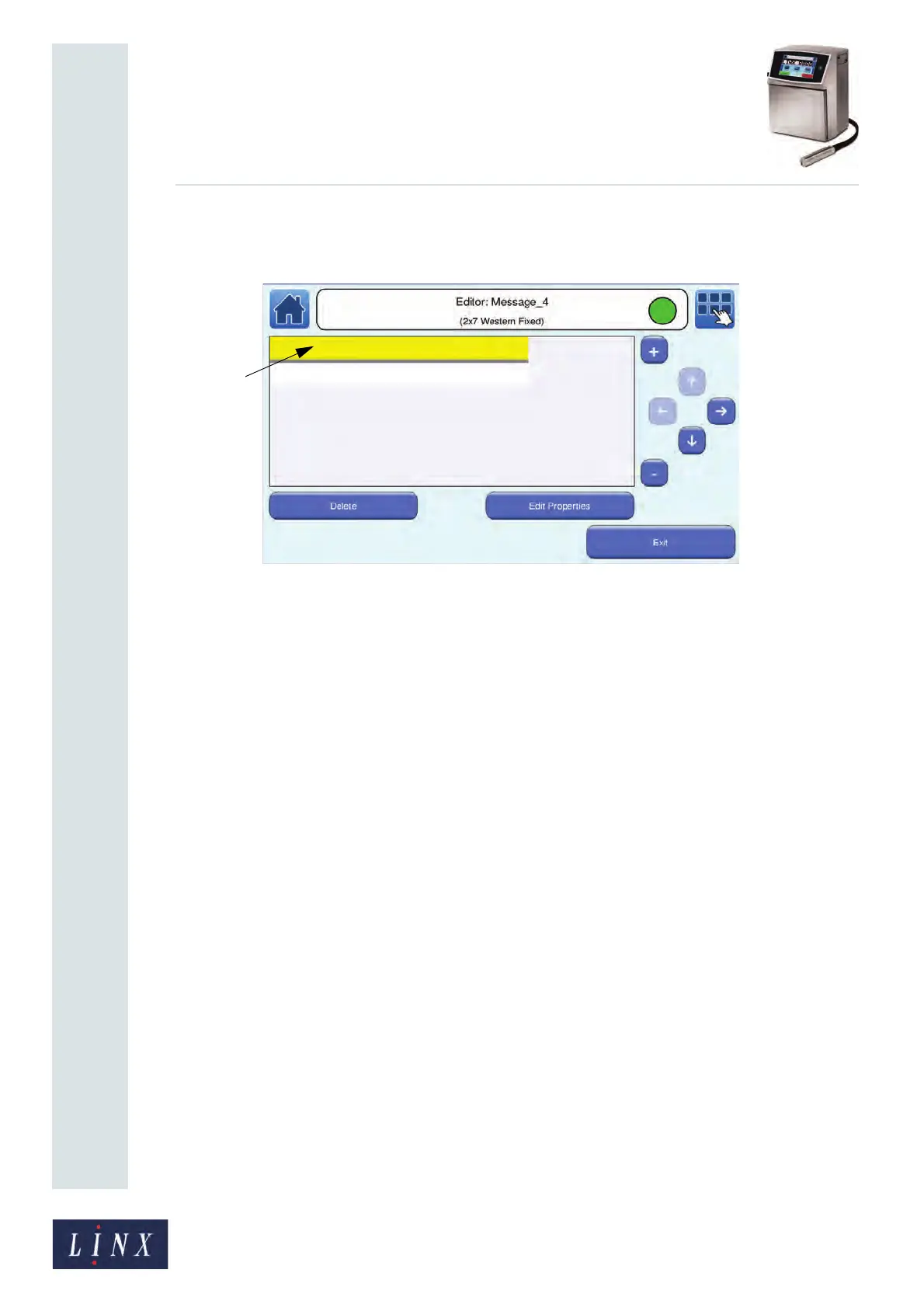
The printer displays the Editor screen with the selected Remote field inserted into
the message. A yellow box indicates the size of the field.
Figure 121. Editor screen with Remote field
NOTE: The field is blank in the printed message and in the preview of the message
on the Home screen unless the field contains some data. When the field
contains some data, the preview of the message shows the data in the
Remote field.
The size of the box in Figure 121 depends on the value you enter in the Enter
Number of Characters option.
6 If required, repeat steps 3 to 5 on page 108 to add other Remote fields to your
message. When you have finished, touch the Exit button to return to the Editor
screen where you can save or discard changes to your message.
NOTE: Once you have selected a Remote field for a message, that field cannot be selected
again in the same message unless you delete the field from the message.
89201



 To Next Page