3-6 P/N 9-500-0255
Service Manual
Chapter 3: Functional Checks/Setting Defaults
System Power Up
Filter Changer
1. No button, software selectable
A. Select the Mo filter via the Run Mode
Screen on the Control Panel. Refer to
the Affinity Series Operator’s Manual
for detailed information on selecting
filters.
B. Verify that the Mo LED (Figure 3-2,
Item 8) lights on each 7-button Switch
Pad.
C. Ensure the Run Mode’s Filter data line
indicates Mo.
D. Select the Rh filter via the Run Mode
Screen on the Control Panel.
E. Verify that the Rh LED (Figure 3-2,
Item 8) lights on each of the 7-button
Switch Pads.
F. Ensure the Run Mode’s Filter data line
indicates Rh.
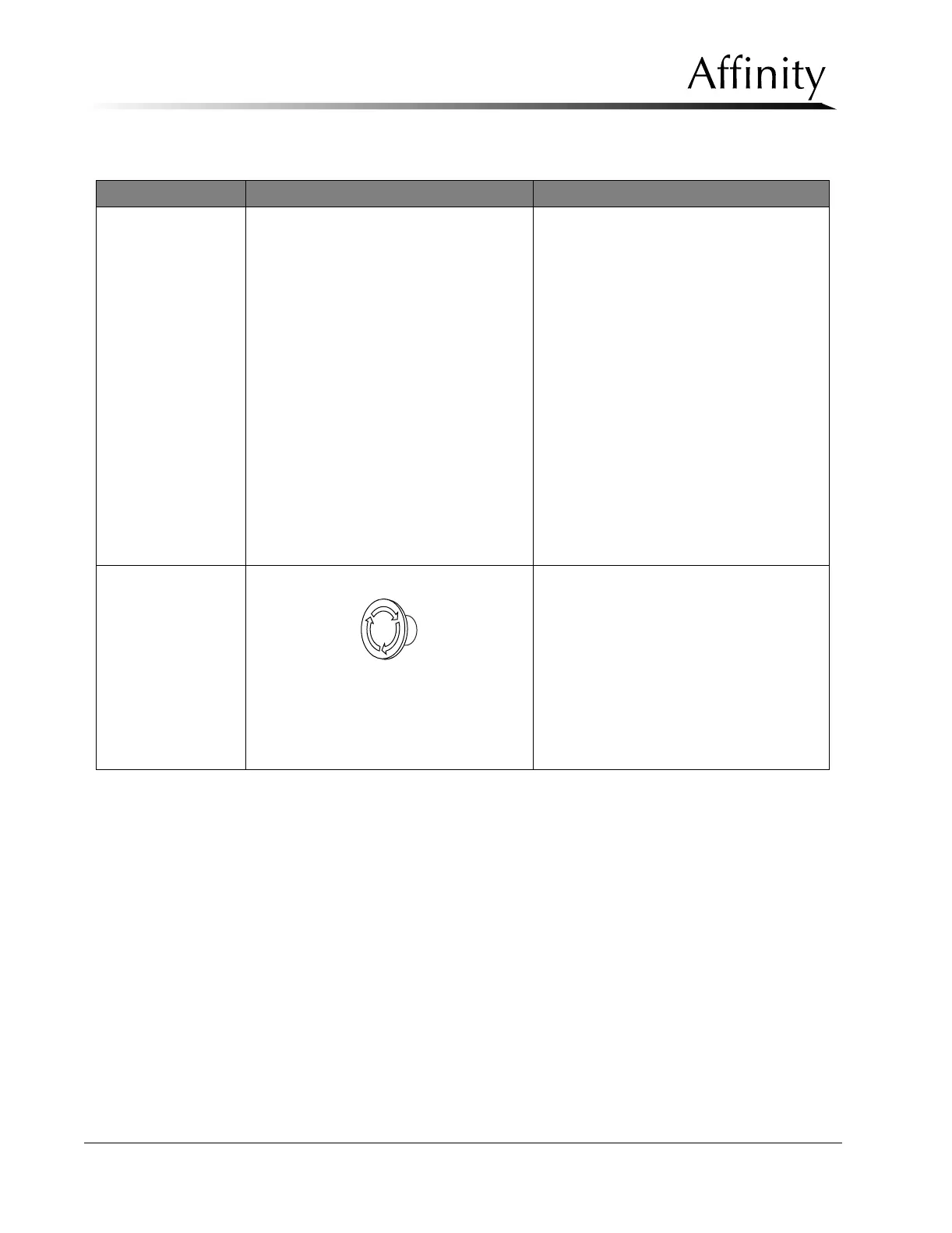
Emergency OFF
Switches
Figure 3-4: Emergency OFF
A. Press any of the three EMO switches
on the Gantry. Verify power is
immediately removed.
B. To reset, turn the EMO switch one-
quarter turn, then place the circuit
breaker to the ON position.
C. Repeat for the remaining Gantry EMO
switches and for the switch located on
the remote control panel mounting
block (if installed).
Table 3-1: Post Power-Up Checks
Functional Check Button Procedure



 To Next Page