P/N 9-500-0255 4-3
Service Manual
Chapter 4: Calibrations and Performance Checks
Calibration Procedures
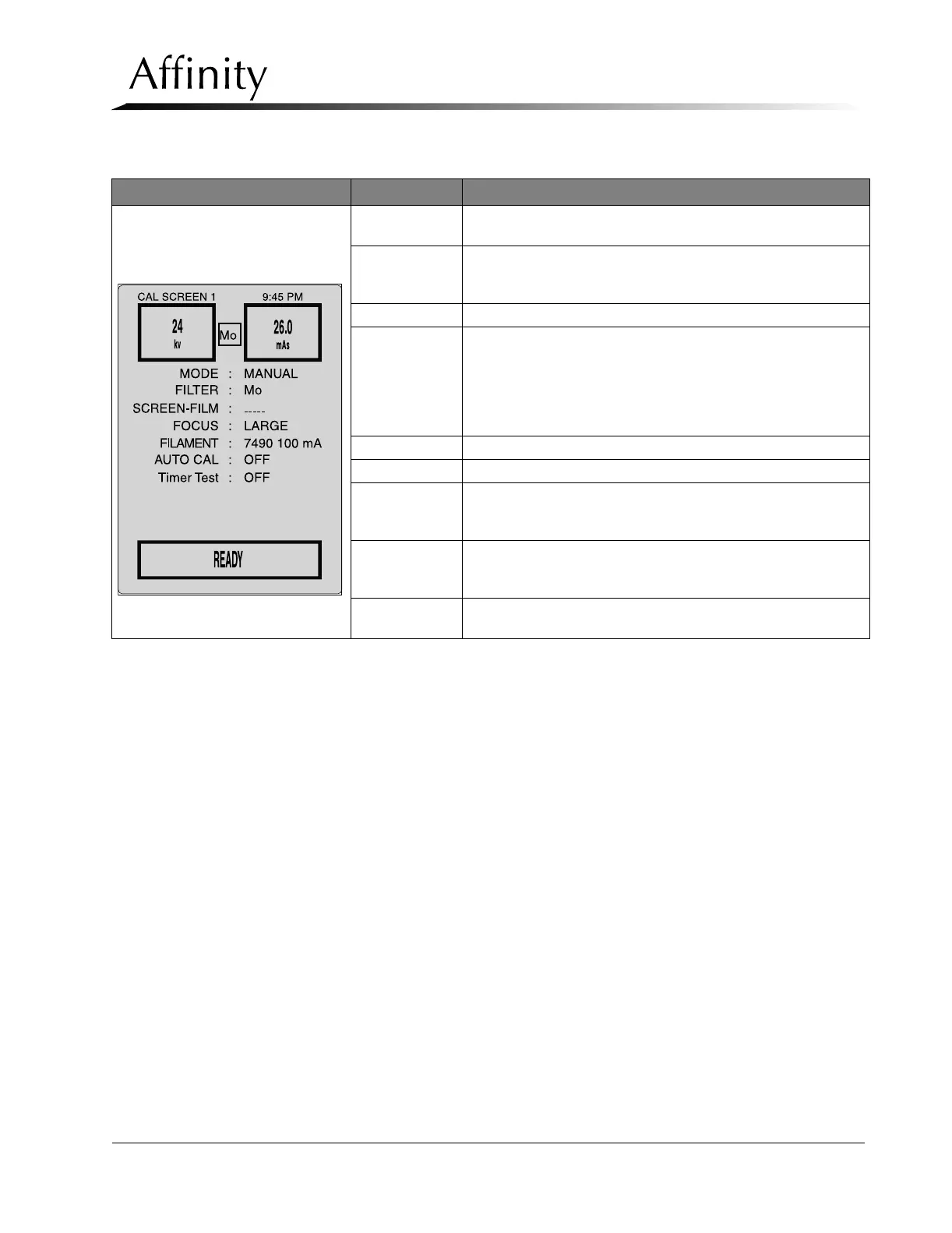
The data fields for each calibration screen are described in Table 4-2.
Table 4-2: The Calibration Screens
Calibration Screen Field Comments
Calibration Screen #1
(Filament Screen)
kV
Shows selected kV or displays post-exposure kV in Auto-kV or
Auto-Filter modes
mAs
Shows selected mAs or displays post-exposure mAs in Manual
and Auto Modes. Maximum selectable mAs is dependent upon
kV and Focal Spot.
FILTER Mo/Rh
MODE
Manual: User selects kV, mAs and Focal Spot Size.
Auto-Time: User selects kV, Screen-Film, and Focal Spot Size.
Auto-kV: System automatically selects kV and mAs. User selects
Screen-Film and Focal Spot Size.
Auto-Filter: Provides full automatic operation of all technique
factors. User selects Screen-Film.
SCREEN-FILM User selects film type (Film 1, 2, or 3)
FOCUS User selects Large or Small Focal Spot Size
FILAMENT
On systems with HTC Buckys, used when performing reduced
mA calibration portion of Filament Current (mA) Calibration
Procedures (Section 4.3).
AUTO CAL
When set to ON during Filament Current (mA) Calibration
Procedures (Section 4.3) the system will automatically adjust the
starting filament values.
Timer Test
Used in Backup Timer Test (Section 4.4) to verify Backup Timer
is working properly.



 To Next Page