3-12 P/N 9-500-0255
Service Manual
Chapter 3: Functional Checks/Setting Defaults
The Affinity Series Control Panel
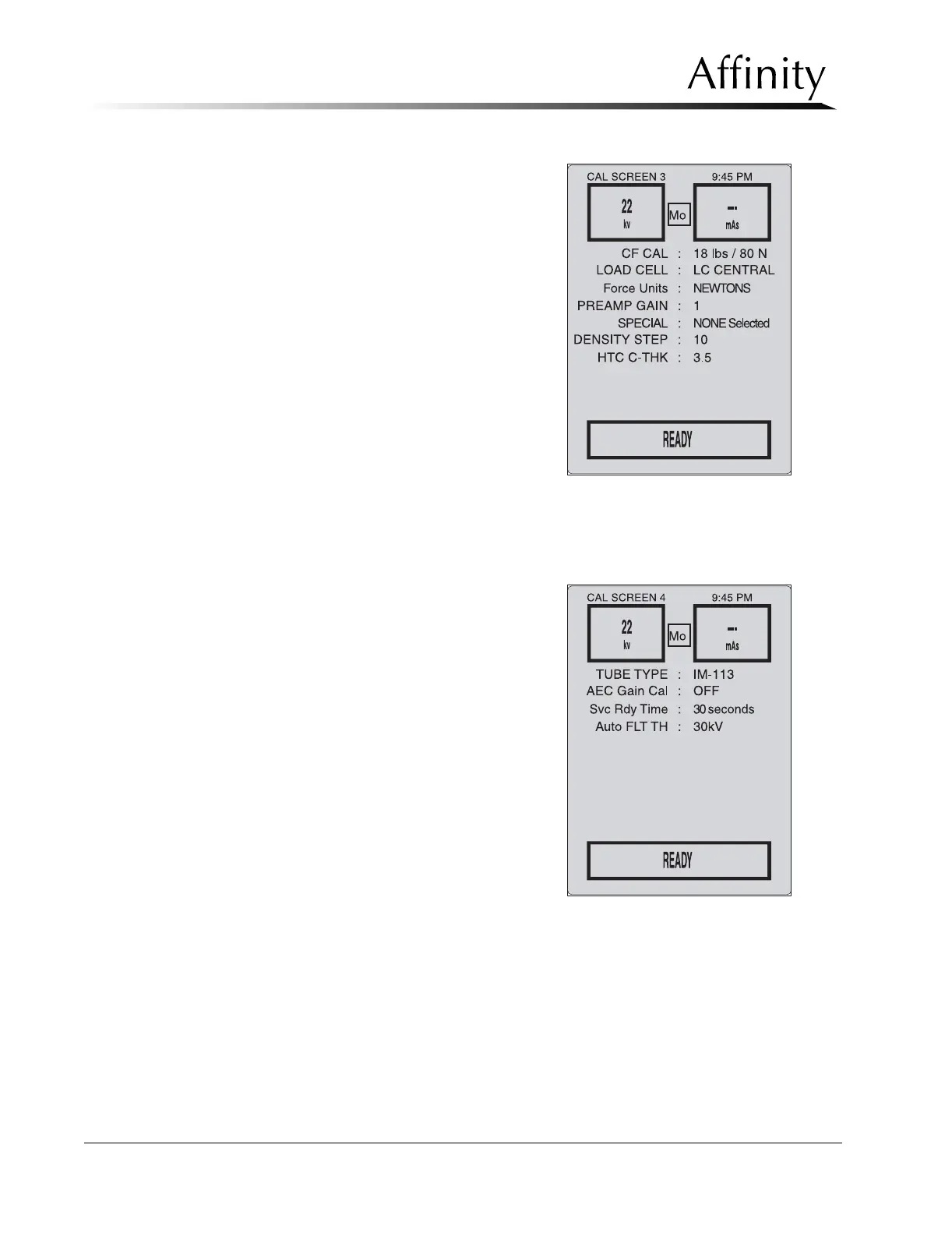
Calibration Screen #3 (Figure 3-13)
is accessed to calibrate electro-
mechanical systems and to perform
the backup timer test. When setting
CF CAL and SPECIAL commands,
pressing Reset + Comp Rel will
send the selected command.
Calibration Screen #4 (Figure 3-14)
is accessed to set the x-ray tube
type, perform AEC Gain Calibra-
tion, set the wait time between
exposures when in service mode,
and to set the Auto Filter Threshold.
Figure 3-13: Calibration Screen #3—
Calibration Mode
Figure 3-14: Calibration Screen #4—
Calibration Mode



 To Next Page