0850/0850-T1 User Manual
Matrix Machine Tool (Coventry) Limited 126 / 231
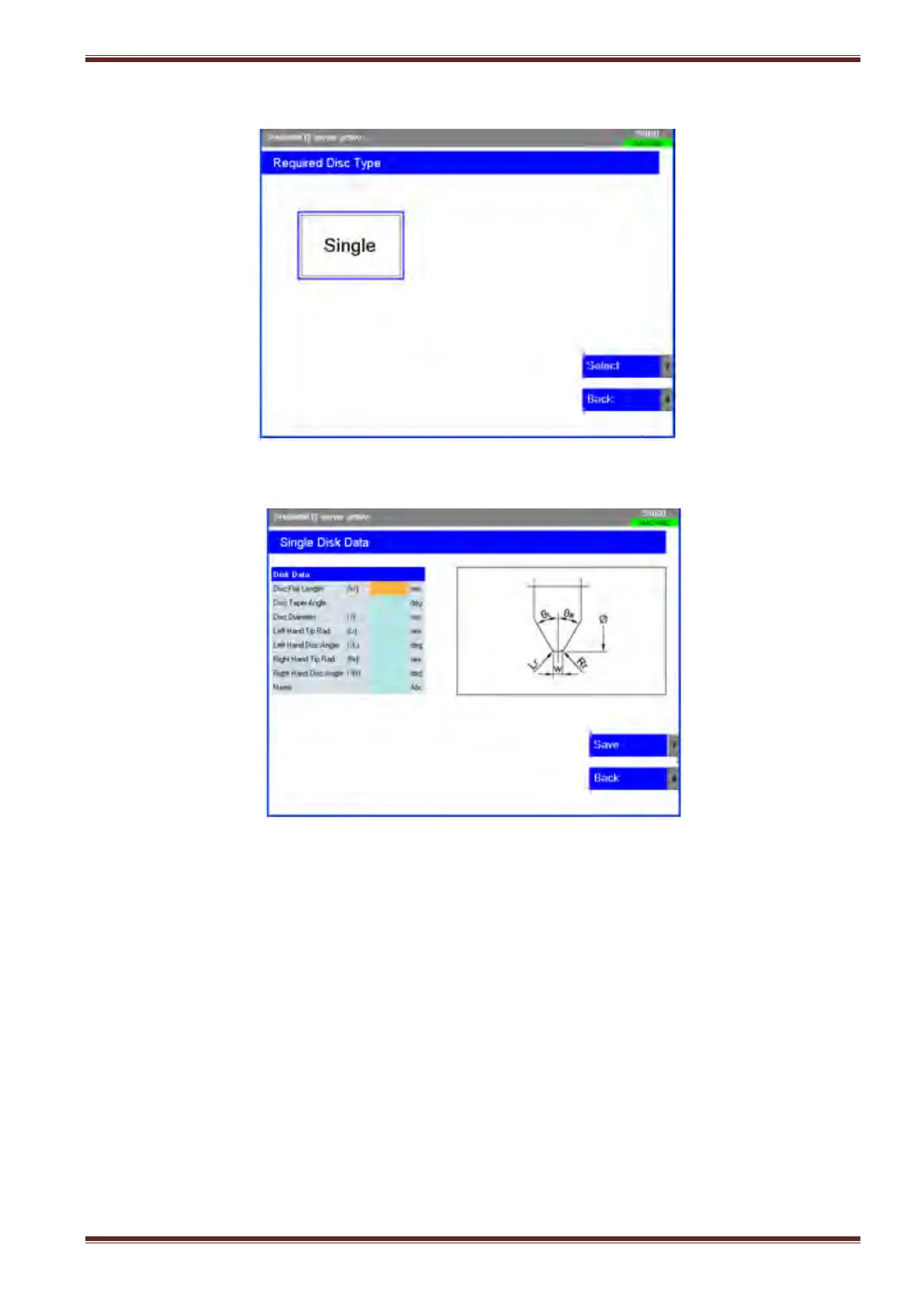
3. Highlight the Tool Type icon using the blue arrow keys on the HMI panel or by using the TAB
key.
4. Select the [Select] softkey to continue to the input data screen.
5. Enter the tool definition data in the table as required
To enter data select the first input field in the table using the TAB key on the HMI panel. Input
the required value from the keyboard followed by pressing the yellow [INPUT] key on the HMI
panel.
Select the TAB key to switch into the next input field and continue to enter data until all input
field have been filled.
Note: You can input the data in any order that you want. Just use the TAB key to switch into
the required input field.



 To Next Page