0850/0850-T1 User Manual
Matrix Machine Tool (Coventry) Limited 162 / 231
19.17.3 Applying lead correction
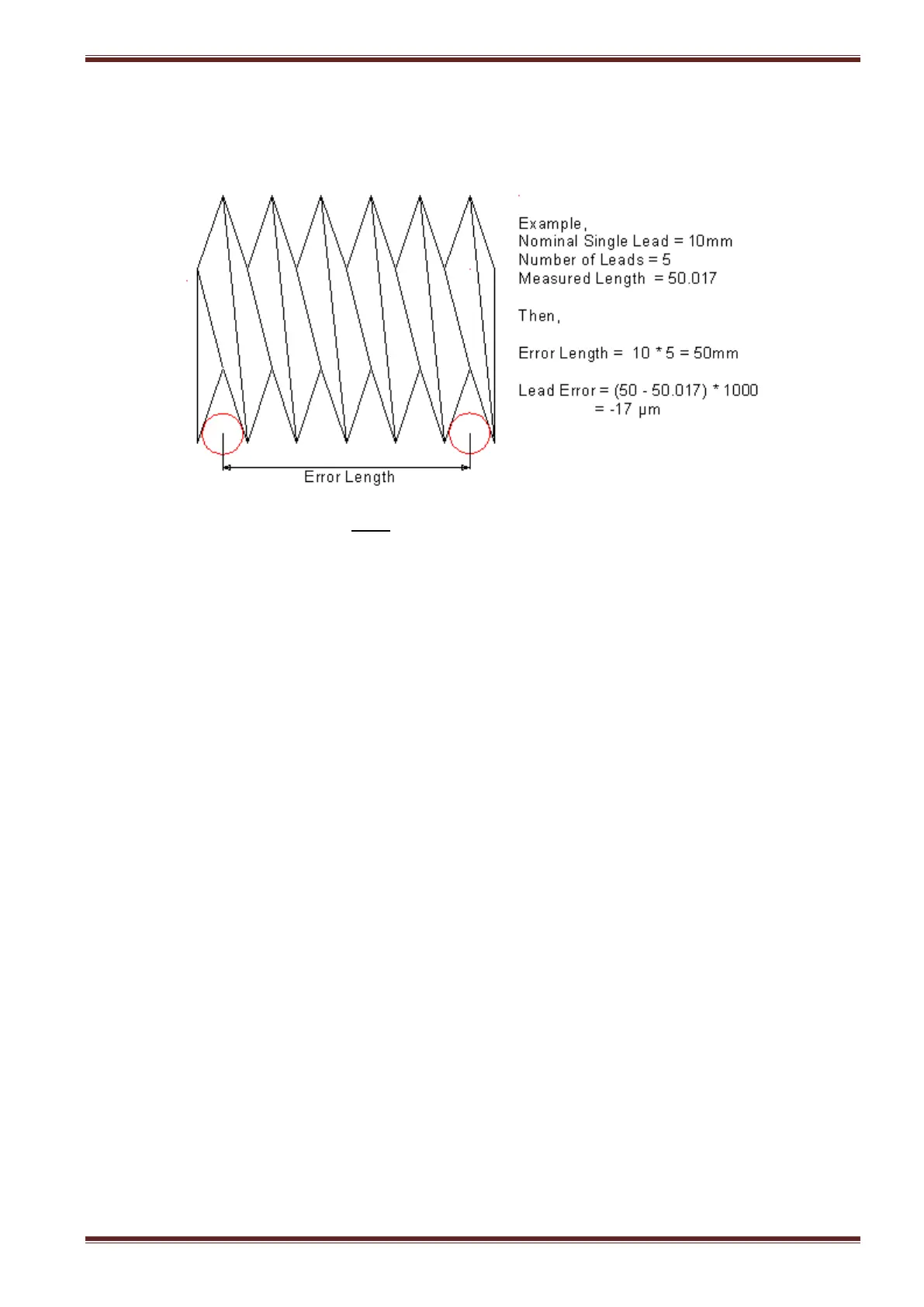
Before entering a lead correction you need to compare the results of the measured lead report from
your inspection dept with the nominal lead data as defined on the workpiece engineering drawing.
You must remember that it is the error and not the correction required that needs to be entered in
the Lead Error input field.
if the measured error is -ve then enter a negative value into the lead error field
if the measured error is +ve then enter a positive value into the lead error field
The lead error value can be +ve or –ve but the error length must always be a positive value.



 To Next Page