0850/0850-T1 User Manual
Matrix Machine Tool (Coventry) Limited 184 / 231
19.25.1 Procedure for Cycle Interrupt
1. Press the blue [BLOCK SKIP] key at the machine control panel
The machine will now complete its current grinding pass or sequence action and stop in the
load/unload position.
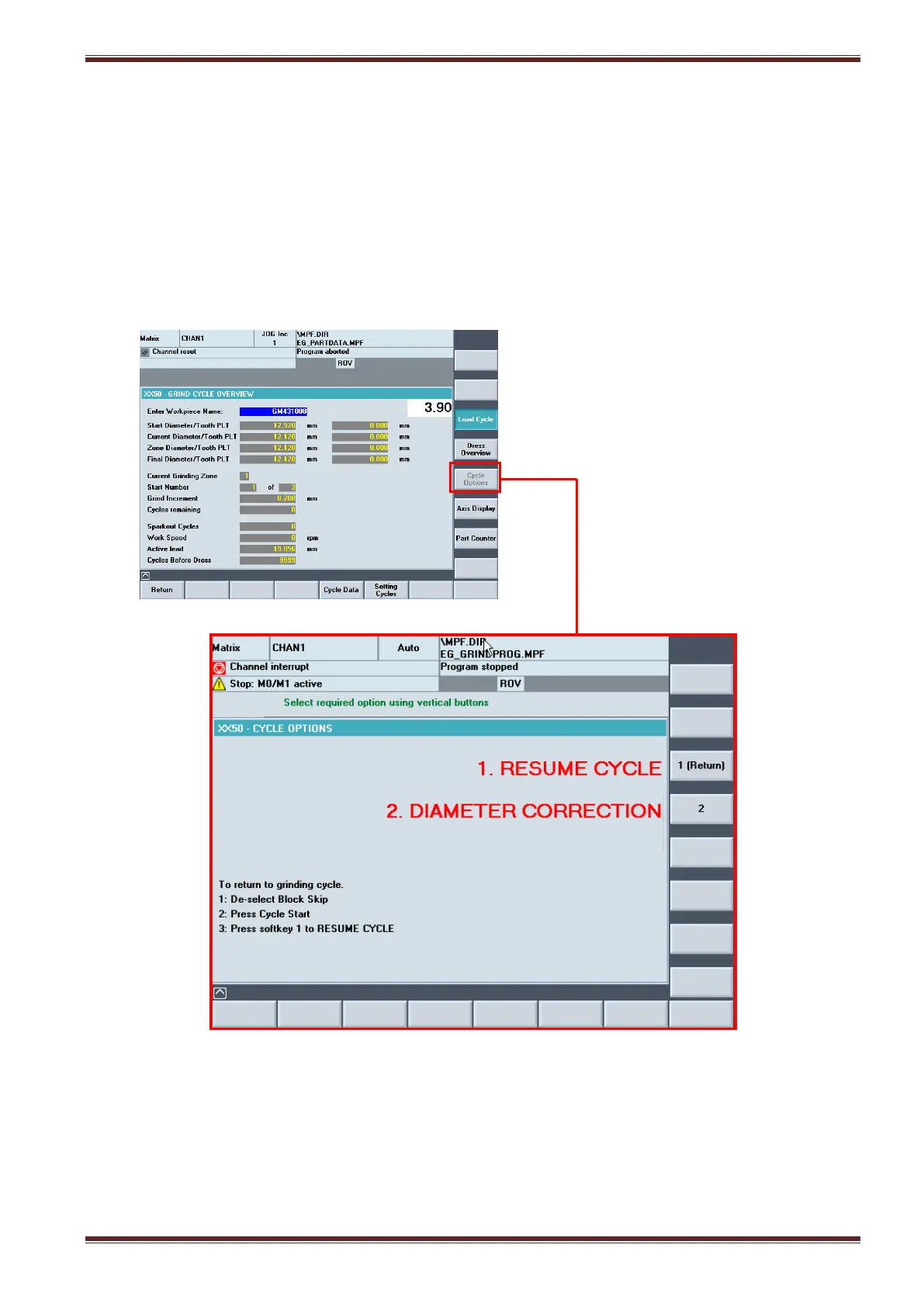
2. Wait for the message prompt “Select required option using vertical buttons” to appear.
3. Select the [Cycle Options] screen [Custom > Matrix > Main Menu > Grinding Overview > Cycle
Options]
4. You can now inspect the workpiece or make a correction to the diameter if required.



 To Next Page