0850/0850-T1 User Manual
Matrix Machine Tool (Coventry) Limited 131 / 231
19.6.1 Part Counter (option)
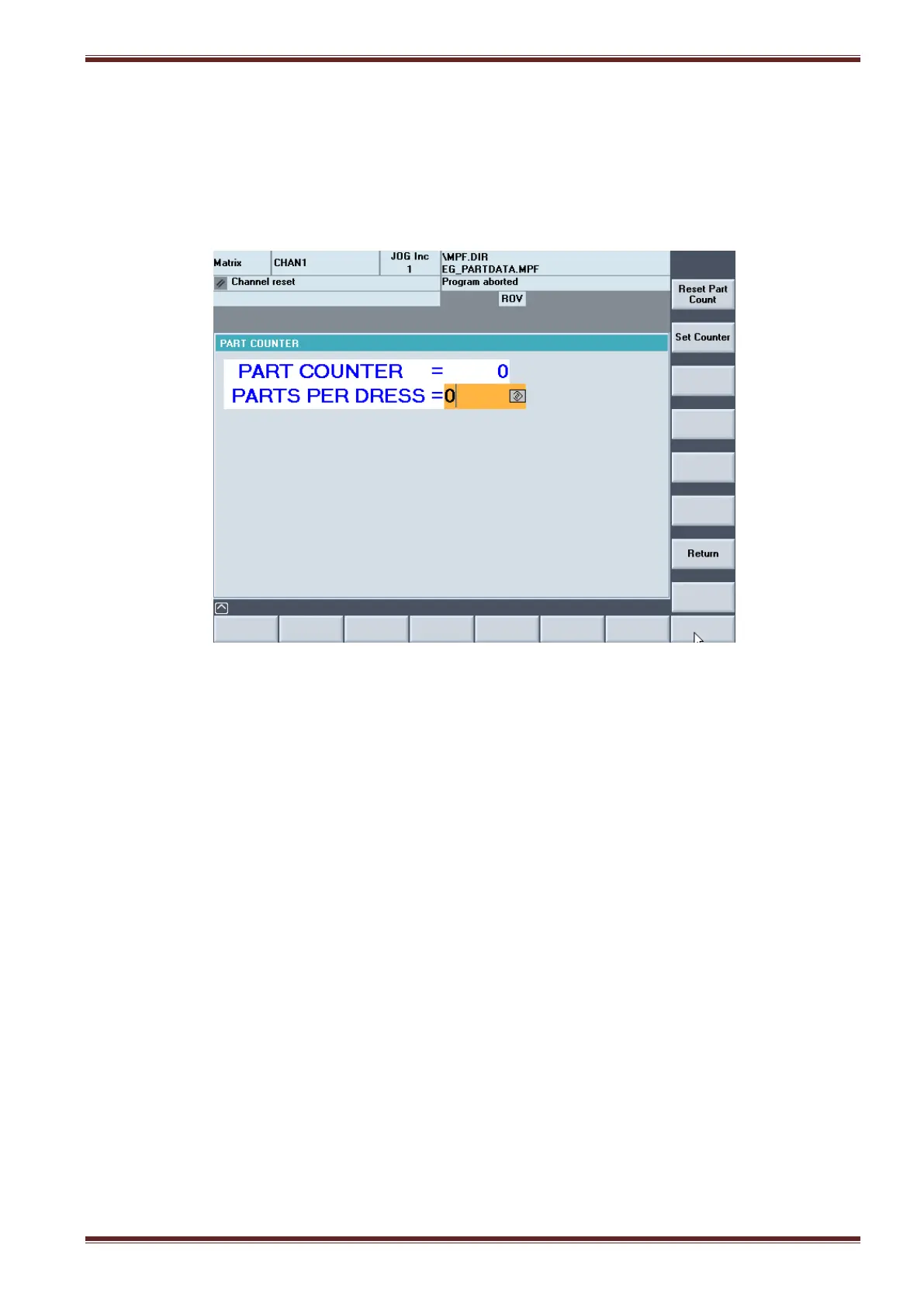
[Custom > Matrix > Main Menu > Grinding Overview > Part Counter]
In the Part Counter screen you can set the quantity of workpieces that are to be processed by the
machine. You can also set the grinding wheel re-dress interval based on the number of parts
processed.
Part Counter
Input Range: 0 – 9999
Enter a value in this input field to set the total number of workpieces to be processed by the
machine.
Parts Per Dress
Input Range: 0 – 9999
Enter a value in this input field to set the total number of workpieces to be processed by the
machine.
[Set Counter]
Select this soft key to enter values to the Part Counter and Parts Per Dress input fields.
[Reset Part Counter]
Select this soft key to set the Part Counter and Parts Per Dress values to 0.
[Return]
Select this soft key to go back to the Grinding Cycle Overview screen.



 To Next Page