0850/0850-T1 User Manual
Matrix Machine Tool (Coventry) Limited 94 / 231
17.7 Grinding Spindle Controls
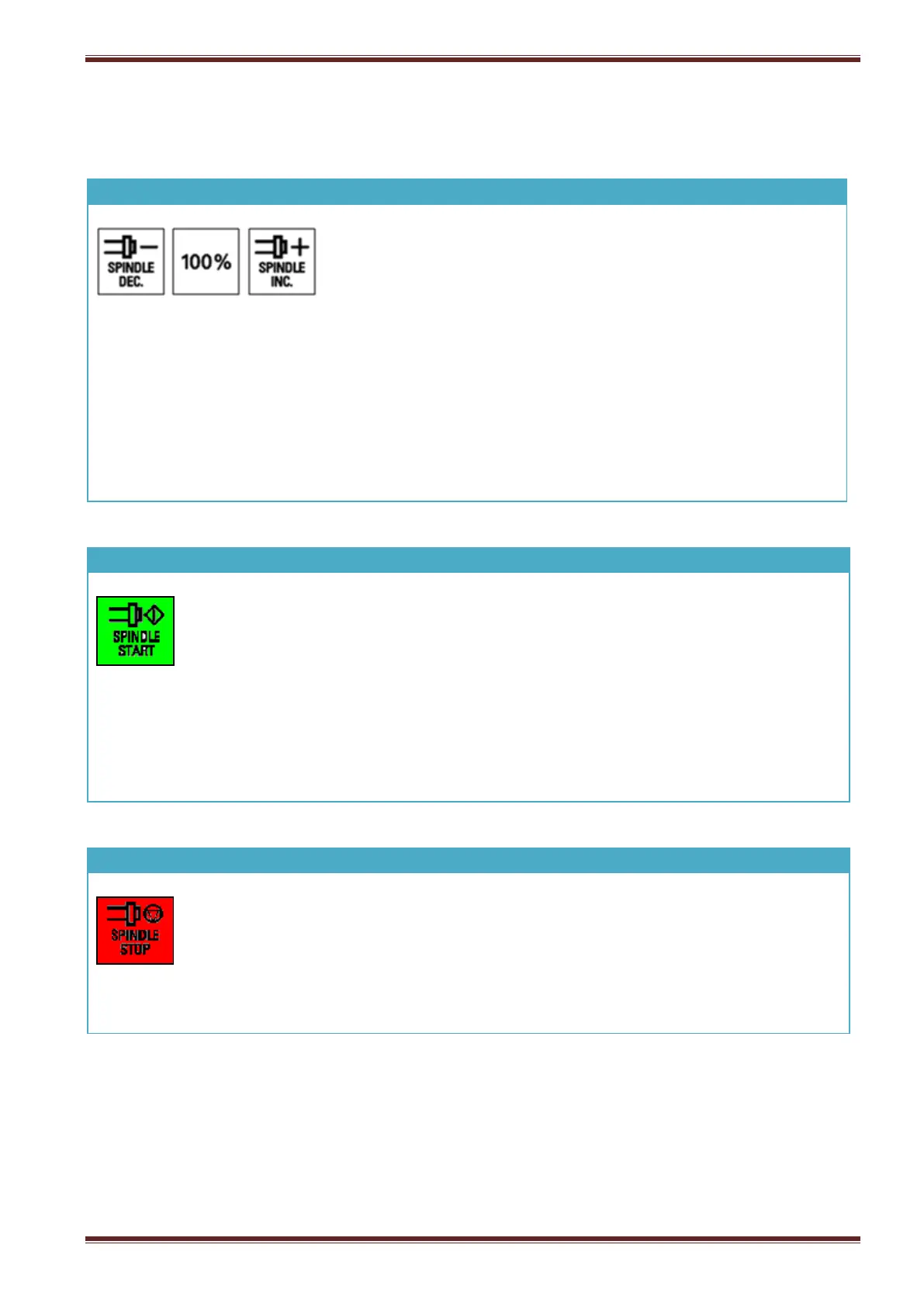
The spindle speed can be controlled in proportional amount
from 50% to 100% of the programmed spindle speed.
Press the [SPINDLE INC] key to increase the spindle speed by a
proportional amount.
Press the [SPINDLE DEC] key to decrease the spindle speed by a
proportional amount.
Press the [100%] key to set the spindle speed operate at its
programmed speed.
Select JOG mode and then press this key to start the grinding spindle. The spindle
will start to rotate upto its default speed 5000rpm.
Indicator status meaning:
Flashing: true whilst the spindle is running upto speed or during a speed change
i.e ramp-up/ramp-down.
ON: spindle is operating at its commanded speed.
OFF: spindle is stopped.
Select JOG mode and then press this key to stop the spindle.
Indicator status meaning:
ON: spindle is in stopped state
OFF: spindle is running.



 To Next Page