0850/0850-T1 User Manual
Matrix Machine Tool (Coventry) Limited 157 / 231
19.15.2 Procedure for using the Auto Dress cycle
1. Select [AUTO] and [SETUP] mode
2. Select the AUTO DRESS setting cycle [Custom > Matrix > Main Menu > Setting Cycles > Auto
Dress]
3. Press [CYCLE START] and wait for the message prompt ”Enter DRESS DATA in data field -
Press cycle start to continue” to appear.
4. Enter dressing data into the input fields.
5. De-select [SETUP mode]
6. Start the spindle [SPINDLE START]
7. Press [CYCLE START] to commence with the dressing cycle. The cycle will automatically stop
after the number of dressing passes has completed.
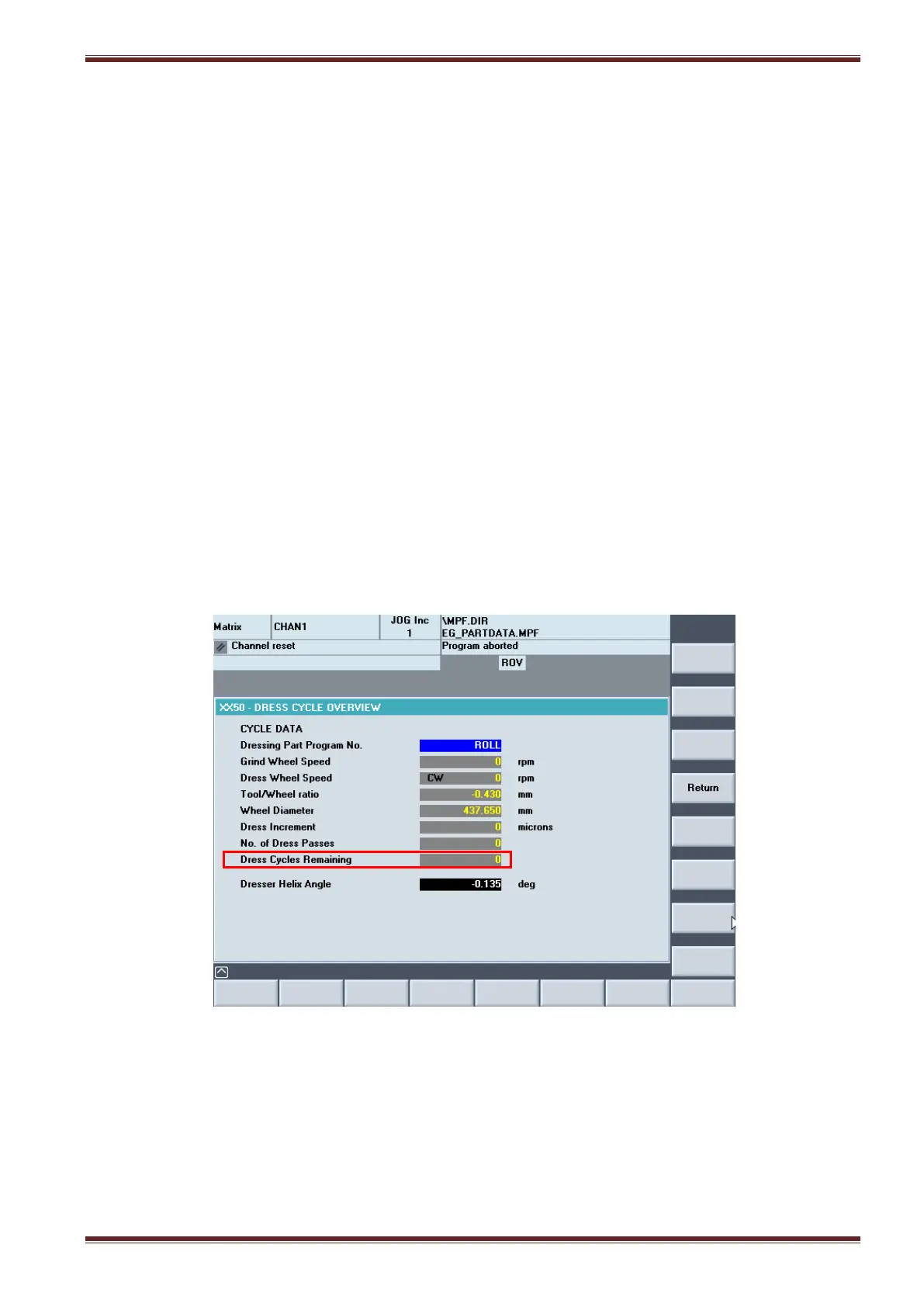
Select the [Dress Overview] vertical softkey from the Auto Dress screen to see the number of
dressing passes remaining before the dress cycle completes.



 To Next Page