0850/0850-T1 User Manual
Matrix Machine Tool (Coventry) Limited 133 / 231
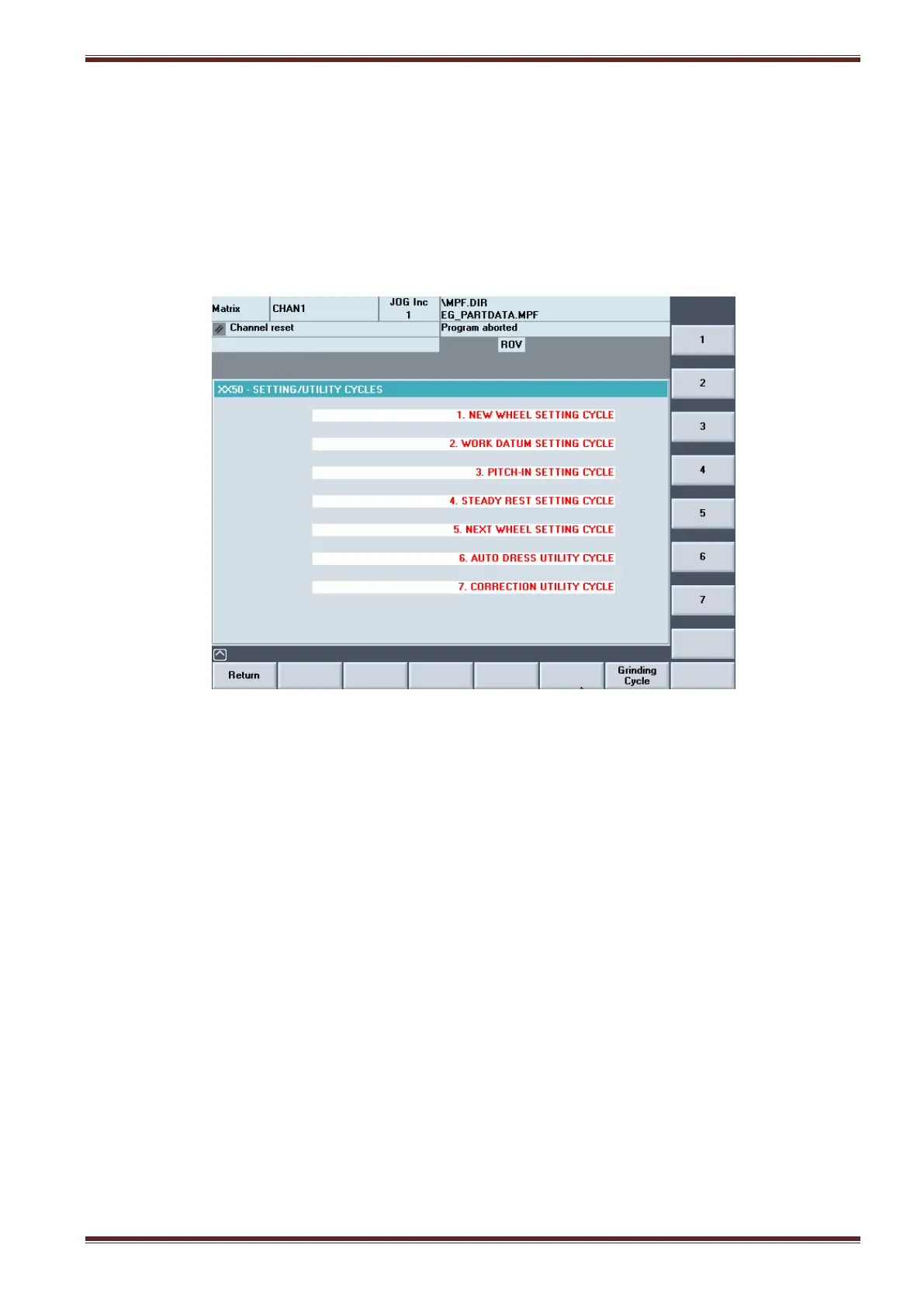
19.8 Setting Cycles Menu
[Custom > Matrix > Main Menu > Setting Cycles]
In the Setting Cycles menu screen you can select and run the parametric user prompt driven cycles to
assist you to setup the machine prior to grinding the workpiece.
The Setting Cycles are accessible only with the keyswitch set in position 3 and are not available when
the machine is set to run in full automatic cycle using the two-handed cycle start option.
1. New Wheel Setting Cycle
Used to establish the relationship between the grinding wheel and the dressing tool
2. Work Datum Setting Cycle
Used to establish the start, end grind positions (and pitch shift position if applicable)in the Z
axis.
3. Pitch-In Setting Cycle
Used to synchronise the conditioned wheel with workpiece to be ground.
Two options are available.
Option (a): Align the formed grinding wheel to a pre-cut component (X, Z & C axes).
Option (b): Align the formed grinding wheel to a blank, non-pre-cut component (X axis).
4. Steady Rest Setting Cycle
This cycle option is NOT available on 0850 series thread grinding machines.
5. Next Wheel Utility Cycle
This cycle option is NOT available on 0850 series thread grinding machines.



 To Next Page