0850/0850-T1 User Manual
Matrix Machine Tool (Coventry) Limited 89 / 231
17.3 CNC operating modes
When you select a mode key, the corresponding mode becomes active. The active mode is signalled
and confirmed by the associated LED which lights up.
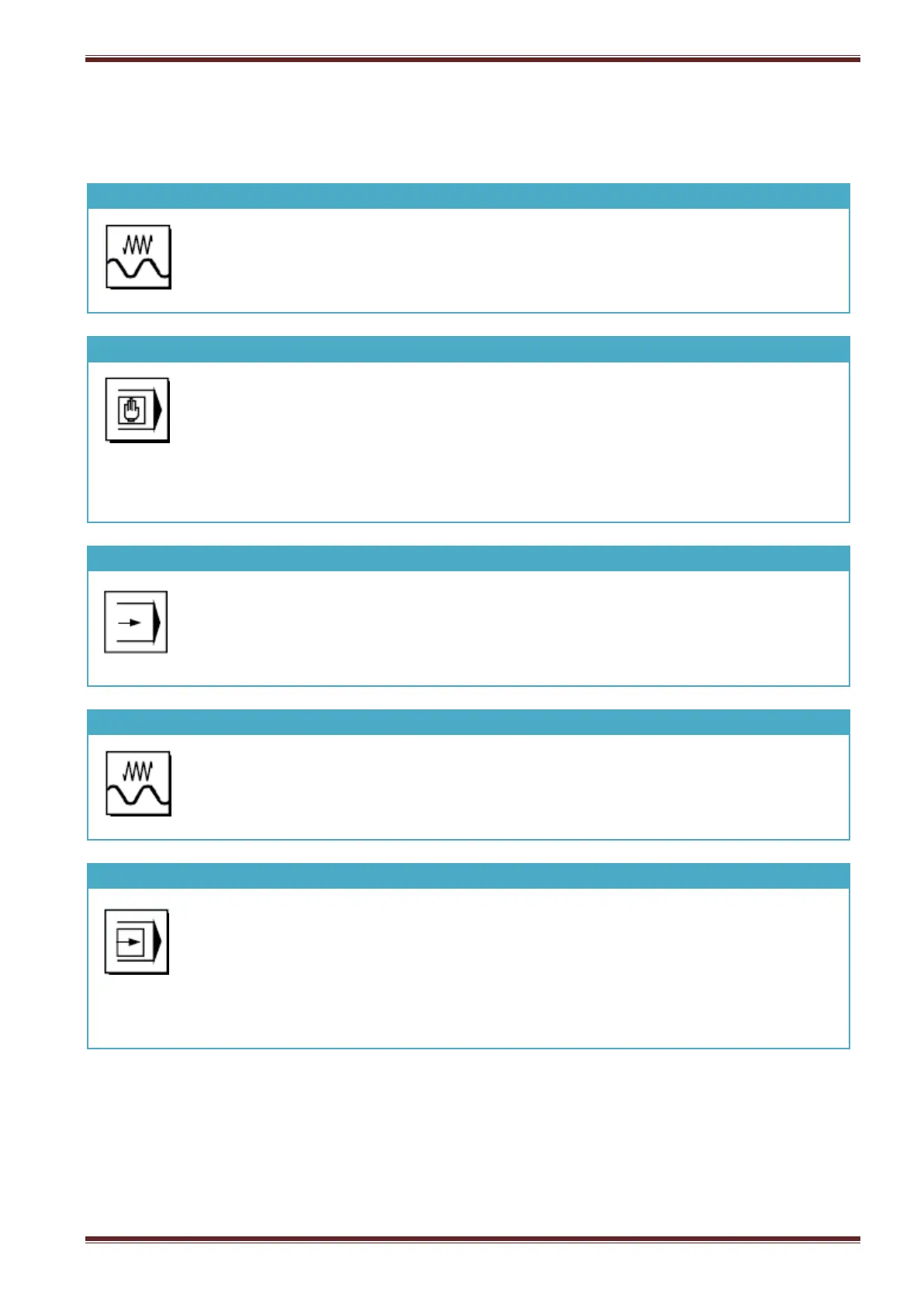
Selection of this mode permits continuous motion of the selected axis using the
direction keys or incremental motion using the direction keys or the hand-wheel.
Selection of this mode permits control of the machine through execution of an NC
command block (instruction) or a sequence of command blocks.
Program command blocks are entered via the input entry buffer window (bottom LH
panel on the Siemens screen)
Selection of this mode permits control of the machine through the automatic
execution of a sequence NC command instructions i.e part programs.
Selection of this mode permits you to create and execute interactive programs with
the machine set in MDA or AUTO mode.
Select this function if you want to execute part program commands one block at a
time in MDA or AUTO mode.
Single Block can be de-selected at any time during program execution and the cycle
continued un-interrupted by pressing the [CYCLE START] button again.



 To Next Page