0850/0850-T1 User Manual
Matrix Machine Tool (Coventry) Limited 91 / 231
17.5 Axis selection and speed controls
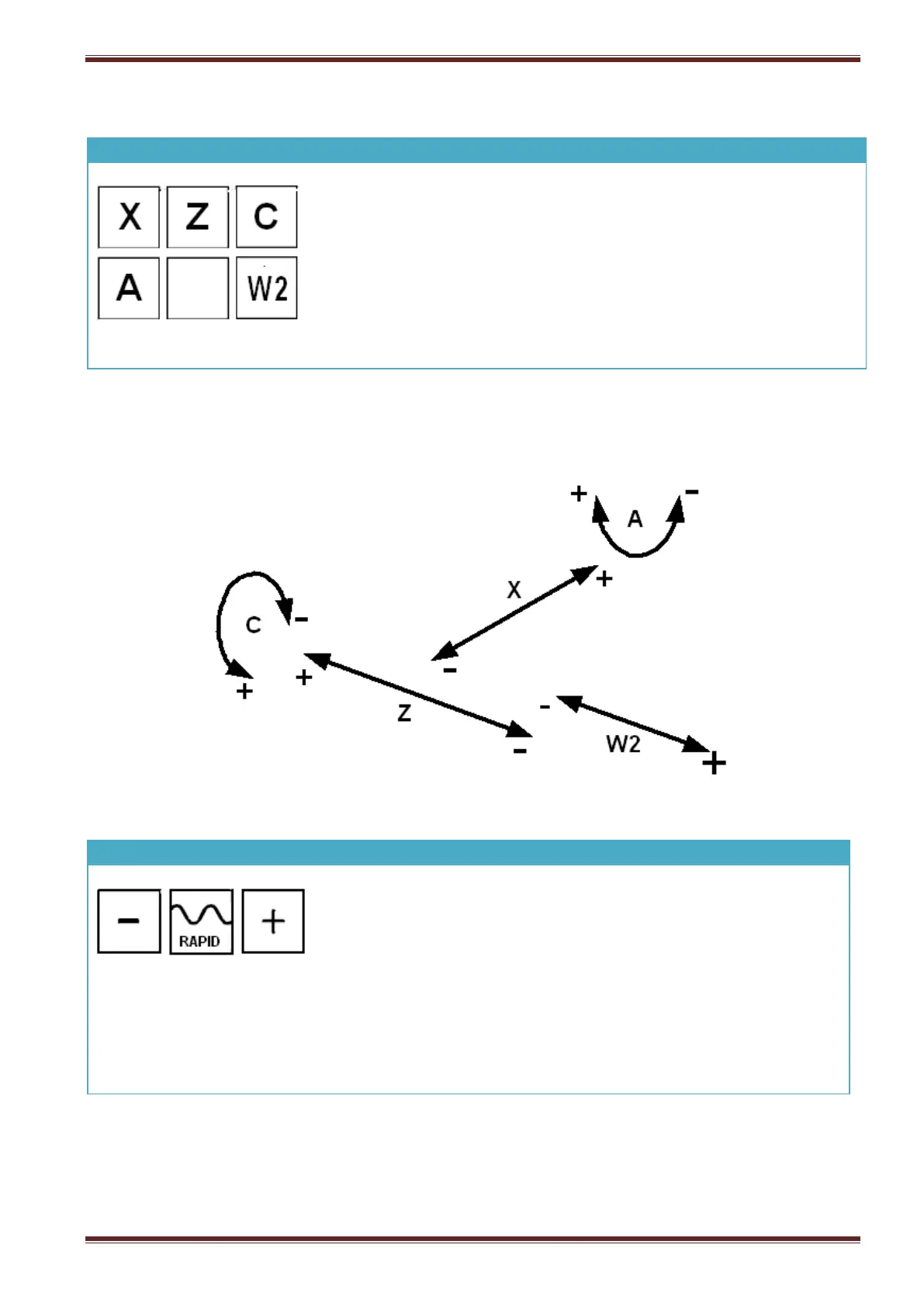
Press an axis letter key to select it. The indicator above the key will
illuminate to signify the axis you have selected.
Note: multi-axis selection is not permitted.
You can now use the [+] and [-] jog keys to position the selected
machine axis.
Note: When the [HANDWHEEL] function is enabled then axis selection is selectable only from the
hand held unit.
Press the [+] key to jog the selected axis in its positive direction axis
in JOG mode.
Press the [-] key to jog the selected axis in its negative direction axis
in JOG mode.
To jog the selected axis faster press and hold the [RAPID] key
together with jog direction key [+] or [-].



 To Next Page