0850/0850-T1 User Manual
Matrix Machine Tool (Coventry) Limited 172 / 231
19.21 Barrelling Correction
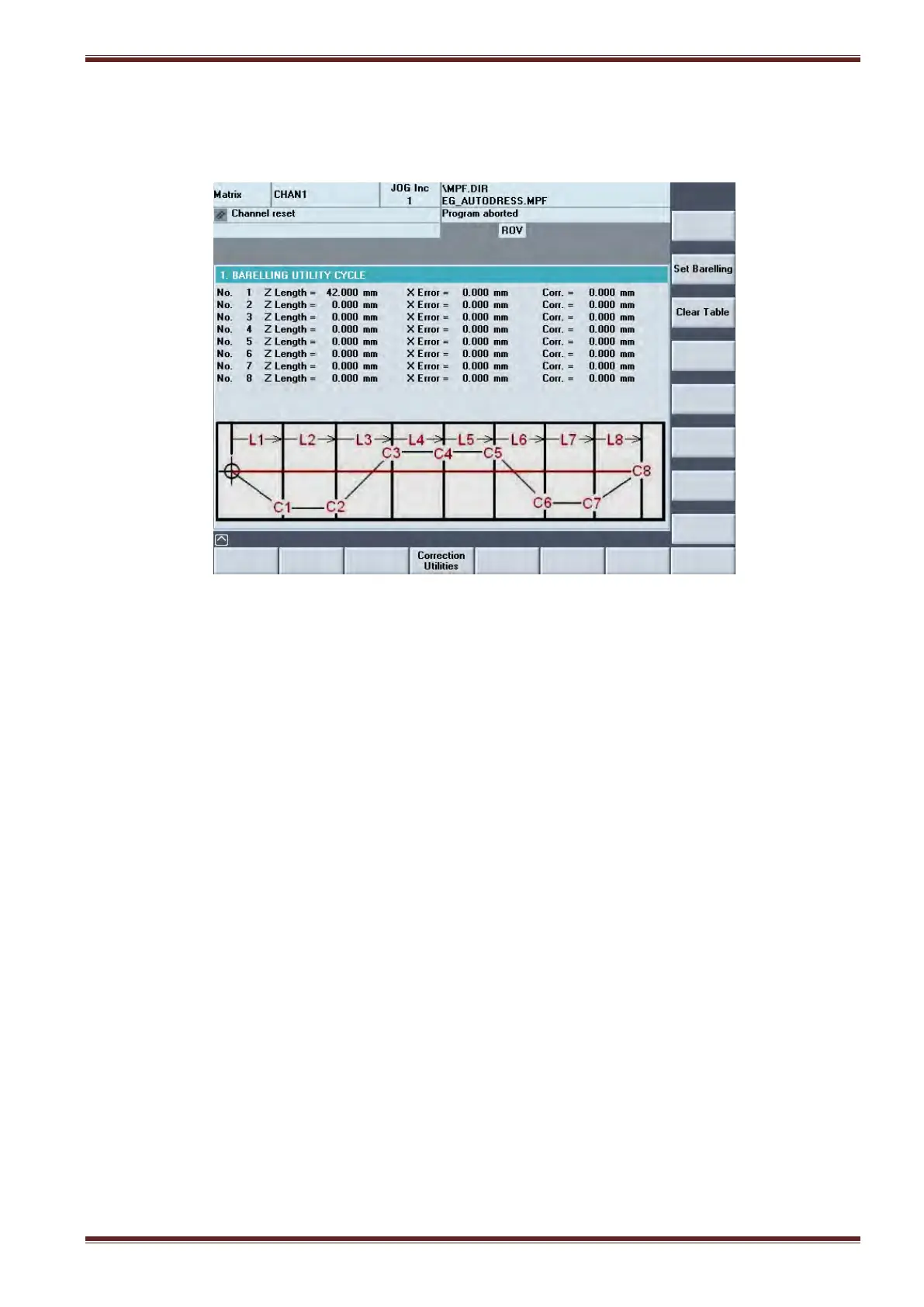
Adjustments at each barrelling point C1 to C8 can be made in the barrelling correction screen when
the cycle is not running.
19.21.1 Procedure
To make corrections at barrelling points
1. Select [AUTO] and [SETUP] mode
2. Select the Barrelling corrections screen [Custom > Matrix > Main Menu > Setting Cycles >
Correction Utilities > Barrelling]
3. Press the [Set Barrelling] soft key and enter the required values in the table followed by
pressing the yellow [Input] key after each entry.
4. Press [Update Table] soft key to save the table entries to memory.
To reset/clear the table
Press the [Clear Table] softkey. All entries in the table will be reset to 0.



 To Next Page