0850/0850-T1 User Manual
Matrix Machine Tool (Coventry) Limited 68 / 231
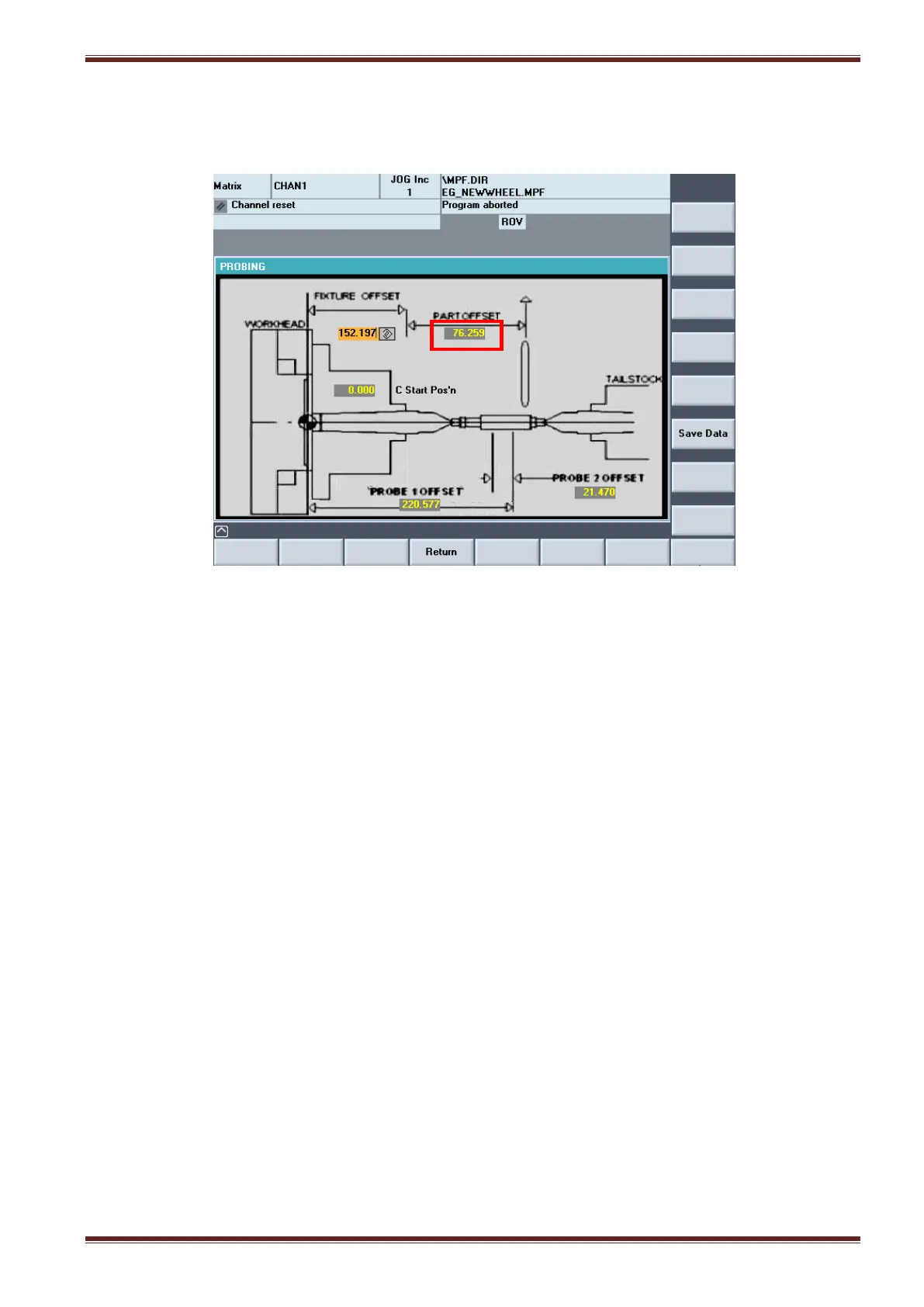
5. Select the [Probe Cycle] softkey to return to the probe cycle screen. You will notice that the
Part Offset input field value has been automatically updated.
6. Probe system setup is now complete!
10.3.4 Testing Auto Pitch-in and correcting the Probe 1 offset
Before you start to use the machine with the probe system it would be a good idea to test that the
probe cycle and automatic pitch-in position is working correctly before you start to do any production
workpiece grinding.
Once the probing / auto pitch-in sequence has completed you can check that the grinding wheel is
accurately engaging into the pre-cut workpiece thread by following the test procedure below:
1. Run the grinding cycle in [Setup Mode] with a stand-off distance applied (e.g 5mm)
2. Stop the cycle somewhere mid-way during the first parallel grind pass and then abort the
cycle by pressing the [Reset] key on the MCP.
3. De-select the [Gearbox] at the MCP.
4. Select the handwheel in X only and carefully wind it until the grinding wheel just begins to
make contact with the workpiece.
5. Now select a 1 um increment [1 INC] in Z and again using the handwheel determine the
increment amount and direction by which you had to shift in Z to make the wheel contact* on
both flanks of the thread.
*Rock the wheel back-and-forth by hand till you can feel that the wheel is touching the
workpiece flanks.



 To Next Page