0850/0850-T1 User Manual
Matrix Machine Tool (Coventry) Limited 86 / 231
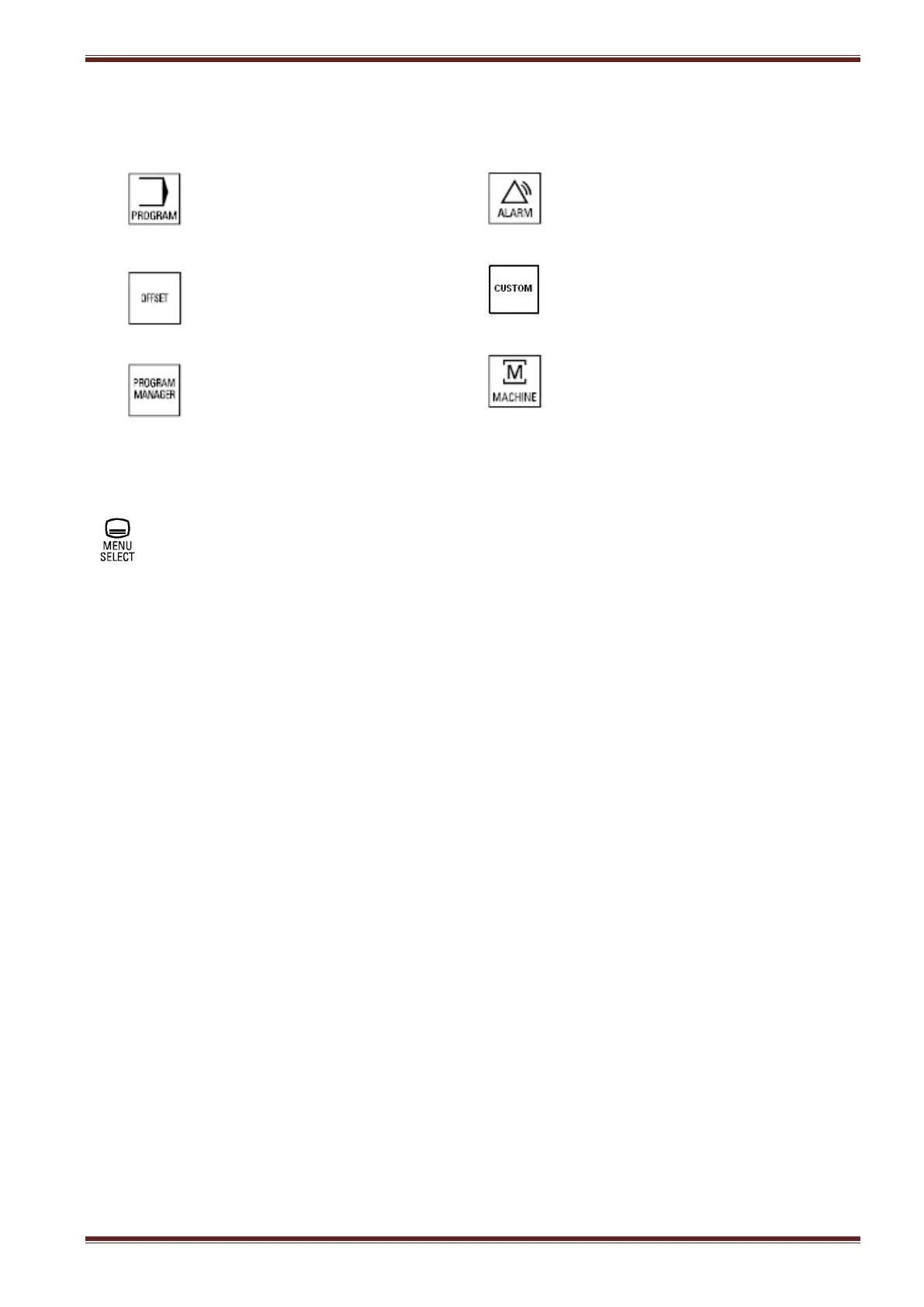
Hot/shortcut keys
There are 6 hotkeys that the user can choose from in order to quickly select screens that are accessed
often during machine operation. In particular, these are:
Direct access to the
Program operating area
In the Diagnostics operating
area, the last alarms, messages,
service displays or PLC status
can be called.
Access to Parameters operating
area where the last tool offsets
are directly called.
Access to the Matrix Advanced
Programming and diagnostics
screens.
Direct access to Program overview
to show the last selected program
management.
Direct access to the Machine
operating area.
Area switchover key
You can switch to the main menu from any selected operating area by pressing this key.
Press the key twice to change from the current operating area to the previous one.
Cursor and selection keys
Using the blue keys you can cursor up/down/left/right on any focusable screen field and then click
into the field by pressing the select key.



 To Next Page