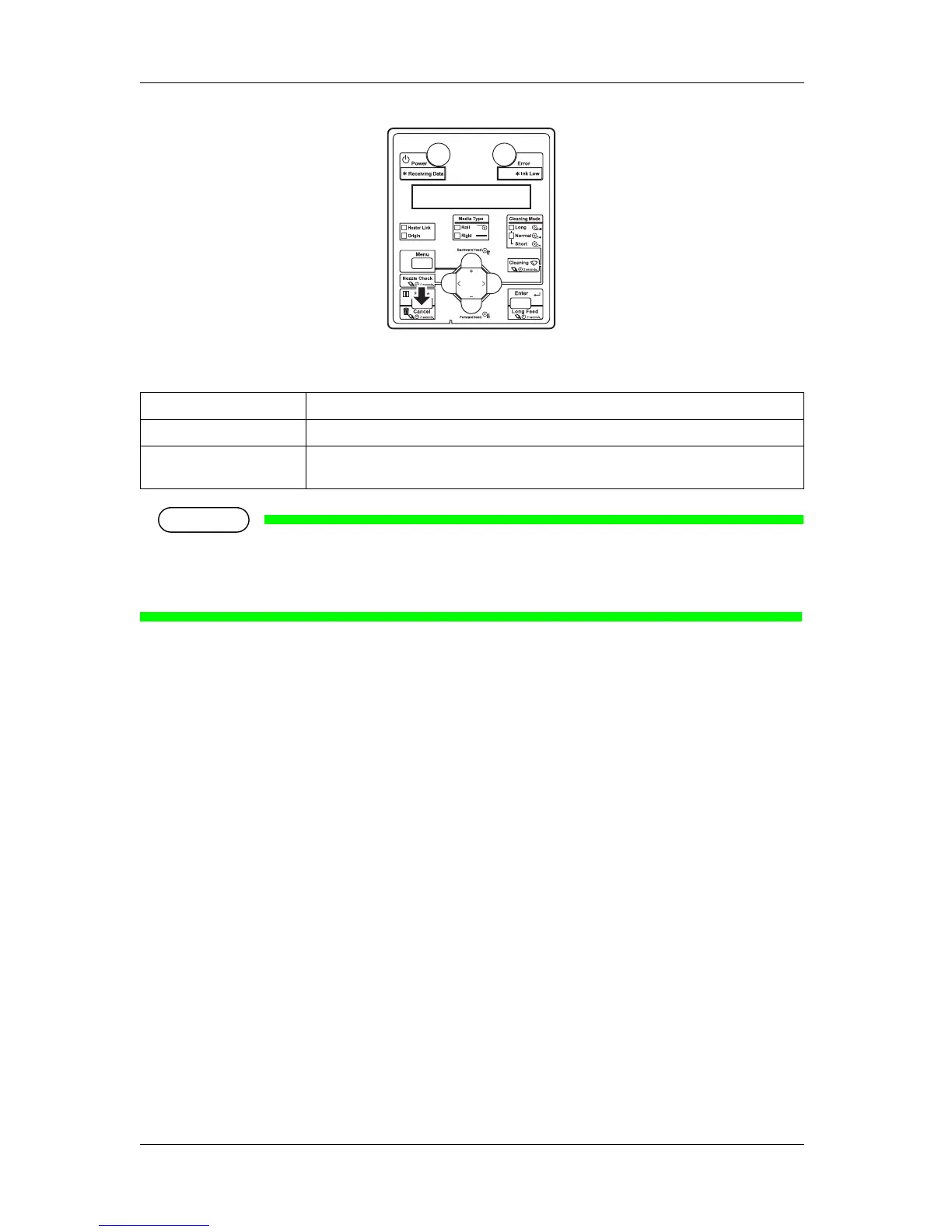
• If a large amount of data is saved on the printer, the operation panel may not return to Normal by a
single [Cancel] key operation.
In such cases, wait for a few seconds and press the [Cancel] key again.
4.4.3 Cutting media
This sub-section explains how to cut roll media.
Follow the procedure below to cut roll media.
1. Verify the following regarding the operational condition of the product.
• Printing or other operations are not in progress.
• The operation panel display is Normal.
2. To change the position to cut the roll media, refer to "
4.4.1 Feeding media" and advance the roll
media to the desired cut position.
3. Open the front cover.
Printer status Operation with the [Cancel] key pressed
During printing Terminates the printing, and deletes one data remaining in the printer.
Receiving Data/Analyzing
Data
Deletes the received/analyzed data and the subsequent data.














 To Next Page