Before using VJ-1617H OPERATION MANUAL
3-8
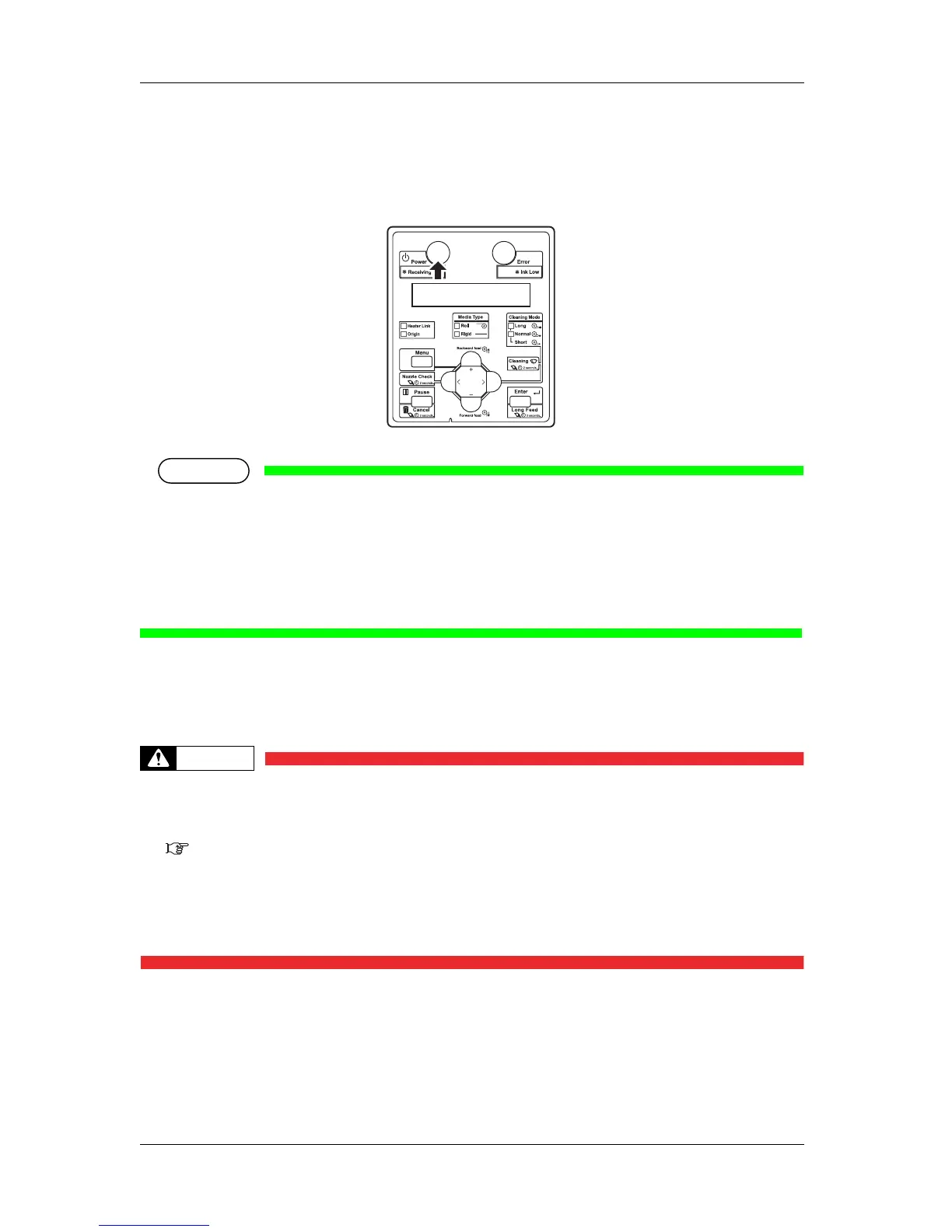
• The Power lamp on the operation panel lights up in blue.
• The printer starts initial operation.
• When the initial operation is complete, the printer enters Normal.
• If there is a problem during the initial operation, a message is displayed on the operation panel and
the printer may stop operating.
If operation stops, refer to "
7 Troubleshooting" and deal with the problem.
• When an error has occurred on the heater, the LED on Heater's Operation panel starts blinking
(approximately four times per second).
Follow the procedure in "(2) Display section" of "
2.2.3.2 Blower hearter operation panel".
3.2.2 Turning the power OFF
• You need to let the ink flow inside the printer regularly, therefore, do not turn OFF
the printer after regular operation; make sure you use the sleep mode.
Ink is maintained automatically in Sleep mode.
3.3 Sleep mode
• If you have to turn OFF the printer for a long time (move than 24 hours), follow the
procedure in "When not using the printer for a long time (Power OFF)" to turn the
printer OFF.If you do not follow the procedure and leave the printer OFF for a long
time, the printer's performance may not be recovered even after cleaning.
The procedures to turn OFF the printer are different for 4-color set usage and 5-color set usage.
Make sure you follow the correct procedure based on the ink colors you are using.














 To Next Page