4.8 Remote Control
BP4610
4-57
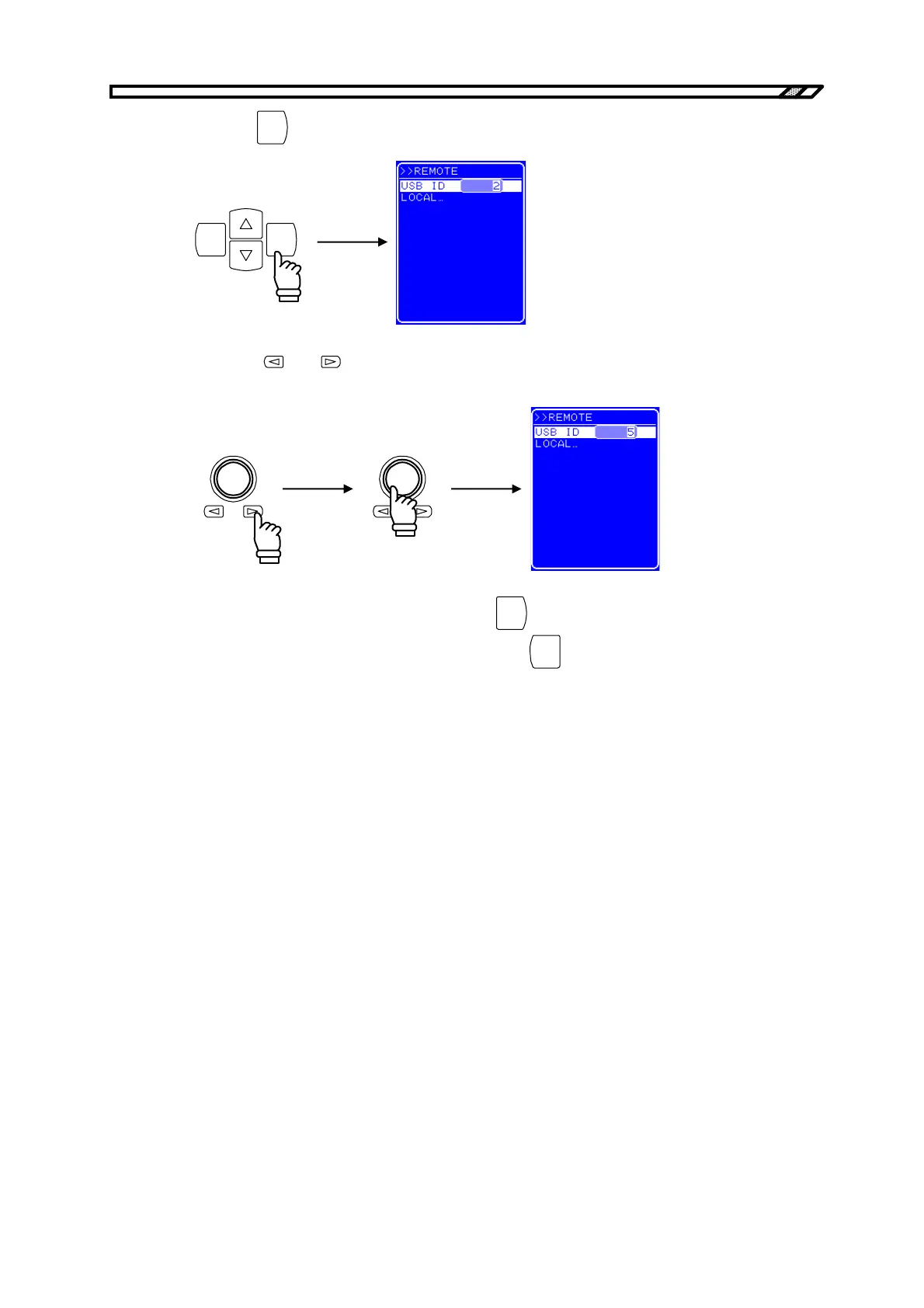
<4> Press the
ENTER
key to display the Modify button.
ENTERCANCEL
<5> Press the
and keys to move the cursor to the digit to be changed and turn the
[MODIFY] dial to set the desired value.
<6> Once all the digits have been set, press the
ENTER
key to set the USB ID. Or, to cancel the
setting and leave the USB ID unchanged, press the
CANCEL
.



 To Next Page