4.5 Sequence Operation
BP4610
4-42
4.5.5 Sequence memory clear
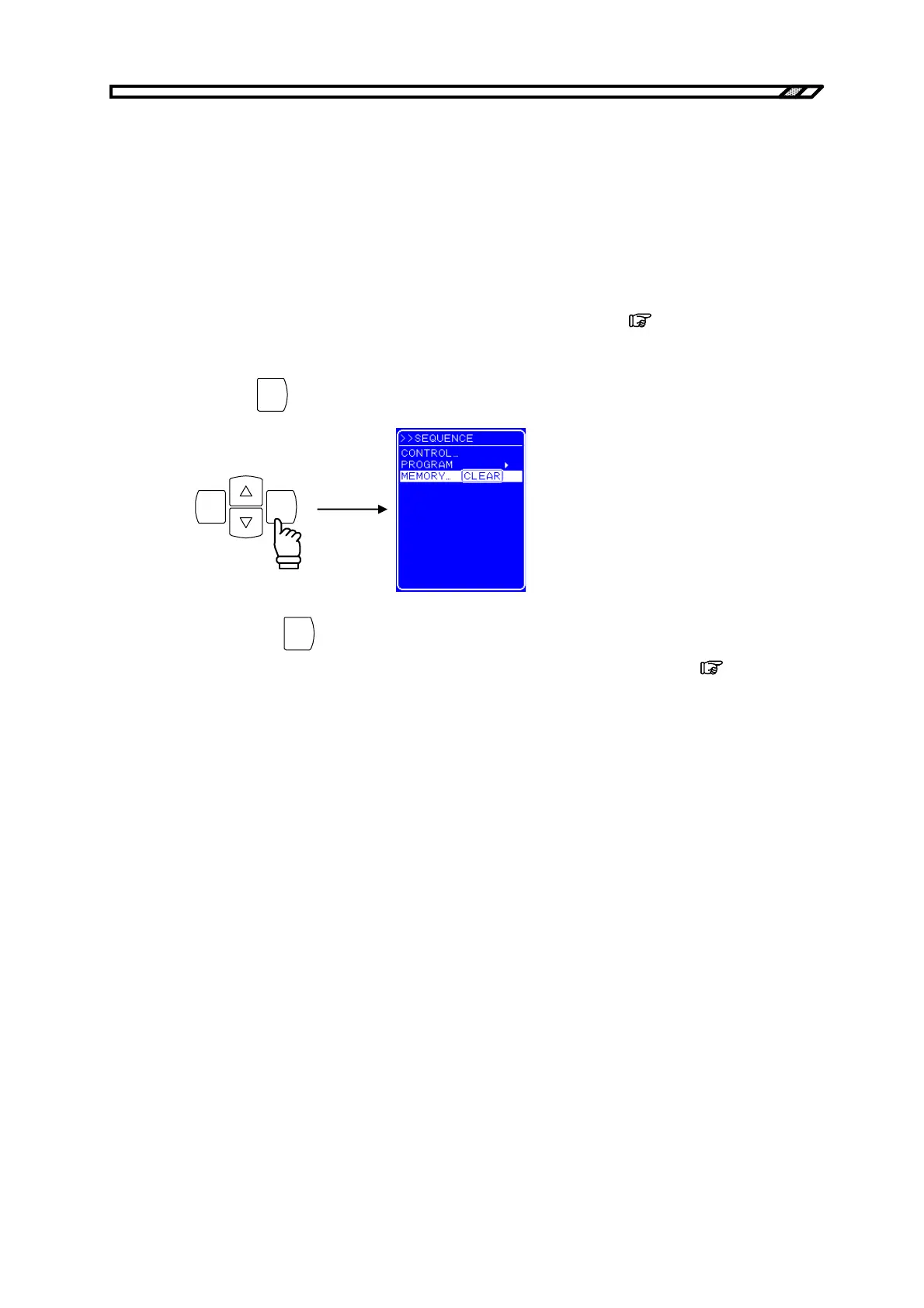
The sequence memory is cleared with MEMORY on the SEQUENCE screen.
Saving to the sequence memory is performed automatically. One sequence can be saved for each of the
CV mode and the CC mode.
The procedure is described below.
Operation procedure
<1> Open the SEQUENCE screen and display the MEMORY select box.
For the procedure up to the display of the MEMORY select box,
refer to “4.5.2 Setting
of sequence”.
<2> Press the
ENTER
key to display the Exe box.
ENTERCANCEL
<3> Pressing the
ENTER
key when [Clear] is selected clears the sequence memory. When the
sequence memory is cleared, the initial value is stored in the memory. (
Refer to “9
INITIAL SETTING LIST”.)



 To Next Page