4.11 External Signal Input
BP4610
4-80
4.11 External Signal Input
The BP4610 can also be used as a high-speed bipolar amplifier to which an external signal is input.
It is also possible to perform output by adding the signal of an internal signal source to an external
signal input.
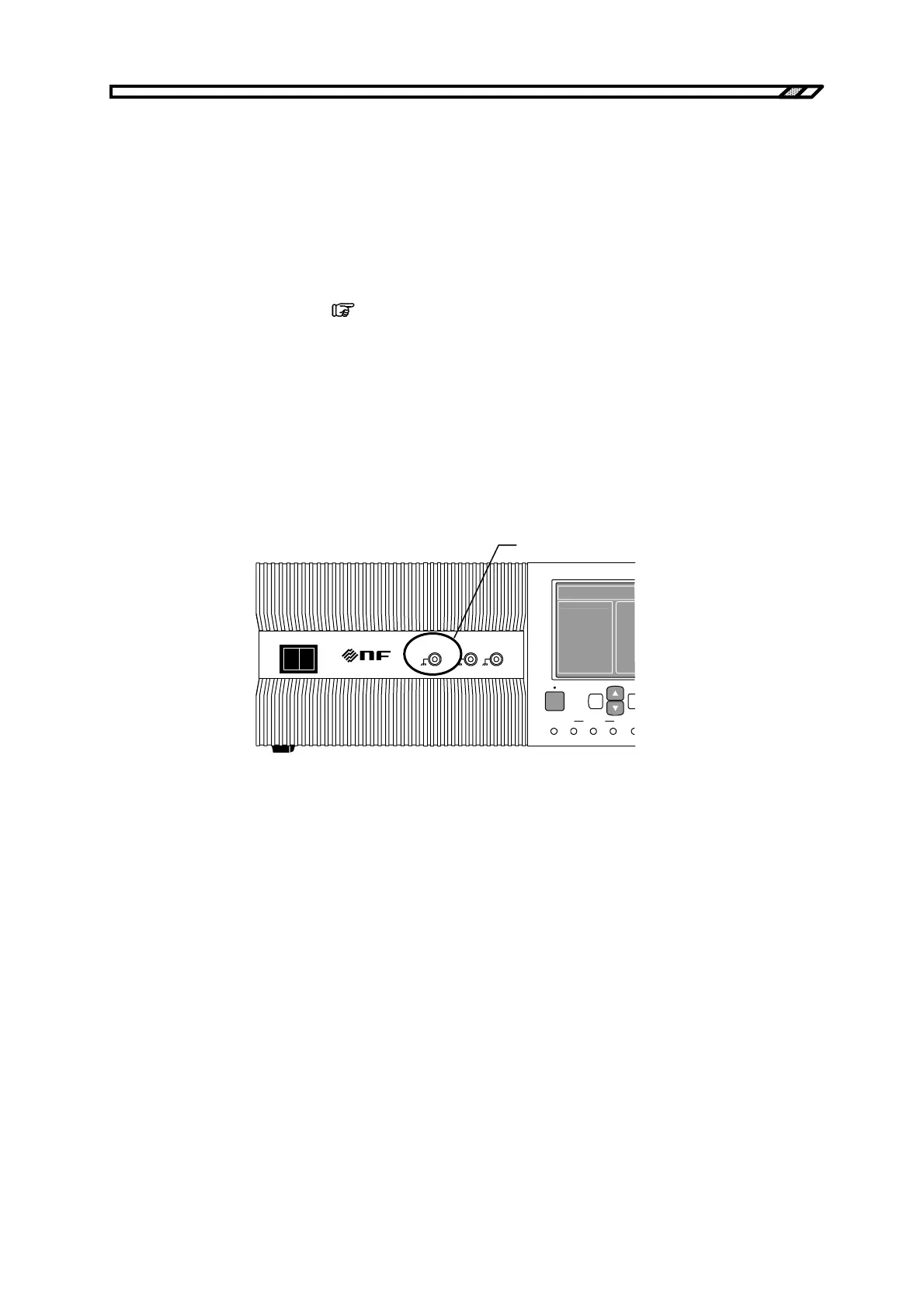
To use a signal input from external as the signal source, connect this signal to the external signal input
terminal (EXT SIGNAL IN) on the front panel. For this connection, use a coaxial cable with a BNC
connector.
For the signal source settings,
refer to “4.3.1 Setting of operation mode”.
The specifications of the external signal input terminal are as follows.
Frequency range: DC to 200 kHz
Gain: 100× (100 V/1 V), in-phase (CV mode)
10× (10 A/1 V), in-phase (CC mode)
Gain accuracy: ±5%(1 kHz)
Input impedance: 10 kΩ
Non-destructive max. input voltage: ±5V
POWER
EXT SIGNAL IN
VO IO
MONITOR OUT
O I
1/100 1V/10A
SEQUENCE
TOP
MENU
START STOP HOLD LO
OUTPUT CANCEL EN
BIPOLAR DC PO
MEASURE
EXT SIGNAL IN
terminal
Figure 4-29. EXT SIGNAL IN Terminal



 To Next Page