2.4 Connection to I/O terminals
BP4610
2-8
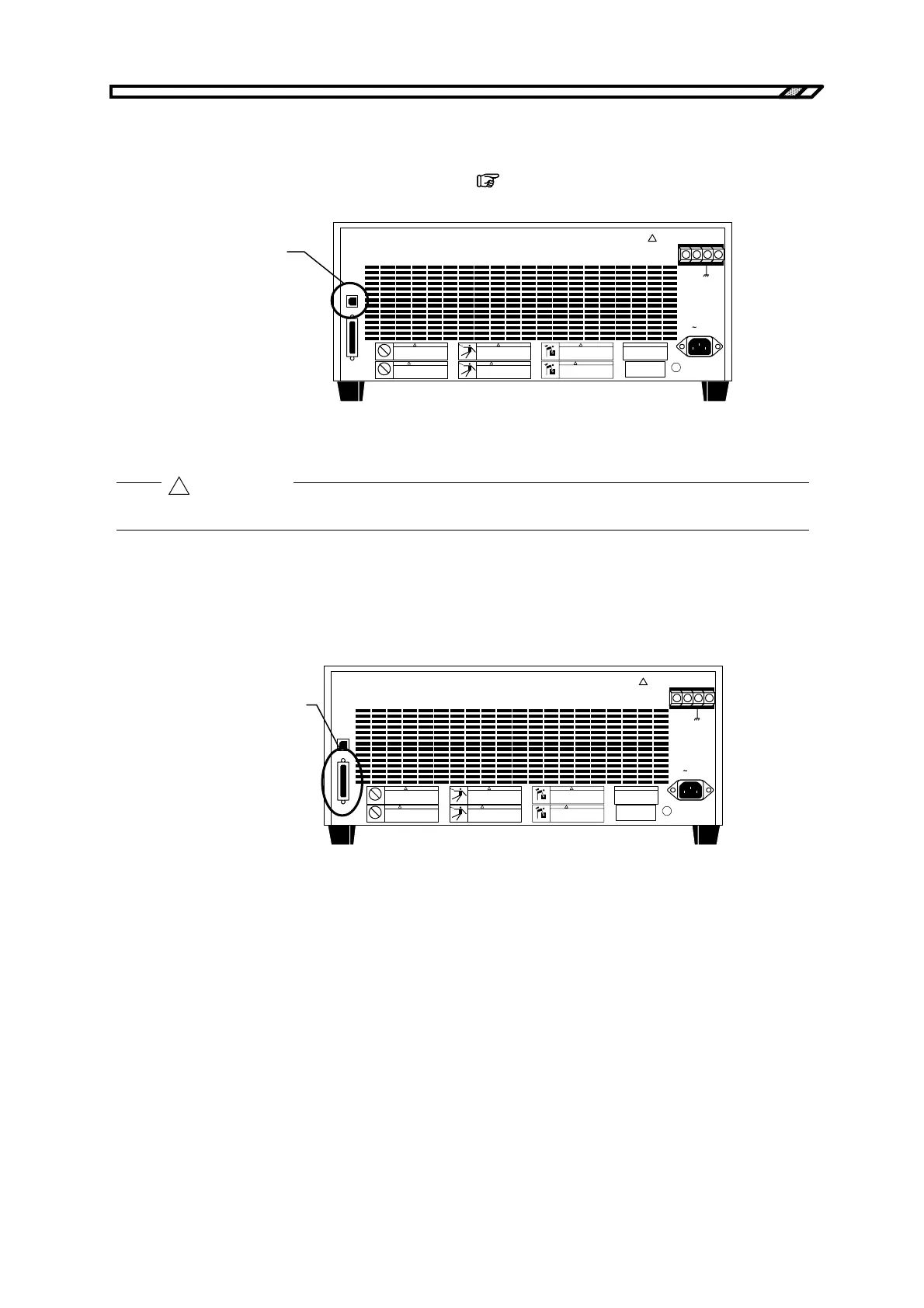
2.4.3 Connection to USB connector
Using a commercially available USB cable, connect the USB connector on the rear panel to a PC.
For details on control from an external PC via USB,
refer to “5. USB INTERFACE”.
!
OUTPUT
Hi Lo
LINE
USB
CONTROL
質量 MASS
26kg
!
警告
!
WARNING
!
警告
!
WARNING
!
警告
!
WARNING
USB interface
Figure 2-7. USB Connector
As the USB cable, use a commercially available type A (male)-Type B (female) cable.
2.4.4 Connection to external control I/O connector
The BP4610 has an external digital I/O (8 bits each for input and output) for control from external via
digital signal input and status output via digital signals. The connector is a D-sub 25-pin connector.
!
OUTPUT
Hi Lo
LINE
USB
CONTROL
質量 MASS
26kg
!
警告
!
WARNING
!
警告
!
WARNING
!
警告
!
WARNING
External control I/O
Figure 2-8. External Control I/O Connector
Table 2-2 lists the various pin signals.
!
CAUTION



 To Next Page