4.5 Sequence Operation
BP4610
4-37
Operation procedure (in case of operation using shortcut keys)
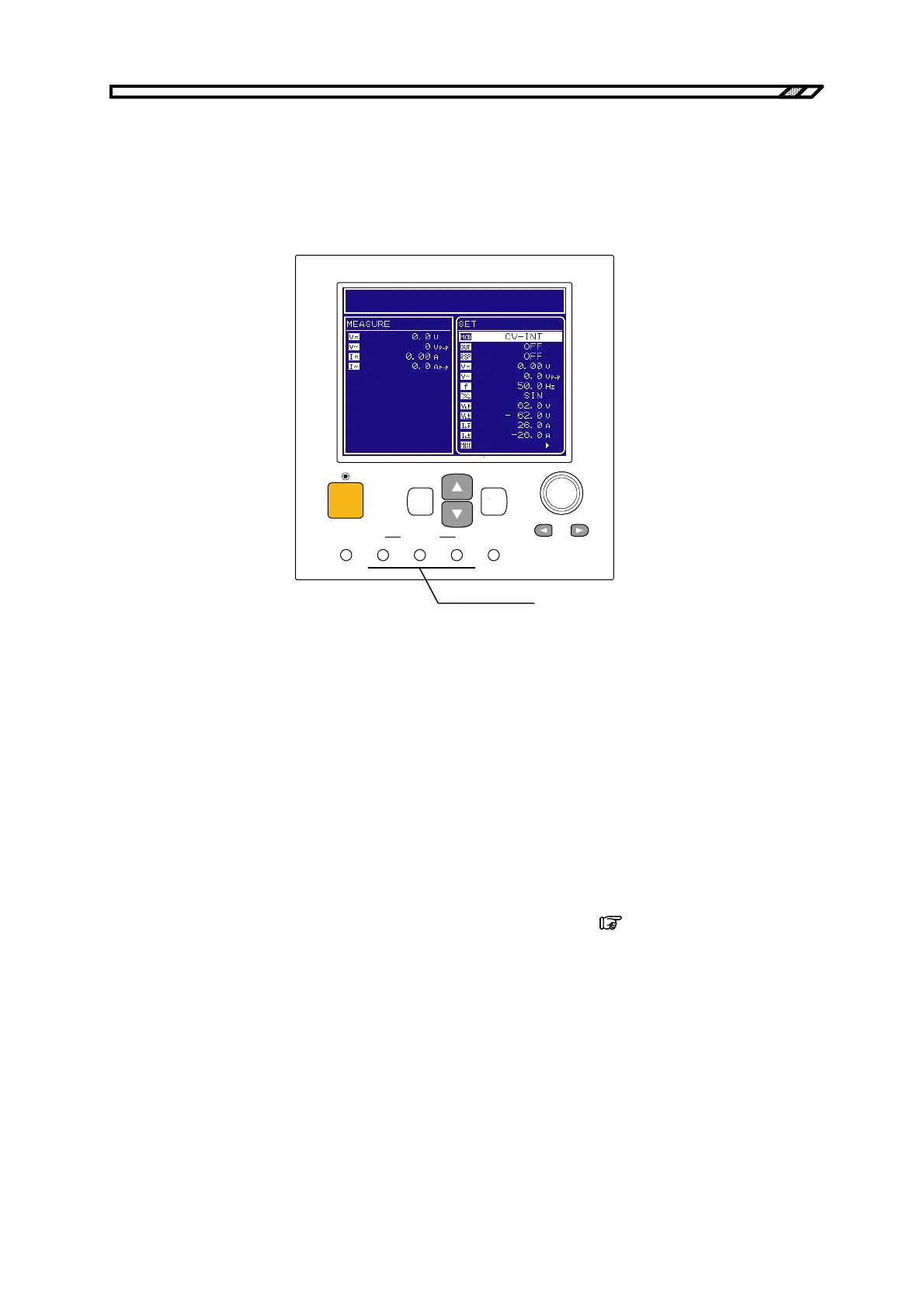
Sequence operation control is also possible via the shortcut keys under the operation panel.
The [START], [STOP], and [HOLD] keys located under [SEQUENCE] on the operation panel
correspond to the same items in the CONTROL select box. Branch control cannot be performed
using the shortcut keys.
SEQUENCE
TOP
MENU
START STOP HOLD LOCAL
OUTPUT
CANCEL ENTER
BIPOLAR DC POWER SUPPLY BP4610
シーケンスのショートカットキー
Figure 4-19. Sequence Shortcut Keys
4.5.4 Sequence programming
When PROGRAM is selected in the SEQUENCE screen, the PROGRAM screen is displayed. Sequence
programming is performed using the various items displayed on the PROGRAM screen.
The step settings are performed separately for each step.
Changes in waveform through the sequence are possible only through the arbitrary waves (ARB1 to
ARB16). Before programming changes in waveform, set the output waveform to arbitrary wave
beforehand. To execute a sequence using a sinewave or square wave, set the sine wave or square wave
output to on before the start of the sequence. While executing a sequence with a sine wave or square
wave, the waveform in that sequence cannot be changed.
For the output method for sine wave, square, and arbitrary waves,
refer to “4.3.6 Setting of
waveform”.
The various items displayed on the PROGRAM screen are listed in Table 4-18.
Sequence shortcut keys



 To Next Page