4.9 System Menu
BP4610
4-63
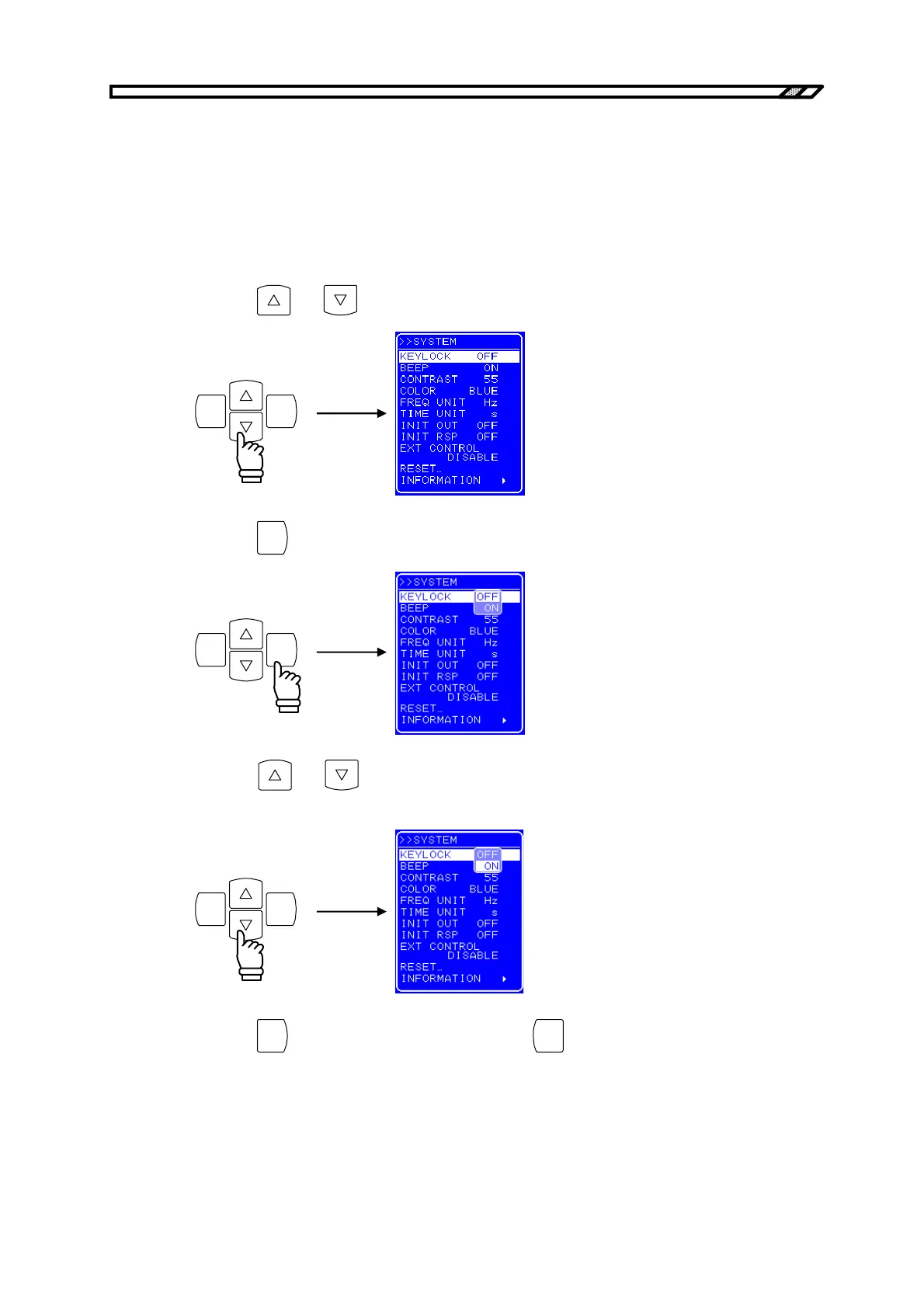
4.9.1 Keylock
The BP4610 has functions to prevent misoperations during operation.
Key operations are disabled at times other than keylock off operation by setting keylock on. However,
output off operation through the OUTPUT key is enabled as a workaround during emergencies.
Operation procedure
<1> Press the
and keys to move the cursor to[KEYLOCK].
ENTERCANCEL
<2> Press the
ENTER
key to display Select box.
ENTERCANCEL
<3> Press the
and keys to move the cursor to “ON” to switch the keylock to on, or to
“OFF” to switch the keylock off.
ENTERCANCEL
<4> Press the
ENTER
key to apply the setting, or press the
CANCEL
key to cancel the setting.



 To Next Page