6.1 Error Messages
BP4610
6-5
6.1.4 Warning display
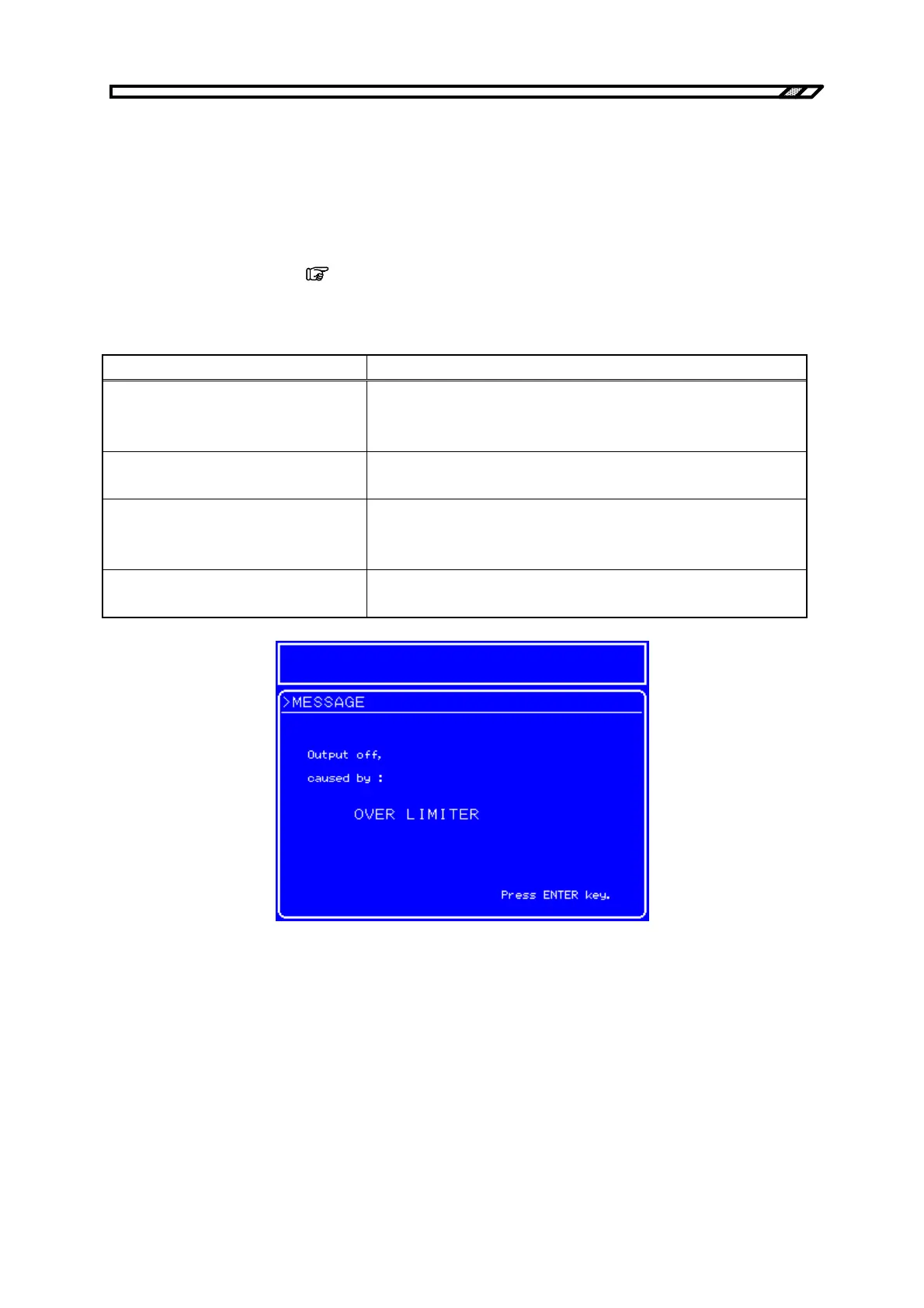
If output becomes off due to overload or over-limiter, one of the warnings listed in Table 6-4 is
displayed.
During panel operation, this warning is displayed in the message display window. If a warning is
displayed, press the [ENTER] key or the [CANCEL] key.
During remote operation, the warning is displayed in the message box. The message box automatically
closes after 1.5 seconds. (
Refer to “6.2 Protective Functions”.)
Table 6-4. Warning Display
Message Description
Output off.
caused by:
OVERLOAD
Indicates output off due to overload (during panel operation)
OUTPUT OFF CAUSED BY
OVERLOAD
Indicates output off due to overload (during remote operation)
Output off.
caused by:
OVER LIMITER
Indicates output off due to over-limiter (during panel operation)
OUTPUT OFF CAUSED BY OVER
LIMITER
Indicates output off due to over-limiter (during remote operation)
Figure 6-3. Warning Display Example



 To Next Page