4.8 Remote Control
BP4610
4-58
4.8.2 Switch to local mode
Switching from the remote mode to the local mode can be done in the following three ways.
• Transmission of interface message GTL
• Operation via shortcut keys
• Operation via menu
The operation procedures are described below.
Operation procedure (operation via shortcut keys)
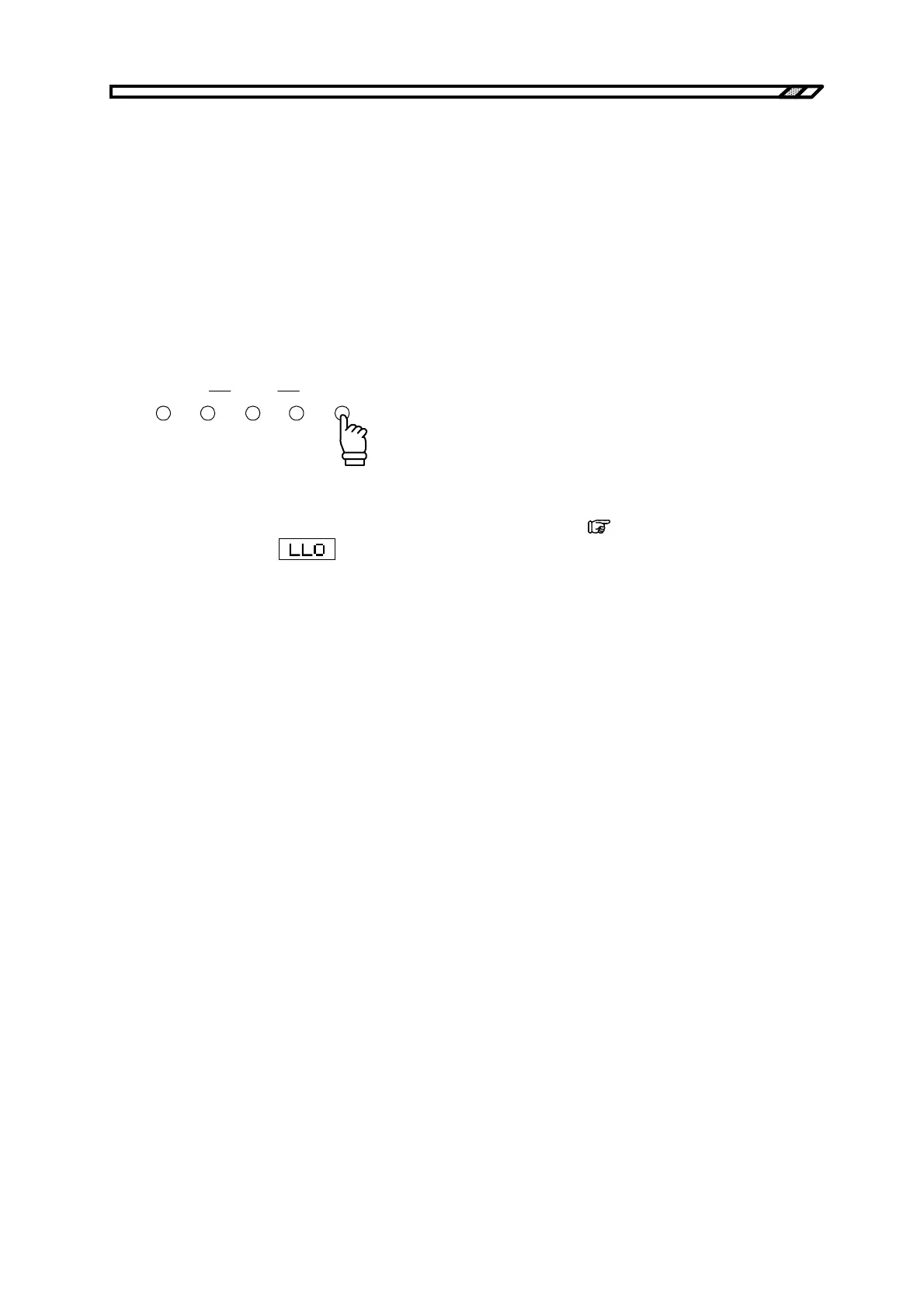
Press the [LOCAL] shortcut key to switch to the local mode.
SEQUENCE
STOPSTARTMAIN LOCA
HOLD
This operation cannot be performed during keylock and local lockout.
During keylock, release keylock before switching to the local mode. (
Refer to “4.9.1 Keylock”.)
In local lockout, the
icon is displayed in the Status window on the LCD screen. If local
lockout is enabled, switch to the local mode using an interface message.



 To Next Page