4.3 Basic Functions
BP4610
4-10
4.3 Basic Functions
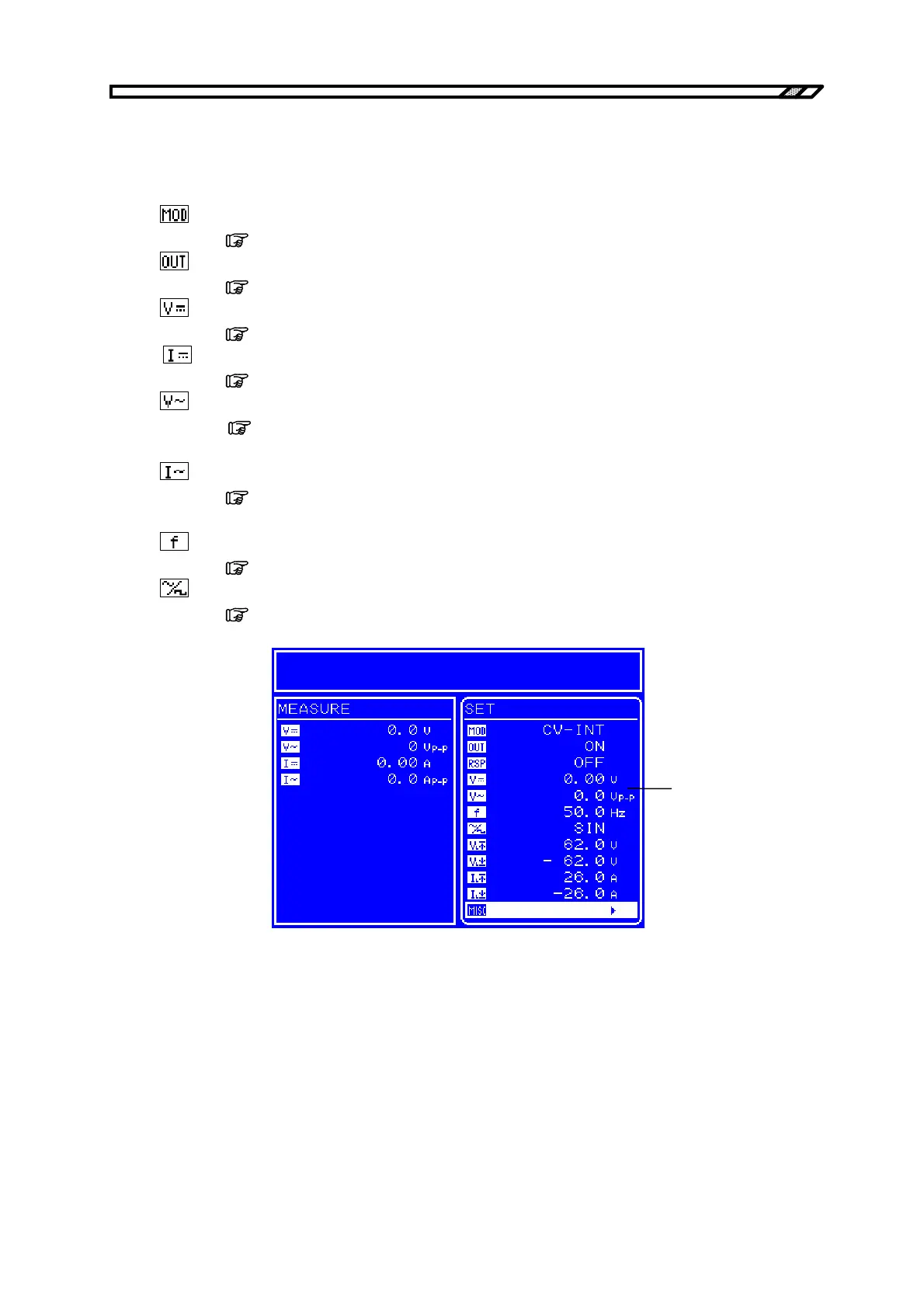
The BP4610 allows the following functions to be set via the SET screen in the Menu window.
:
Selects the operation mode.
( Refer to “4.3.1 Setting of operation mode”.)
:
Selects output on/off.
(
Refer to “4.3.2 Output on/off”.)
:
Sets the DC voltage to be output.
( Refer to “4.3.3 Setting of DC voltage and DC current”.)
:
Sets the DC current to be output.
(
Refer to “4.3.3 Setting of DC voltage and DC current”.)
:
Set the superimposed AC voltage.
( Refer to “4.3.4 Setting of superimposed AC voltage and superimposed
AC current”.)
:
Sets the superimposed AC current.
(
Refer to “4.3.4 Setting of superimposed AC voltage and superimposed
AC current”.)
:
Sets the superimposed AC voltage frequency and superimposed AC current frequency.
( Refer to “4.3.5 Setting of frequency”.)
:
Selects the superimposed AC waveform.
(
Refer to “4.3.6 Setting of waveform”.)
Menu window
Figure 4-7. LCD Screen



 To Next Page