4.5 Sequence Operation
BP4610
4-50
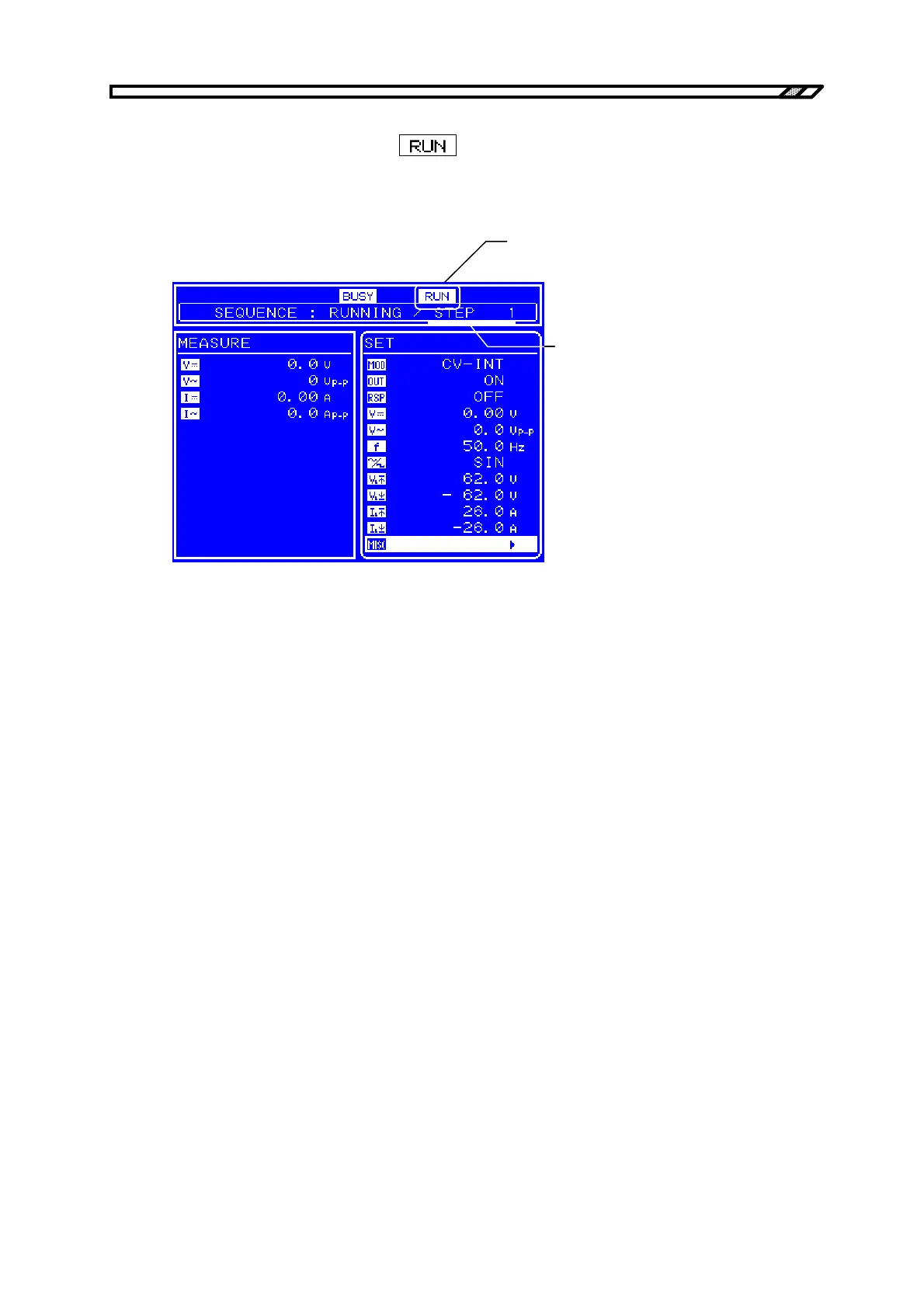
Operation after sequence start
When the sequence starts, an icon (
) indicating that the sequence is currently running is
displayed in the Status window. A message box that displays the number of the step currently being
executed is also displayed.
シーケンス実行中を示す
状態アイコン
実行中のステップ番号
Figure 4-21. LCD Screen When Sequence Is Running
Status icon indicating that
sequence is running
Number of step currently
being executed



 To Next Page