4.5 Sequence Operation
BP4610
4-36
4.5.3 Sequence operation control
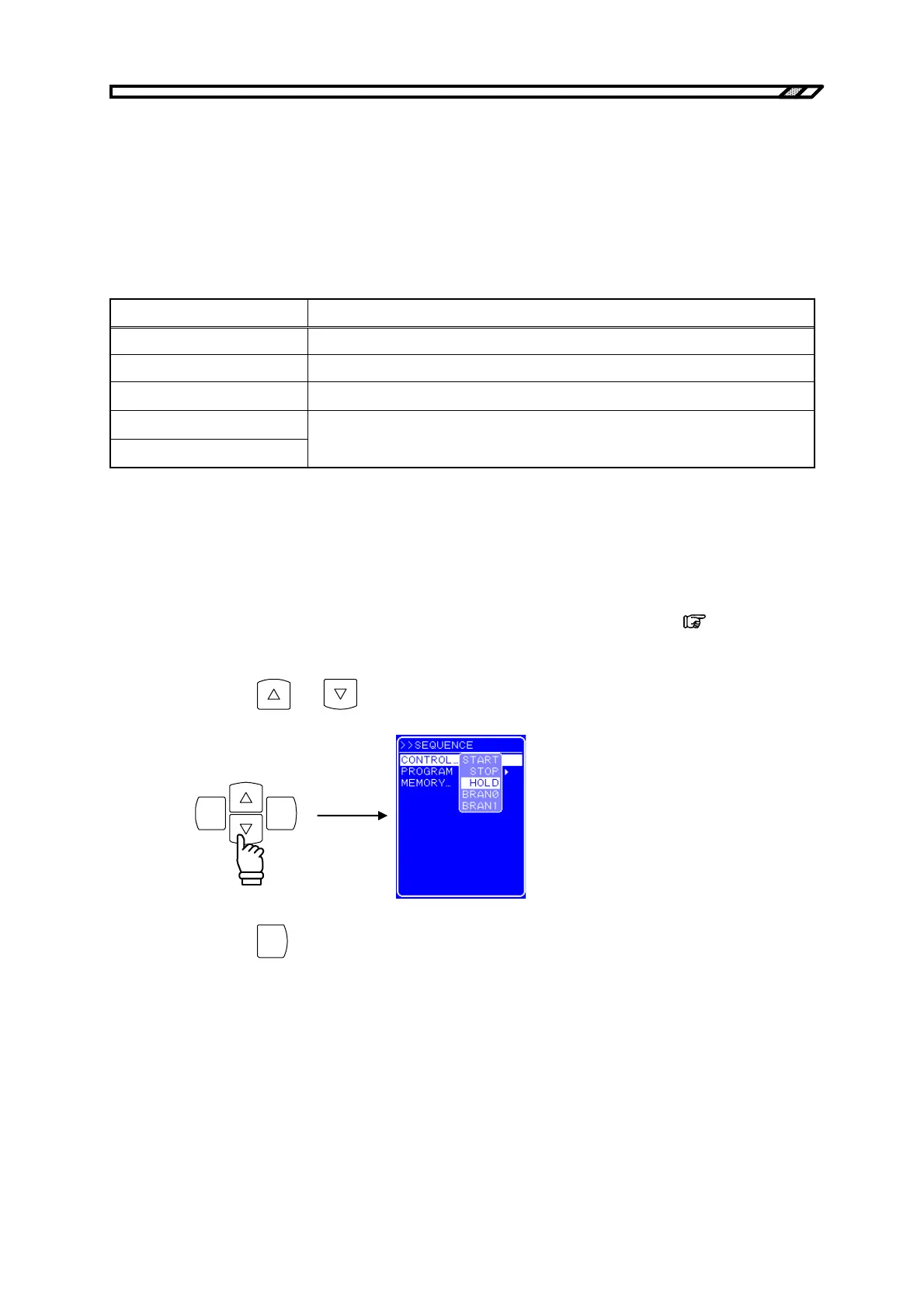
The sequence operation is controlled with CONTROL in the SEQUENCE screen.
The sequence can start only when the output is on. Therefore, the sequence control select box can be
selected only when output is on.
Table 4-17 lists the CONTROL select box items.
Table 4-17. CONTROL Select Box Item List
Select Box Item Operation
START Starts sequence operation. The status changes to the Run status.
STOP Stops sequence operation. The status changes to the Idle status.
HOLD Pauses sequence operation. The status changes to the Hold status.
BRAN0
BRAN1
Branches to the step specified with [Branch step].
If [Branch step] is not specified, this item is ignored.
The operation procedure is described below.
Operation procedure (in case of operation from menu)
<1> Open the SEQUENCE screen and display the CONTROL select box.
For details on the procedure until display of the CONTROL select box,
refer to “4.5.2
Setting of sequence”.
<2> Press the
and keys to move the cursor to the item indicating the operation to be set.
ENTERCANCEL
<3> Press the
ENTER
key to perform the selected operation.



 To Next Page