4.5 Sequence Operation
BP4610
4-35
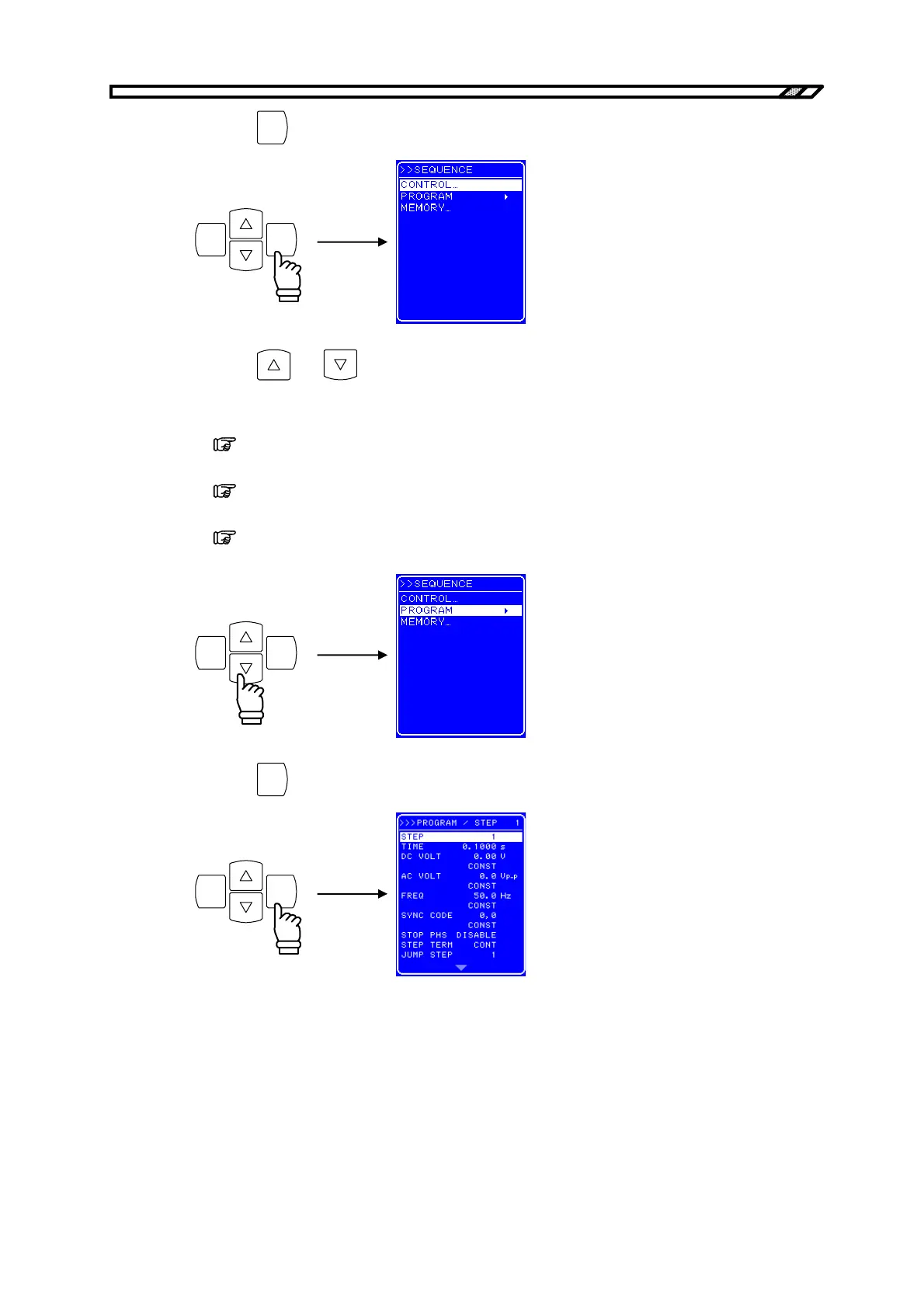
<3> Press the
ENTER
key to display the SEQUENCE screen.
ENTERCANCEL
<4> Press the
and keys to select the operation to be performed.
• To control a sequence operation: Select [CONTROL].
(
Refer to “4.5.3 Sequence operation control”.)
• To program a sequence: Select [PROGRAM].
(
Refer to “4.5.4 Sequence programming”.)
• To control the sequence memory: Select [MEMORY].
(
Refer to “4.5.5 Sequence memory clear”.)
ENTERCANCEL
<5> Press the
ENTER
key to display the various screens.
ENTERCANCEL



 To Next Page