4.5 Sequence Operation
BP4610
4-31
Sequence control
Sequence operation control is described below. Sequence control is indicated enclosed between
pointed brackets (<>) below.
Table 4-16. Sequence Control
<Start>
Changes the status to Run status.
In the case of the Idle status, Step 1 is jumped to at the same time as <Start>, and the
sequence starts.
In the case of the Hold status, the sequence resumes from the point in time when <Hold>
is executed.
If the status changes to the <Hold> status with [Step termination], the status changes to
[Jump step] at the same time as <Start> and the sequence restarts.
<Hold> The status changes to the Hold status.
<Stop>
The status changes to the Idle status.
The status immediately changes to regular output step.
At this time, the value at <Stop> is held for the [Output parameter]of the regular output
step.
<Branch>
The step changes to the step specified with [Branch step].
The status changes [Branch step] from the output status at the point in time when
<Branch> was executed.
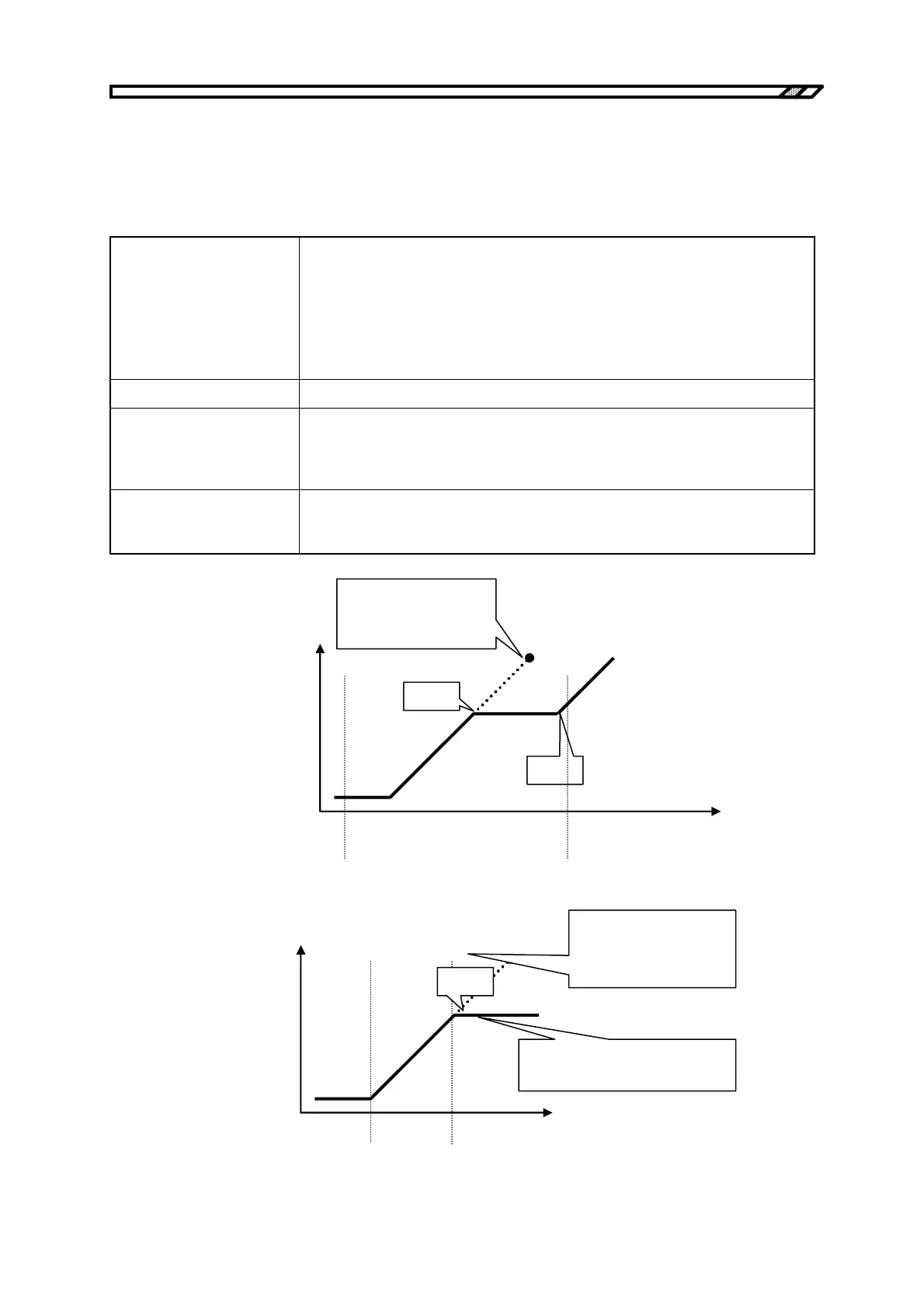
<Hold>
<Start>
STEP 2 setting
•
Last value
•
Step time
Step 1 Step 2 Time Step 3
Output parameter
Figure 4-14. Example of Sequence Operation When <Start> Is Executed from Hold Status
Step 1 Step 2 Step 5
Output parameter
Step 2 settings
• Last value
• Step time
• Branch step 5
Time
Step 5 settings
• End value of previous step
<Branch>
Figure 4-15. Example of Sequence Operation During <Branch>



 To Next Page